


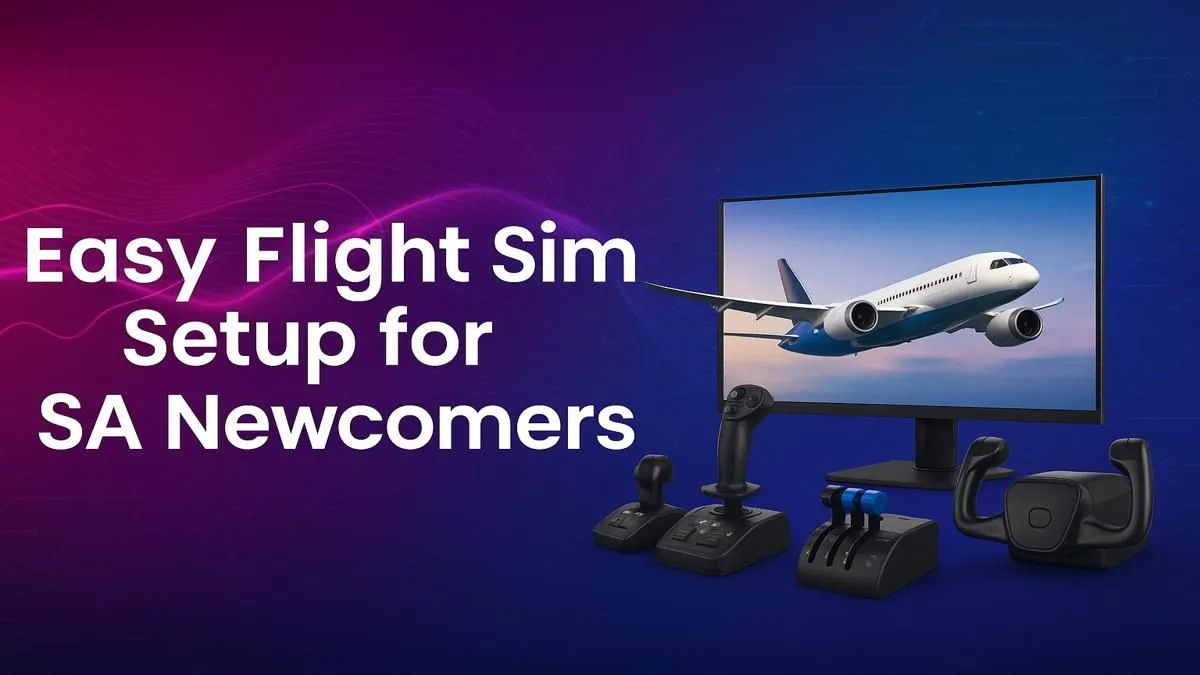
Ever dreamt of soaring over the Drakensberg at sunrise or banking around Table Mountain? A realistic flight simulator setup makes it possible, right from your home. But getting started can feel daunting. Don't stress... this easy beginner's guide is your pre-flight checklist for building the ultimate flight simulator setup in South Africa, covering everything from the PC powerhouse to the immersive controls. Let's get you in the virtual cockpit. ✈️
Start with the Engine: Your PC Powerhouse
Before you can even think about yokes and pedals, you need a machine that can handle the skies. Modern flight sims, especially Microsoft Flight Simulator 2020, are notoriously demanding. They simulate the entire planet, complete with real-time weather and air traffic... which takes serious processing power.
Your PC is the heart of your flight simulator setup. You'll need:
- A strong CPU: Flight sims rely heavily on the processor for physics and world simulation.
- A powerful GPU: To render those stunning landscapes and detailed cockpits in high resolution.
- Ample RAM: 16GB is a good starting point, but 32GB is ideal for smoother performance, especially with add-ons.
Instead of guessing, a great option is to start with one of our custom-built Microsoft Flight Simulator gaming PCs that are optimised right out of the box.
Your Cockpit Window: Choosing the Right Monitor
What good is a powerful PC if you're viewing the world through a tiny porthole? Immersion is everything in flight simulation, and your monitor is your window to that world. While any good display will work, an ultrawide or curved screen can elevate the experience to a new level.
The wider field of view helps you see more of the cockpit and the scenery, making landings and taxiing feel much more natural. For the ultimate panoramic view, many South African sim pilots are turning to immersive curved monitors to wrap the virtual world around them. Not sure if curved is for you? You can explore our full range of PC monitors to find the perfect size and resolution for your space and budget.
New Pilot Pro Tip 💡
Don't be afraid to use the assists in Microsoft Flight Simulator when you start. Enable features like 'Assisted Yoke' and 'Assisted Rudder' to get a feel for the aircraft. As your confidence grows, you can gradually turn them off for a more challenging and realistic experience. It's all about progressive learning!
Taking the Controls: Yokes, Joysticks & Pedals 🔧
This is where your flight simulator setup truly comes to life. While you can fly with a mouse and keyboard or a standard gamepad, it just doesn't feel right. To get that true pilot-in-command feeling, you need dedicated flight controls.
For beginners, a simple joystick (or "flight stick") is a fantastic and affordable starting point. It combines pitch, roll, and yaw control into one unit. However, if you're serious about realism, especially for flying commercial airliners or general aviation aircraft, a yoke and rudder pedal combination is the way to go. Brands like Thrustmaster are legendary in the community for their quality and realism. Investing in a set of Thrustmaster flight controls is one of the best upgrades you can make.
The Captain's Seat: Long-Haul Comfort ✨
You might not think about it at first, but you'll be spending hours in that seat on virtual long-haul flights from Johannesburg to Dubai. An old office chair just won't cut it. Discomfort can ruin an otherwise perfect flight.
Investing in a proper chair with good lumbar support and adjustability is crucial for any serious gamer or sim pilot. It's not just about comfort; it's about maintaining focus and posture during critical phases of flight like approach and landing. Many of our ergonomic gaming chairs are perfect for a flight sim rig, providing the support you need for hours of flying.
Ready for Takeoff? Building your dream flight simulator setup in South Africa is an incredible journey. From the core PC to the final controls, every piece adds to the immersion. Explore our specialised Microsoft Flight Simulator gaming PCs and start building the cockpit you've always wanted.









