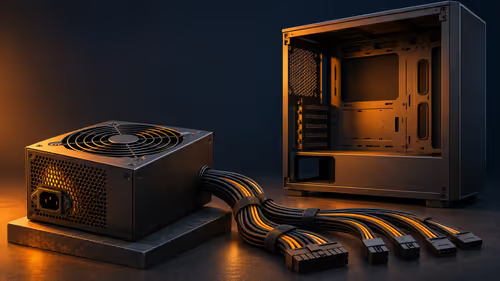
An 850W power supply can support a PC that views home-security cameras, but camera count does not determine PSU capacity. The processor, graphics card and drives do. Continuous recording should remain on a compatible independent path where possible.
Size the PC and security separately
Calculate component peak draw and confirm native connectors, case fit and cable routing. Test live camera view during the heaviest normal PC workload. Check whether network traffic or storage contention affects footage. If an NVR is used, follow its own power and drive requirements.
Home-security reliability depends on camera placement, passwords, retention and backup power for the network as well as the viewing PC. Never reuse modular PSU cables from another model.
Home-security PCs may remain mostly idle until a clip is reviewed, so low-load noise and power use deserve attention. The PSU should be selected for the entire workstation, while the camera network receives its own continuity and backup assessment.
Camera continuity plans should include how alerts reach a phone when the viewing PC is shut down. Test this before assuming the PSU solves monitoring.
Inspect camera notifications after the PSU installation and system restart.
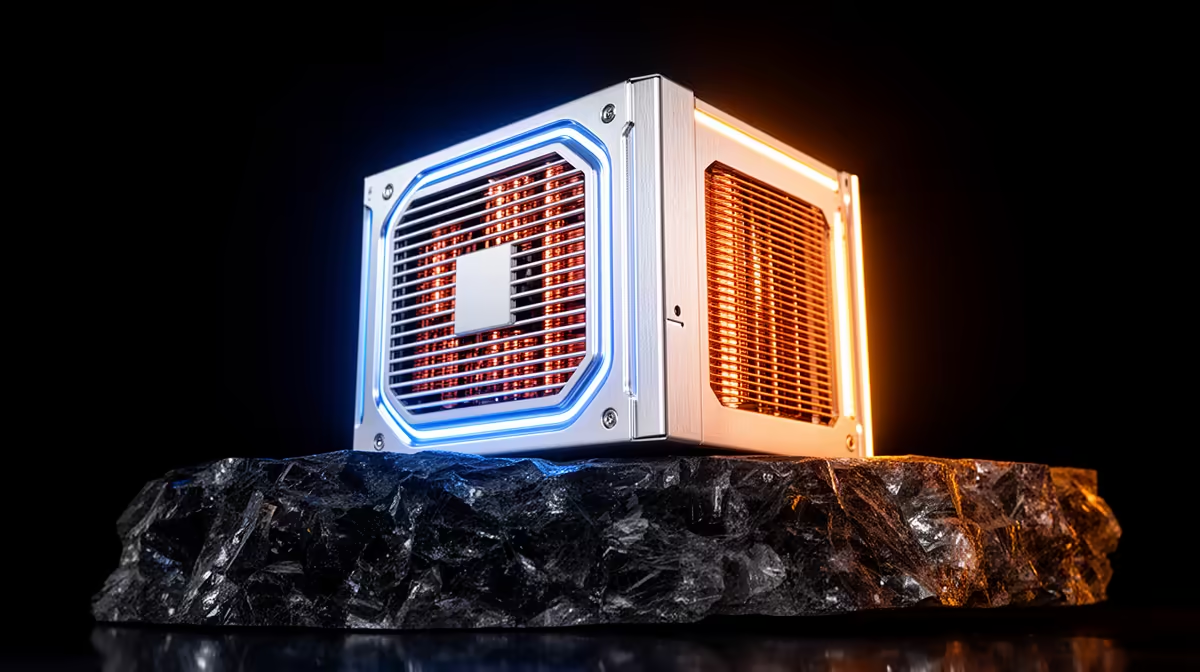
The Cooler Master Elite 850W Gold ATX 3.1 PSU is verified at R930. The Corsair RM850e is verified at R1,900. Confirm connectors, dimensions, warranty, revision and current stock.
Powering a home monitoring PC? > Compare Evetech PSUs by quality and connectors.