Firefox spell check can flag a correctly written South African word when the selected dictionary uses a different convention. It can also appear absent simply because the test is being typed into a field where automatic checking is not normally active. Identify that difference before disabling a useful writing aid or blaming the keyboard.
Quick Answer
Test a multiline text field, inspect the spelling dictionary and then decide whether automatic checking should remain enabled. The setting is called Check your spelling as you type, although its location varies between versions. These checks cost R0 and do not require a new keyboard or paid writing application.
✍️ Use a suitable test field
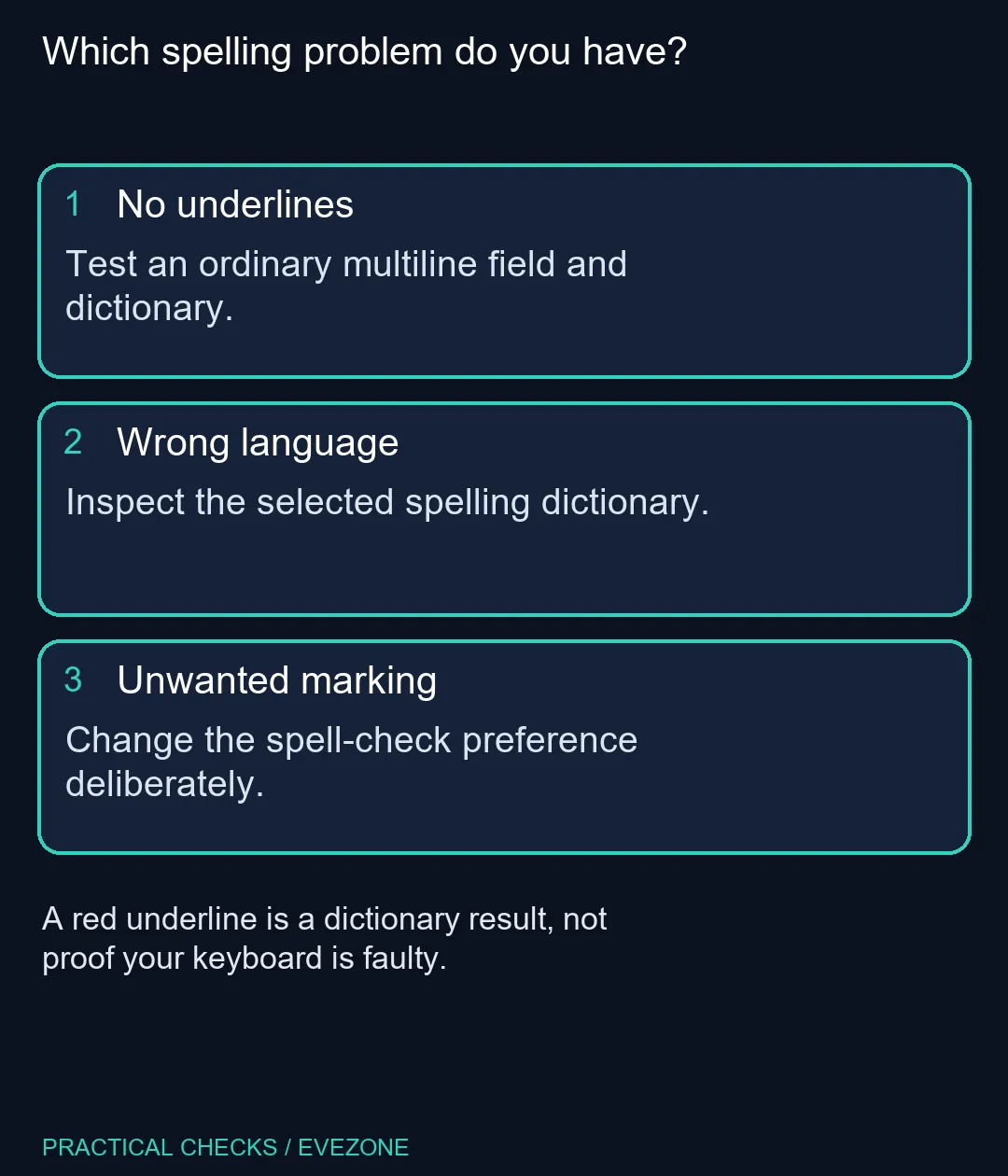
Choose an ordinary multiline writing box and enter a harmless test sentence containing an obvious misspelling. Avoid a password field, address bar or tightly controlled form as your first test. Those contexts make a poor comparison with normal document writing.
A website may provide its own editor behaviour, so compare the result with another writing field before changing browser-wide preferences. Record which site and field showed the problem. That observation is more useful than the broad conclusion that spelling is broken everywhere.
📚 Check language before adding exceptions
Open the spelling options for the text field and inspect the available dictionaries. When the wrong language is active, switch to the appropriate installed dictionary. If the required one is missing, use the official dictionary directory rather than an unrelated download promising to repair all writing problems.
The directory lists interface language packs separately. A translated menu and a spelling dictionary serve different purposes. For SA English work, choose the convention required by the document or organisation; do not accept every suggested replacement automatically.
Review a marked word in context before adding it permanently. Names and specialist terms may deserve an exception, while a typing error does not. Keeping that distinction makes the dictionary more useful when a genuine mistake appears later.
⌨️ Keep the hardware diagnosis separate
If letters themselves are wrong when keys are pressed, inspect the input language or keyboard behaviour instead. Spell checking examines entered words; it cannot repair an incorrect physical key. When comparing gaming keyboards, use an actual input problem as the reason for replacement.
Similarly, a working computer in all laptops on special is not an upgrade requirement for this preference. First finish the browser test, note the selected dictionary and repeat the same sentence. Keep or disable checking according to that result, leaving other writing and input settings unchanged so the outcome stays clear.
Frequently Asked Questions
Why does spelling work in one field but not another?
Automatic checking normally applies to multiline text fields. A short single-line box is not a reliable test of whether spelling works.
Can I turn off the red underlines?
Yes. In Firefox Settings, locate the spelling option and clear Check your spelling as you type. Labels can move between versions.
Will a language pack supply a dictionary?
They are different items in the official language-tools directory. Choose a dictionary for spelling rather than assuming an interface translation supplies one.
Should I add every underlined word to the dictionary?
Only add words you know are correct. A wrong dictionary or genuine typo should be addressed before building a large personal exception list.
Does this change the keyboard layout?
No. Browser spelling, the Windows input layout and the physical keyboard are different controls; diagnose each by the symptom it produces.
Do I need a new laptop for spell checking?
No. Checking the built-in preference and selected dictionary costs R0. Hardware replacement is not justified by an unwanted red underline.
Make writing checks useful
Set the right dictionary before replacing working input hardware.