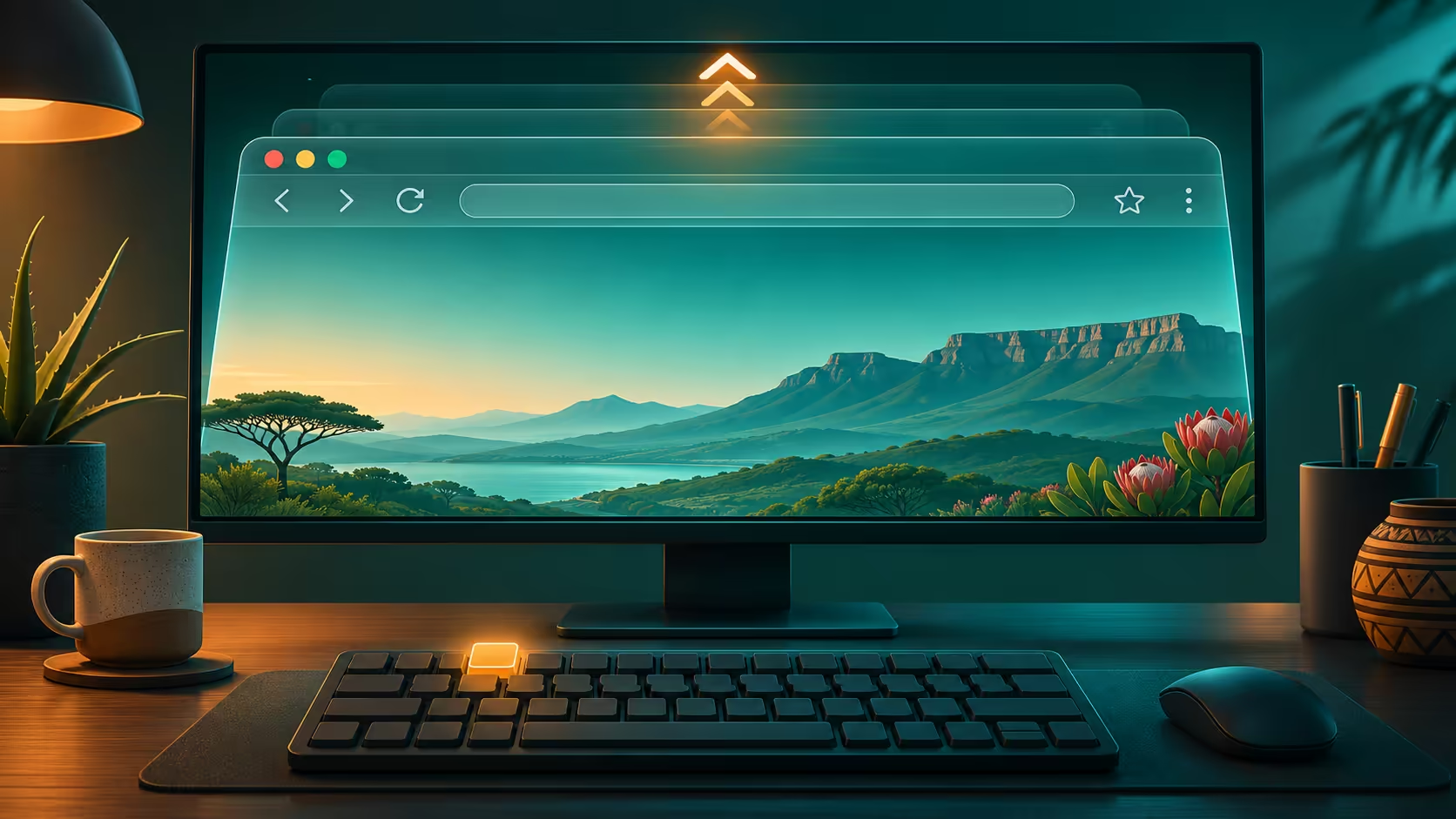
The Firefox exit full screen fix is often simpler than a display repair. If the current page fills the monitor and the tabs seem to have vanished, the browser may be presenting the page in full-screen mode. Restore that view before changing resolution, scaling or settings that affect every application.
Quick Answer
Press F11 in desktop Firefox on Windows to toggle full screen; try Fn + F11 if the keyboard uses a function layer. You can also move the pointer to the top and use the browser menu. This R0 check is separate from changing the page's zoom or buying a larger screen.
🪟 Recover the browser controls
Move the pointer deliberately to the upper edge and pause. Firefox can reveal its toolbar and tab strip while the page remains in full screen. Use the menu's full-screen control if that route is easier than a shortcut.
On a compact laptop, check whether the function keys require Fn. Avoid pressing unrelated key combinations at random while a form or document is active. Once the ordinary window returns, verify that the expected tabs are present before making further changes.
🔍 Distinguish the page from the window
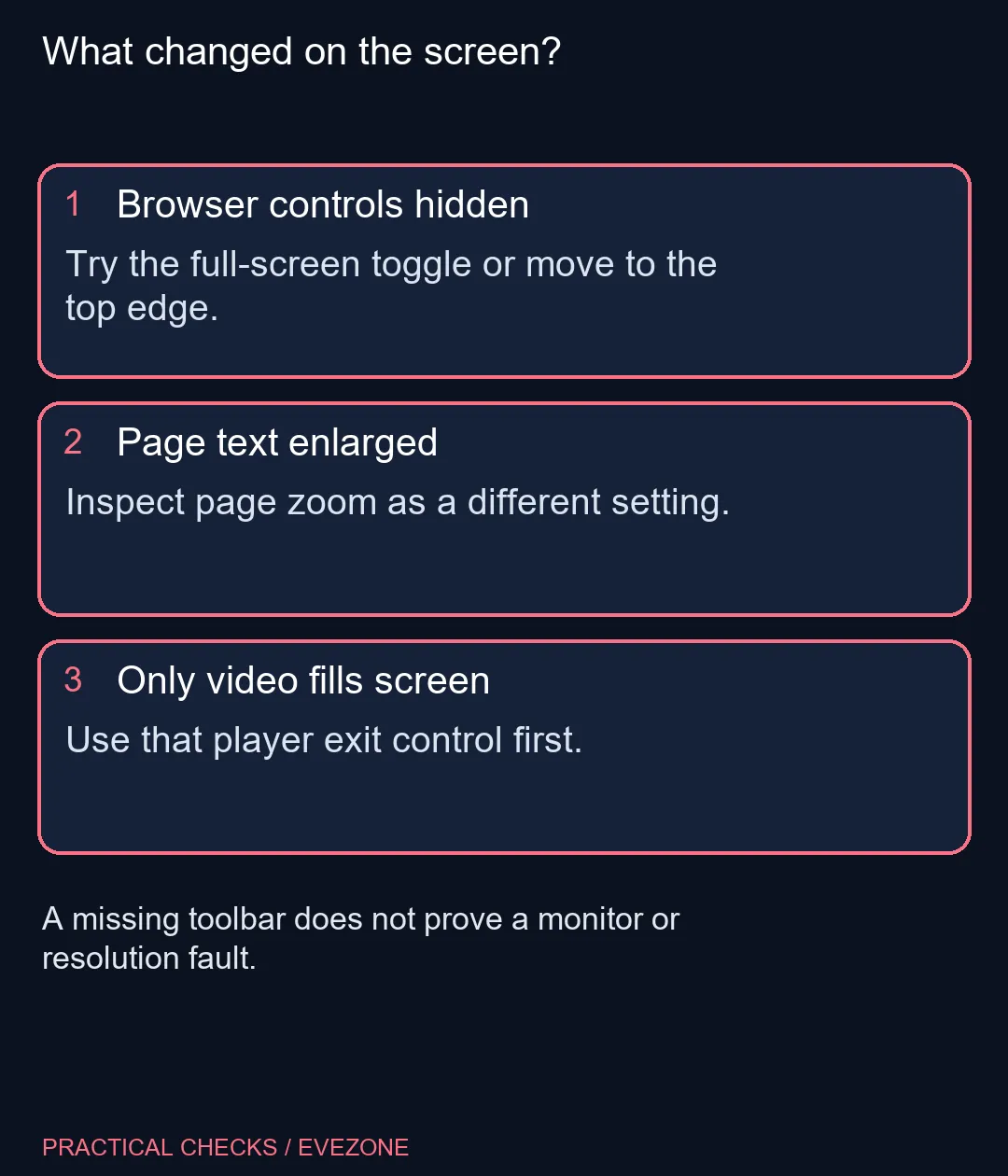
If the toolbar returns but text still looks oversized, inspect page zoom. That is a different setting from full screen. Compare with another known page so a website's own layout is not mistaken for a system-wide problem.
A video player can also have an independent full-screen control. Exit the player's presentation first, then inspect whether the browser itself is still filling the display. Two successive view changes can be legitimate because they affect different parts of the experience.
When evaluating gaming monitors, base the decision on readable workspace, desk distance and your usual applications. A hidden tab row by itself supplies no evidence that the existing monitor is defective. Return to a familiar browser layout before judging screen size.
⌨️ Test the input route calmly
Use the menu when the shortcut produces a hardware action or nothing visible happens. That helps separate the keyboard's function layer from the browser's presentation state. Do not assume Firefox is frozen simply because one key combination did not reach it.
If you are comparing gaming keyboards, look at the function-row arrangement and the way you use shortcuts daily. That is an ergonomics choice, rather than a required purchase to escape a temporary browser view. The built-in menu remains an alternative route.
End the check with one ordinary browser window, one known page and the zoom you actually prefer. Keep a note of the full-screen shortcut if it was enabled accidentally. Changing several display settings at once can replace a small, reversible view problem with a much less familiar desktop.
Frequently Asked Questions
Which key exits desktop Firefox full screen on Windows?
F11 toggles Firefox full screen. Some compact keyboards require Fn + F11 to send the function-key command.
Can I reach the menu while full screen remains on?
Move the pointer to the top edge. Firefox can reveal its tabs and toolbar there without immediately leaving full screen.
Does F11 reset page zoom?
No. Window presentation and page zoom are separate controls. Check text size independently after restoring the normal window.
Why did Escape only close a video?
A website player can have its own full-screen presentation. Returning from the player may still leave the browser in its own full-screen mode.
Do I need to change Windows resolution?
Not for an accidentally enabled browser full-screen mode. Restore the browser presentation before altering system-wide display settings.
What if the shortcut changes brightness or sound instead?
Check the keyboard function layer and try the appropriate Fn combination or Firefox menu. The key label alone may not describe its current action.
Restore a familiar workspace
Check browser presentation before choosing display or keyboard changes.