Firefox caret browsing can make an ordinary article behave more like a document editor: arrow keys move a text cursor instead of producing the scrolling you expected. That can be useful when navigating without a mouse. When it appears accidentally, identify the mode before deciding that the keyboard or website is broken.
Quick Answer
Press F7 to toggle caret browsing in Firefox and test the arrow keys on ordinary page text. Read any confirmation before enabling it. This R0 change is separate from a cursor inside a text box and does not require a browser reset, new keyboard or paid repair utility.
📝 Find the cursor's context
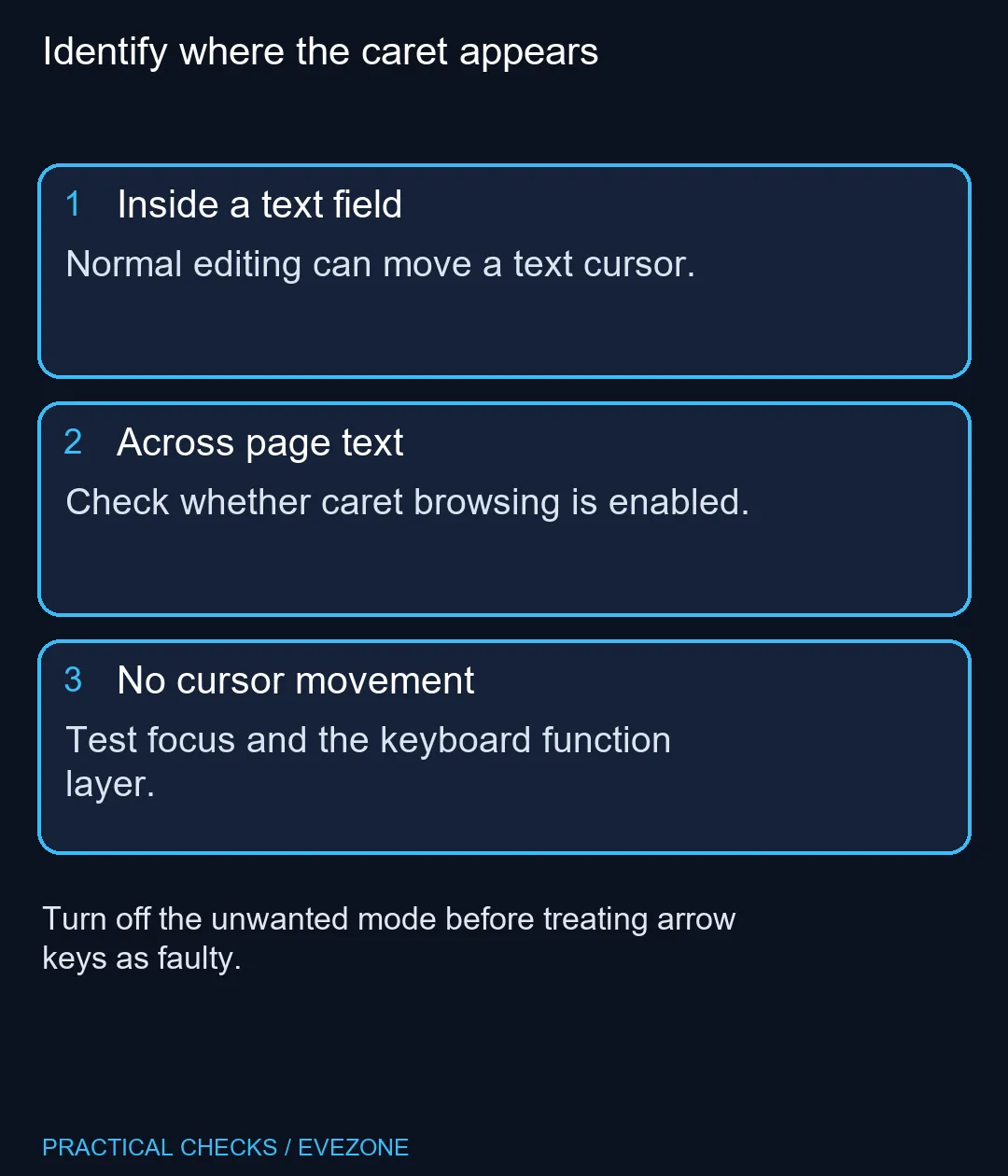
Click a harmless area of a normal article, away from a form. Notice whether a text caret appears across the article itself or only inside an editable field. A cursor inside a search box is expected and should not be treated as a fault.
If you prefer keyboard selection, the page-wide caret may be intentional. Keep the feature when it helps you read or copy text accurately. The aim is to choose the navigation behaviour you need, rather than disable an accessibility tool merely because it looks unfamiliar.
⌨️ Toggle once and observe
Use F7, then test the same page. Firefox can ask for confirmation when the feature is enabled; do not accept a prompt without reading its purpose. If a compact keyboard uses another function layer, inspect that arrangement before concluding the shortcut was ignored.
Compare the effect outside a website editor. A page can handle some keyboard input itself, so one unusual web application is a poor test of every Firefox page. Retain a simple article as a repeatable reference while checking the setting.
When browsing gaming keyboards, choose switches, layout and key access for your actual typing needs. A navigation mode that can be toggled in software is not evidence that the physical arrows require replacement. Test input in another application only if the fault remains after the browser mode is resolved.
🧭 Keep other settings stable
Leave zoom, scrolling preferences and saved browsing data unchanged during this check. Clearing cookies does not identify whether a caret-navigation option is on, and resetting the profile is a much broader action than the symptom requires.
The same principle applies when looking at all laptops on special: a different computer may suit travel or performance needs, but it is not the first response to an unexpected page cursor. Describe the symptom precisely before spending money: which keys, which page and which focus location?
Finish by confirming both normal article navigation and ordinary typing in a field. Those are separate behaviours and both should suit your needs. If the problem only affects one site, retain that observation for further troubleshooting instead of changing every browser setting to compensate for it.
Frequently Asked Questions
What does caret browsing do?
It adds a movable text cursor on a web page so you can navigate and select content with the keyboard. It is an accessibility feature.
How do I turn caret browsing off?
Press F7 in Firefox. The same shortcut toggles the feature, so check the resulting behaviour instead of repeatedly pressing it.
Why does Firefox ask before enabling it?
Firefox can display a confirmation when F7 enables the mode. Read that prompt before accepting a change you did not intend.
Is the cursor inside a search box the same issue?
A typing cursor in a text field is normal editing behaviour. First determine whether the cursor is moving across ordinary page text.
Does disabling caret browsing remove saved data?
It changes navigation behaviour rather than clearing bookmarks or cookies. There is no reason to reset the profile for this mode alone.
Should I replace my keyboard if arrows stop scrolling?
Test the page mode and focus first. Those R0 checks can explain the symptom without establishing a hardware fault.
Choose the navigation you need
Check the caret mode before replacing working typing hardware.