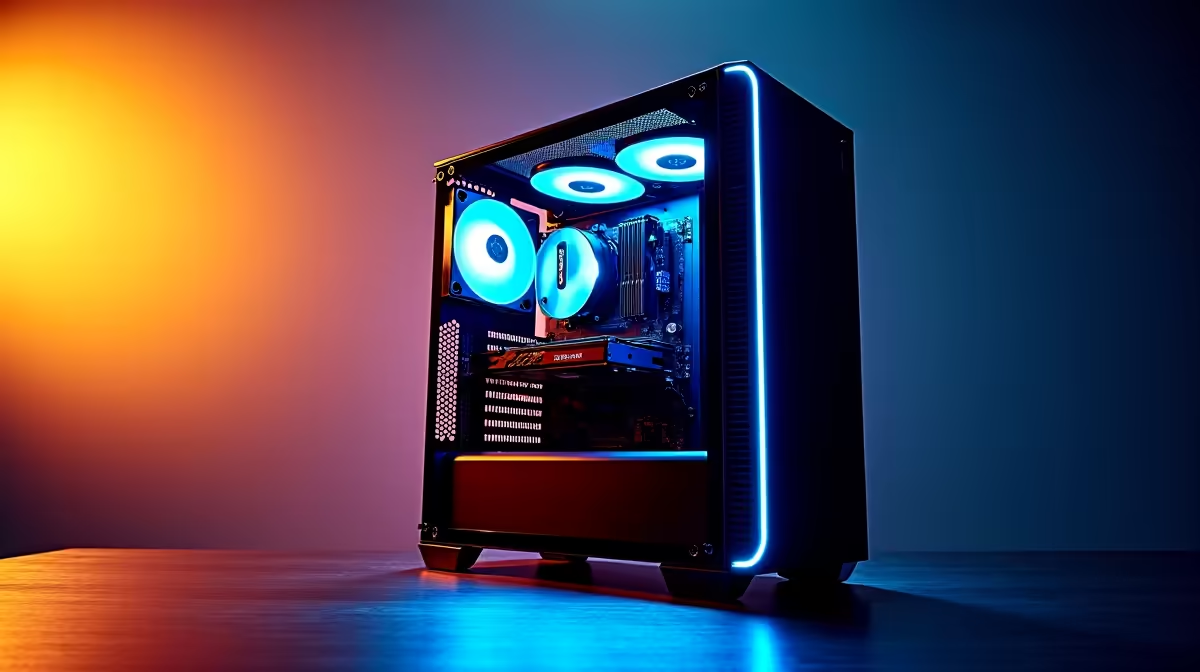
Tired of your rig feeling old just months after a pricey upgrade? You're not alone. In South Africa, building a PC that dodges the upgrade cycle for as long as possible isn't just smart... it's a power move. This future-proof PC build guide for 2026 isn't about buying the most expensive parts today. It's about making strategic choices that give you a powerful foundation for the games and tech of tomorrow. Let's build something that lasts. 🚀
The Core of a Future-Proof PC Build
First, let's get one thing straight: "future-proof" doesn't mean you'll never upgrade again. Technology moves too fast for that. Instead, a truly future-proof PC build is about creating a strong, flexible core. This means choosing a motherboard, power supply, and case that can accommodate more powerful components in two or three years without needing a complete overhaul. It's about investing in the foundation so that future upgrades are simpler and more affordable.
CPU & Motherboard: Your PC's Foundation
The single most important decision for a long-lasting rig is your platform. This choice dictates your upgrade path for years to come. You'll want a motherboard and CPU combination that supports the latest standards like DDR5 RAM and PCIe 5.0.
For Team Blue, the latest generation of powerful Intel CPUs offers incredible performance for gaming and productivity. On the other side, AMD's current CPU lineup is built on a socket designed for longevity, promising support for future processor generations.
Whichever you choose, pairing it with the right motherboard is crucial. Look for boards with PCIe 5.0 slots for next-gen graphics cards and M.2 drives, ensuring you're ready for whatever comes next.
Graphics Power That Endures
Your graphics card is where a huge chunk of your budget will go, and it's often the first component to show its age. To build a rig ready for 2026, focus on two things: VRAM and software features. Upcoming games will demand more video memory, so aiming for a card with at least 12GB of VRAM is a wise move.
Furthermore, technologies like NVIDIA's DLSS and AMD's FSR use AI to boost frame rates, effectively extending the useful life of your hardware. A modern NVIDIA or AMD graphics card with strong upscaling support will keep you in the game at high settings for much longer.
Power Supply Pro Tip ⚡
When choosing a Power Supply Unit (PSU), always aim for about 20-30% more wattage than your current components need. This headroom not only ensures stable power delivery under load but also gives you the freedom to upgrade to a more powerful graphics card or CPU in the future without needing to replace your PSU. It's the ultimate 'buy once, cry once' component for a future-proof PC build.
Essential Supporting Components for Longevity
A powerful CPU and GPU need a strong supporting cast. Don't overlook these parts in your quest for a future-proof PC build.
- Memory (RAM): 32GB of DDR5 RAM is the new standard for high-end gaming and multitasking. It provides enough headroom for demanding applications and ensures your system remains snappy.
- Storage: A fast NVMe SSD is non-negotiable. A PCIe 4.0 drive is excellent, but if your motherboard supports it, a PCIe 5.0 SSD will offer breathtaking speeds for years to come.
- Cooling: Future components will likely run hotter. Investing in one of today's high-performance air or liquid CPU coolers will keep your processor running at peak performance while protecting its lifespan. ✨
Beyond the Tower: The Full Experience
Your powerful new rig deserves a display that can keep up. A high-refresh-rate monitor is essential for smooth gameplay. While 1080p is still fine, 1440p is the new sweet spot for clarity and performance, making it a solid long-term investment. Check out a range of high-quality PC monitors to find the perfect match for your new build.
Of course, the beauty of PC gaming is its flexibility. While this guide helps you build the ultimate home command centre, the ecosystem complements every playstyle, even pairing perfectly with the convenience of modern handheld gaming consoles for when you're on the move.
Ready to Build Your Legacy Rig?
Creating a future-proof PC build is about smart choices, not just spending big. With the right foundation, your machine can dominate for years to come. Start designing your dream PC with our Custom PC Builder and spec out a rig that's ready for 2026 and beyond.