


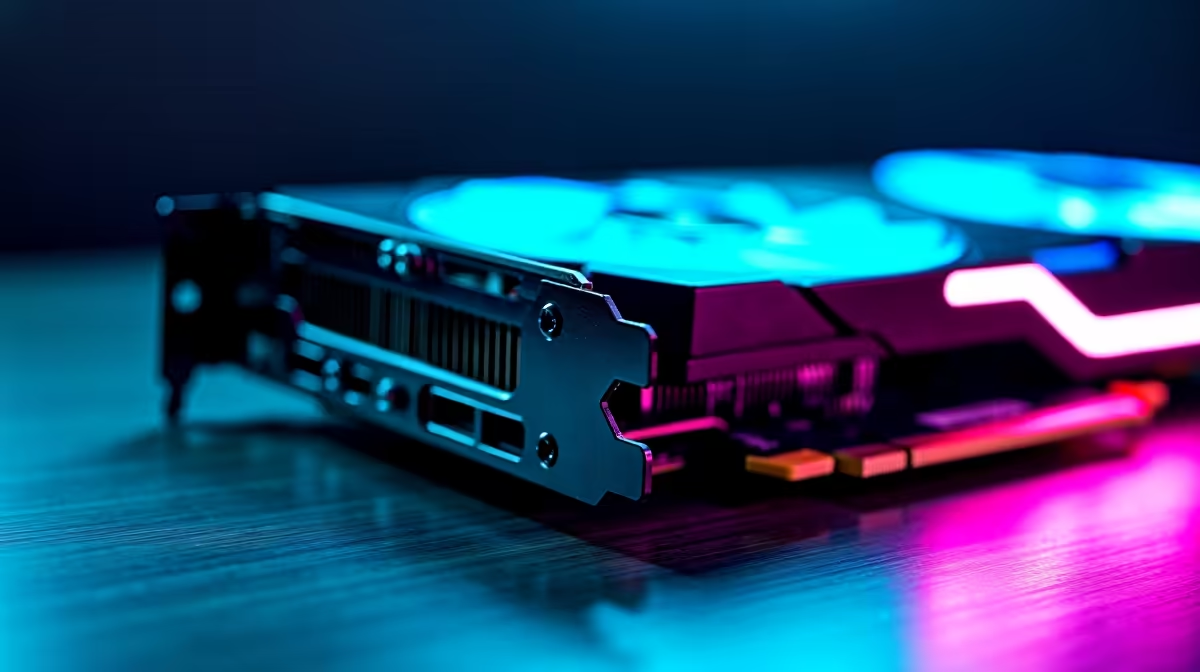
You’ve just dropped a serious amount of cash on a shiny new graphics card. It’s the heart of your rig, a beast of silicon ready to pump out frames. But as GPUs get bigger and heavier, gravity becomes the enemy. That slight droop you see is more than a cosmetic issue… it’s a slow-motion disaster for your motherboard and your expensive investment. A GPU support bracket isn’t a luxury anymore; it’s essential PC insurance.
Understanding the Threat: What is GPU Sag?
GPU sag is exactly what it sounds like. It’s the visible bending or drooping of a long, heavy graphics card over time. Think about it: a massive, kilogram-plus card is only secured by a couple of small screws and a single plastic slot on your motherboard (the PCIe slot). That’s a huge amount of leveraged weight pulling down on a very small area. 😥
This constant strain can lead to serious problems:
- PCIe Slot Damage: The physical stress can crack the solder points or even damage the plastic slot itself, leading to connection issues or total failure.
- PCB Bending: The card's own circuit board (PCB) can warp, which can damage the delicate traces and components on it.
- Cooling Inefficiency: A sagging card may not sit perfectly level, potentially affecting the contact between the GPU die and its heatsink, leading to higher temps.
This isn't just a problem for the most expensive rigs. As technology improves, even cards found in budget gaming PCs are becoming chunkier, making this a crucial consideration for anyone building a modern PC.
Quick Sag Check 🔧
Power down your PC and lay the case on its side. Place a small spirit level or a straight edge (like a ruler) along the top of your GPU's backplate. If you see a noticeable gap at the far end, you've got sag. It's a simple check that can save you a massive headache later on.
The Solution: How a GPU Support Bracket Works
A GPU support bracket is a simple, affordable device designed to counteract gravity. It provides a crucial third point of contact, propping up the far end of the graphics card to keep it perfectly level. This small addition distributes the weight evenly, taking the pressure off the fragile PCIe slot and the card's own structure.
Whether you're building with the latest components from our AMD Ryzen PC deals or putting together powerful Intel-based systems, adding an anti-sag bracket ensures your core components remain secure. It’s a tiny investment that protects the most valuable part of your gaming machine.
Choosing the Right Support
There are a few common types of GPU support brackets:
- Adjustable Stands: These are small, pillar-like stands that sit on your PSU shroud or the bottom of your case and press up against the GPU.
- PCI Slot Brackets: These screw into the empty expansion slots below your GPU, with an arm that extends to support the card.
- Integrated Supports: Some modern PC cases come with a built-in, adjustable GPU support bracket.
For a few hundred rand, you can secure a component worth thousands. It's a no-brainer, especially when even our expertly configured PCs under R20k can house GPUs that benefit from the extra stability.
Future-Proofing Your Build for 2026 🚀
Looking ahead, graphics cards are not getting any smaller. Rumours about next-gen cards suggest even bigger coolers and more weight. Installing a GPU support bracket today is not just about protecting your current card; it’s about preparing your entire system for the future.
When you invest in one of our best gaming PC deals, you're buying a machine built to last. We consider every detail, and that includes long-term structural integrity. This principle of robust building even extends to high-performance home and office PCs that might use hefty workstation cards. By making a GPU anti-sag bracket a standard part of your build philosophy, you ensure your rig is ready for whatever massive pixel-pusher comes next.
Ready for a Rock-Solid Build? Don't let GPU sag compromise your dream rig. Our expert technicians ensure every build is stable, optimised, and ready for the future. Let us build your perfect custom PC and game with complete peace of mind.











