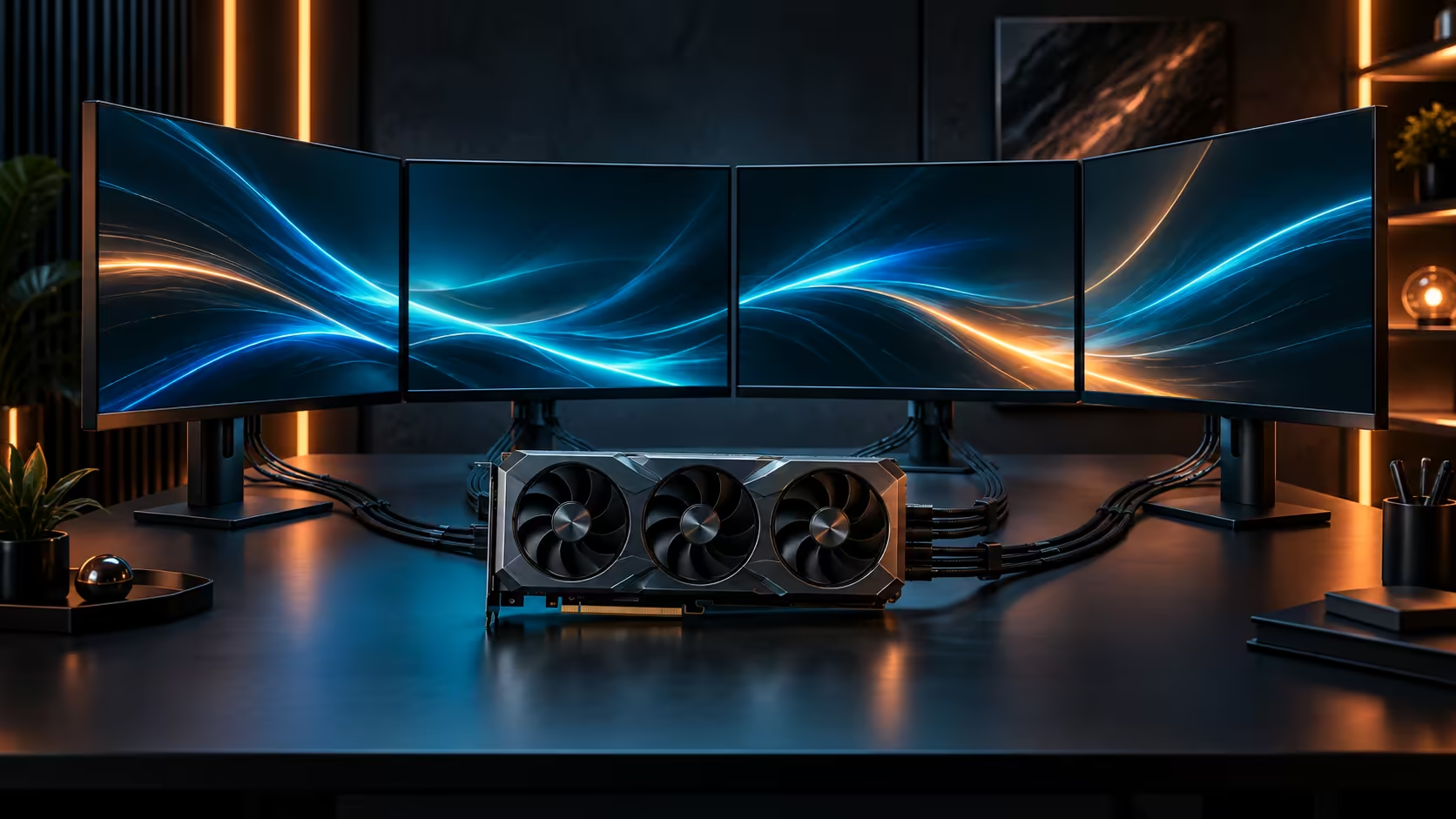
Setting a rand figure for a 4K gaming and creator PC without first knowing what the card costs is how a budget collapses halfway through the parts list. The graphics card is not one line item among many here, it is the number everything else has to fit around.
Quick Answer
The graphics card sets the floor: this 32GB RTX 5090, the ROG Astral Edition 20, costs R119,999, and the rest of the build has to match it rather than compete with it. Budget for power delivery and case clearance before storage or lighting, because those two are what a flagship card actually needs, and everything past them is preference rather than requirement.
💰 Split the budget into needs and preferences
Once the card is priced, split what remains into two piles. Needs are the power supply with headroom for the card's draw, a case that physically clears it, and enough system memory to keep a 4K workload fed. Preferences are extra RGB, a larger drive than the workload strictly requires, and cosmetic upgrades that do not change how the machine performs.
Fund the needs pile completely before spending a rand on the preferences pile. A build that skimps on the power supply to afford a bigger drive is the classic version of this mistake, and it is the one most likely to cause instability under a sustained 4K or rendering load rather than a cosmetic disappointment. As a rough split, needs typically account for 60 to 70 percent of the supporting budget once the card itself is set aside.
🖥️ Where a 4K and 8K workload actually spends money
At this resolution, the card and the memory around it matter more than the CPU generation, provided the CPU is current enough not to bottleneck frame pacing. Prioritise a power supply rated with genuine headroom above the card's draw, since a supply running near its limit under sustained load is the part most likely to cause the whole system to trip rather than simply underperform.
Storage speed matters for a creator workload specifically, since large asset libraries and 8K footage move constantly between drive and memory. An NVMe drive earns its place in this budget ahead of a larger but slower SATA drive.
🧮 A realistic total, not just the card
Plan on a further R25,000 to R35,000 for a platform, memory, storage, case and power supply genuinely built to support the card rather than merely fit it, landing a complete machine in the region of R150,000 for this tier. That is a wide-open range rather than a fixed number, because CPU choice and storage capacity move it more than any other line item.
Compare complete platforms in the RTX 5090 gaming PC range if pricing every part separately feels like guesswork, and check current DDR5 memory pricing before finalising a total, since memory prices move independently of graphics card pricing and can shift a budget more than people expect.
🔋 Where the power supply line item actually lands
Budget a genuine allowance for the power supply rather than treating it as a rounding error against a card costing this much. A unit from the power supply range sized with real headroom above the combined draw of this card and a current high-end CPU sits meaningfully above an entry-level unit in price, often by R2,000 or more, and that gap is worth budgeting for deliberately rather than discovering it after the card is already paid for.
🖥️ Comparing the card itself before locking in a total
Before finalising a total, confirm the specific model and configuration you are pricing against the current graphics card lineup, since price and included accessories can differ between variants within the same product family by R5,000 or more. A total built around the wrong specific model is the most common way a carefully planned budget still comes up short at checkout.
Buying the full set from a local retailer rather than mixing in an imported component or two also keeps warranty support under one roof, which matters on a build this expensive if any single part needs attention later.
Frequently Asked Questions
How much should the graphics card be of the total budget?
For a flagship card, it is often the single largest line item and can be more than half the total, with the rest of the build sized to support it rather than to balance it evenly.
What should I never cut corners on in this budget?
The power supply and the case's clearance for the card. Both are structural to whether the build runs stably at all, rather than cosmetic choices you can revisit later.
Is a bigger drive more important than a faster one for this build?
For a 4K creator workload, speed matters more than raw capacity for the working drive, since footage and assets move constantly rather than sitting idle.
Does upgrading later cost more than buying everything at once?
Usually yes, since a supply or case bought too small to leave room for future upgrades often needs replacing rather than simply supplementing, which is why sizing both with some margin from the outset tends to work out cheaper over the life of the build.
Roughly what does a complete machine around this card cost?
In the region of R150,000 once platform, memory, storage, case and power supply genuinely built to support the card are added, though CPU and storage choices move that figure meaningfully.
Ready to budget a build around the card rather than against it?
Price power delivery and case clearance first, then spend what is left on preference.