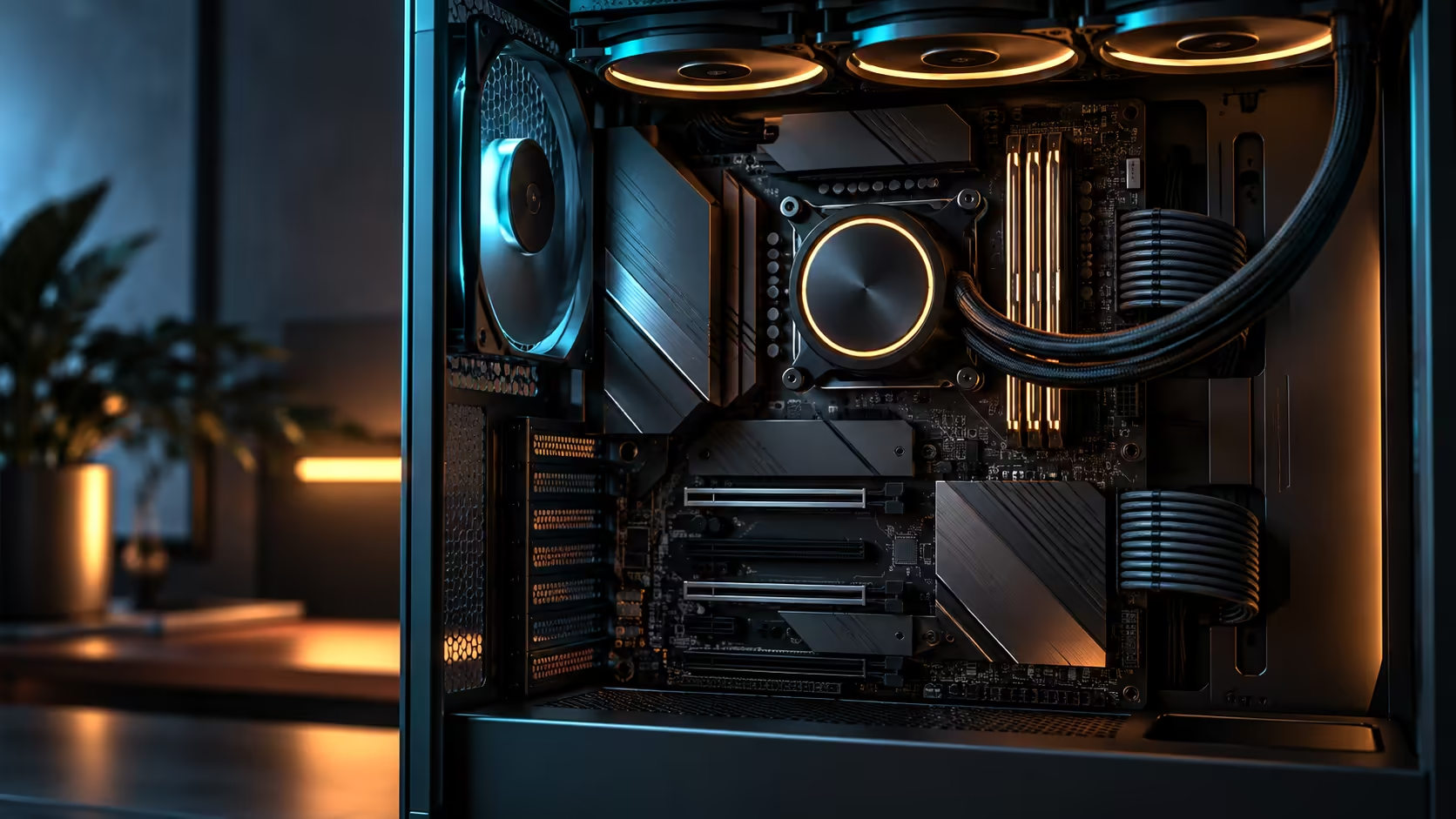
A build list for an E-ATX X870E machine grows fast once you add up every line properly, and the number that surprises most first-time budgeters is not the motherboard, it is what still comes after it. Getting a realistic ZAR budget for an E-ATX X870E gaming PC build in South Africa right means pricing the whole list, starting with the board itself from the AMD motherboard range, before falling in love with any single component.
Quick Answer
Start with R54,999 for the ROG Crosshair X870E Edition 20, cooler included, then add a Ryzen 9 processor, a 32GB DDR5 kit, a Gen 5 storage drive, a full tower case sized for E-ATX, a 1000W power supply, and the graphics card, which on a build at this tier is almost always the single largest remaining line by a wide margin.
🧱 Building the list in the order that protects your budget
Settle the board's cost before anything else, since everything downstream of it, socket, memory type, and here, cooling too thanks to the bundled Ryujin 360, gets decided the moment you pick it. From there, the CPU is the natural second purchase, matched to the socket and to how much current the board's power delivery can actually sustain.
Memory and storage come next, sized to your actual workload rather than the platform's ceiling. A 32GB DDR5 kit at a sensible speed handles gaming and most creative work comfortably without chasing the board's absolute maximum rating, and a single fast Gen 5 drive covers the operating system and active projects while cheaper Gen 4 or SATA storage handles everything else.
🏗️ The case and power supply lines people underestimate
An E-ATX build needs a genuine full tower with confirmed E-ATX tray support, not simply a tall case, and this is a line item worth pricing properly rather than assuming any large case qualifies. A 1000W power supply gives real headroom for a high-end graphics card alongside a sixteen-core CPU running near its power ceiling, and buying short on wattage here is one of the more expensive mistakes to correct after the fact, since it usually means a return rather than a simple upgrade. A flagship graphics card alone can draw 400-450W under load, and adding a sixteen-core CPU pulling close to 200W at boost leaves surprisingly little margin on anything smaller than 1000W once fans, drives and pumps are counted too.
Neither of these lines is glamorous, which is exactly why they get underpriced in a first-pass budget built around the parts that are more exciting to shop for.
🎮 Why the graphics card dominates the total
For almost any build at this tier, the graphics card ends up being the largest single line item once the board, CPU, memory and storage are settled, often exceeding R20,000 on its own and outweighing every other component combined. Get a firm number on it near the start of the process; leave it to last and you risk finding the rest of the list has already eaten the money it needed, forcing a downgrade nobody planned for.
🧾 A sanity check before you commit
Once your own list is priced, compare the total against current AMD Ryzen PC deals at a similar specification, which is a useful way to confirm your custom build is priced sensibly against the market rather than optimistically. If your parts list runs meaningfully higher than a comparable prebuilt, it is worth checking each line again before finalising the order, since a custom build should generally offer better value for a matched specification, not worse.
Browsing the liquid cooler range is also worth doing even though this board's cooling is bundled, simply to confirm what a separate 360mm cooler of similar quality would have cost, which puts the value of the bundled unit into clearer perspective. Buying the whole build locally rather than importing parts also keeps every component's warranty claim on the same domestic footing if something needs attention later.
Frequently Asked Questions
What is the biggest line item in a typical E-ATX X870E build?
The graphics card, in almost every case, once the board, CPU, memory and storage are settled.
Do I need to budget separately for cooling with this board?
No. This board's price already has the Ryujin 360 Edition 20 baked in, mounted and ready before it ever leaves the factory.
How much power supply headroom should I budget for?
Enough for the graphics card's stated draw plus genuine margin, with 1000W being a sensible target for a high-end card paired with a sixteen-core CPU.
Is it worth comparing a custom build's total against a prebuilt PC?
Yes. It is a useful sanity check to confirm your parts list is priced realistically rather than running higher than a comparable ready-built machine.
What line item do first-time budgeters most often underprice?
The case and power supply, since they are less exciting to shop for but genuinely matter for an E-ATX build at this tier.
Ready to price a build that will not run short at the final line?
List every component before falling for any single one, and check the graphics card's real cost early rather than last.