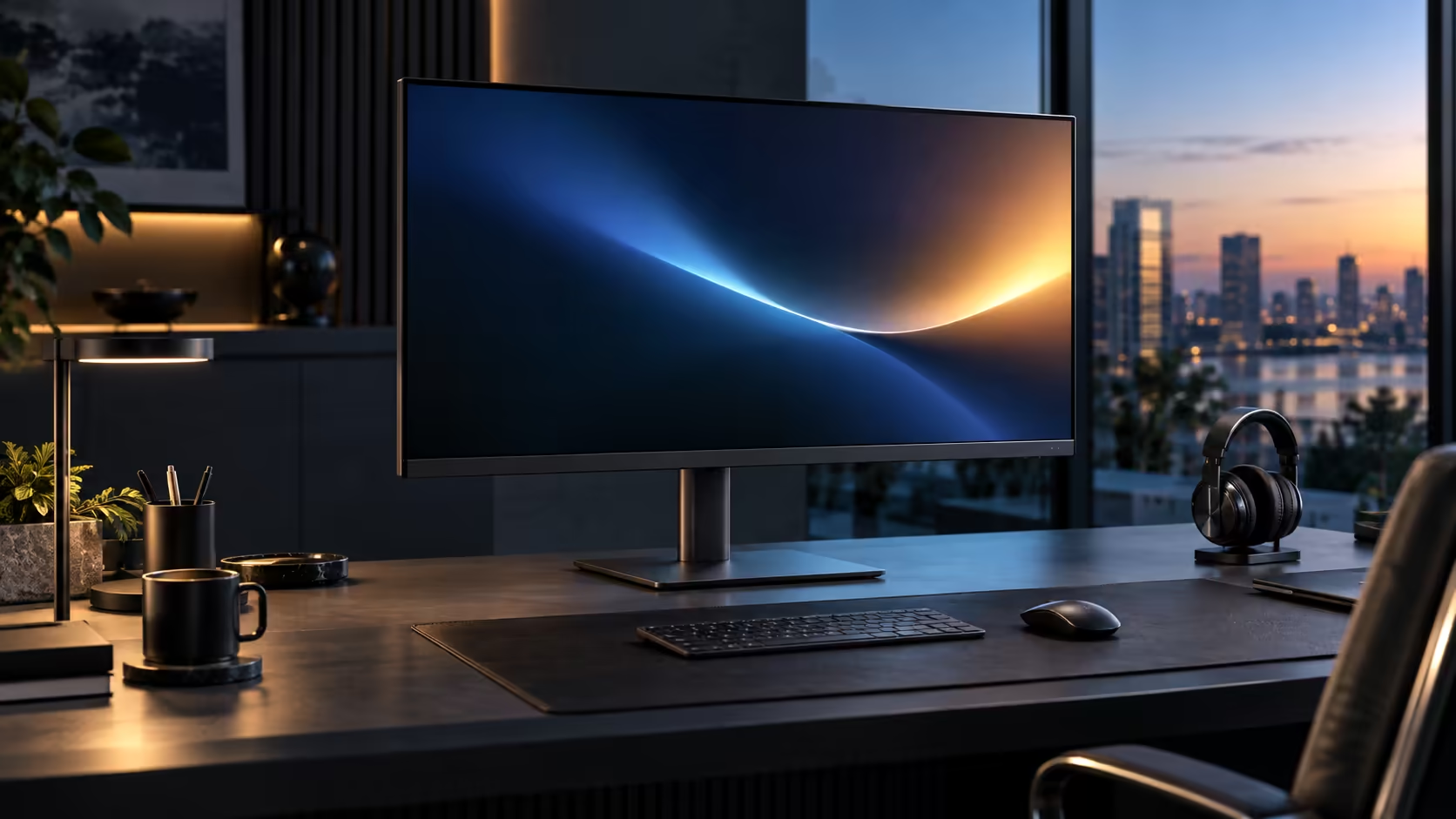
A large QHD home office monitor budget in South Africa should be built around a single figure that covers everything, not a range that leaves you guessing what got left out to hit a lower number. The Dell Pro 32 Plus P3225DE settles that figure at R8,799.
Quick Answer
Budget around R8,799 for a large QHD panel that also charges a laptop and carries a wired network line. That is what Dell's Pro 32 Plus P3225DE asks. Spend less and the hub usually disappears; spend more and you buy 4K rather than extra desk space.
💰 What R8,799 actually buys as one purchase
Breaking the number down into its individual components shows why it lands where it does.
A 31.5-inch QHD panel at 100Hz, 90W USB-C charging, a built-in RJ45 Ethernet port, and a height-adjustable stand with tilt, swivel and pivot are all bundled into this single price. Sourced as separate items, a comparable large QHD monitor plus a 90W dock with Ethernet typically adds up to more than R8,799 once both are priced fairly, before counting the extra desk space and power socket a standalone dock needs.
📊 What changes if you spend meaningfully less or more
Seeing what changes on either side of this figure is what confirms it as a deliberate spend rather than a number picked at random.
Spend noticeably less on a large monitor and expect the hub features to go first: a lower charging wattage, no built-in Ethernet, or a lower refresh rate capped at 60Hz. Spend noticeably more at this same 31.5-inch size and you are typically buying 4K resolution rather than a materially better version of the same QHD, hub-equipped setup, which is a genuinely different upgrade rather than simply "better" for the same purpose.
🇿🇦 Why the local price is the number that actually matters
A South African home office buyer has practical reasons beyond the sticker price to prefer a locally sourced unit at this size.
R8,799 bought locally already includes VAT and a straightforward warranty claim path through a South African retailer. A private import of a 31.5-inch monitor adds meaningful shipping cost given its size and weight, plus customs duty calculated on the declared worth and a clearing fee on top, and a fault discovered months later becomes an international return for a large, awkward item to ship back. For a monitor this physically substantial, that difference in convenience is worth more than it would be for a small, easily-posted accessory.
🧾 Budgeting for the rest of the desk too
A monitor is rarely the only thing a home office needs, so budget for the desk as a whole rather than treating this one line item as the entire plan.
If your keyboard, mouse and desk are already sorted, R8,799 genuinely is the full remaining spend for a working one-cable large-screen setup. If any of those still need buying, a desk with enough depth for this size adds a further amount worth pricing in upfront. Compare current pricing on the monitor deals page, the wider monitor category, and the full office monitor range before finalising a total home office budget.
🖥️ Sizing your budget against a smaller alternative
A 31.5-inch panel is not the only route to a hub-equipped home office desk, so it is worth knowing what the size premium actually buys.
Stepping down to a 23.8-inch equivalent from the same range typically saves a noticeable amount while keeping the same charging, Ethernet and refresh rate features intact, with the difference being purely screen size and the desk depth it needs. If your home office genuinely benefits from the larger working area, the extra spend on this 31.5-inch model buys real desk-space advantage rather than a marginal upgrade, which is worth weighing against how much you actually multitask on screen day to day.
Frequently Asked Questions
Does R8,799 actually stack up for a large QHD monitor that also charges and networks a laptop?
Yes, and it typically works out cheaper than buying a comparable monitor and a full-featured dock as two separate purchases.
What is the first feature usually cut on a cheaper large monitor?
Charging wattage and Ethernet, followed by refresh rate capped at 60Hz, are the most common cuts on budget alternatives at this screen size.
Is 4K worth the extra cost over QHD at a similar price to this monitor?
Only if sharper detail matters more to your work than the hub features this monitor bundles; 4K at 31.5 inches typically costs meaningfully more once matched with similar charging and networking features.
Does buying a large monitor locally really save money over an import?
Usually yes, once freight scaled to a 32-inch panel's bulk, import duty and an awkward overseas return process are all stacked onto the sticker price.
Ready to set a realistic budget for a large home office monitor?
Compare the full feature bundle against sourcing charging and networking separately before deciding.