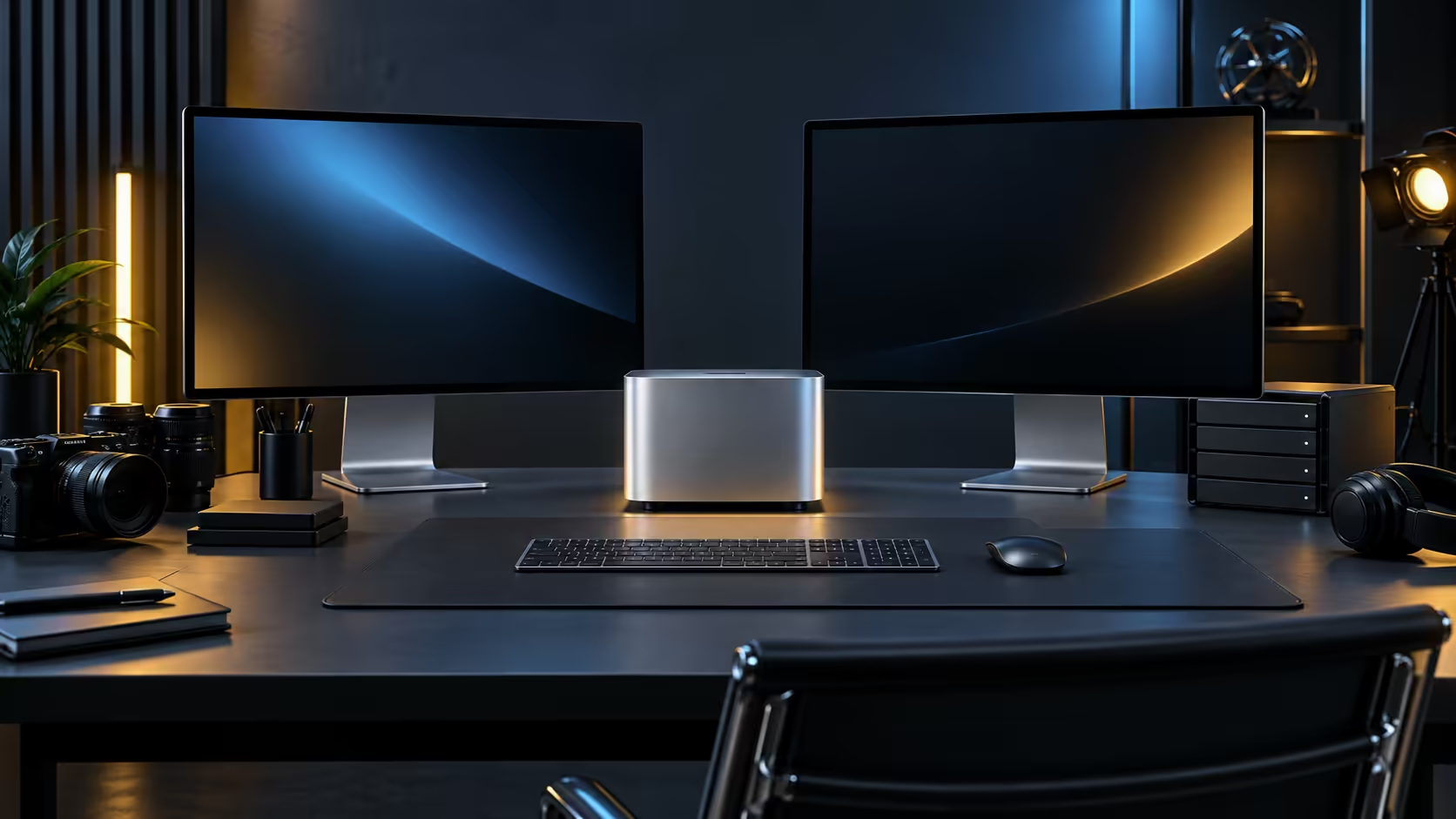
R33,599 for the Mac Mini M5 Pro itself is the easy line item. Turning it into a working creative workstation, rather than a box on a desk, is where the real ZAR budget for most South African buyers actually lands.
Quick Answer
Start with R33,599 for the 24GB, 512GB configuration, then budget separately for a monitor, an external drive for archiving finished work, and whatever peripherals your specific craft needs, such as a drawing tablet or an audio interface. A complete single-seat workstation typically lands between R40,000 and R55,000 depending on the monitor chosen.
🖥️ The monitor is the second-biggest line item
A colour-accurate monitor around 27 inches, suited to serious creative work, costs meaningfully more than a general-purpose office screen, and it is worth treating as a separate budget decision rather than an afterthought bundled into the machine cost. For photo and video work specifically, panel accuracy matters more than raw resolution once you are past a baseline sharp enough to judge detail.
💾 An external drive from the first month, not the twelfth
Video and large creative files fill the internal 512GB drive faster than most people plan for, and buying an external Thunderbolt drive at the same time as the machine, rather than scrambling once storage runs low mid-project, avoids an awkward pause during paid work.
🎨 Craft-specific peripherals change the total meaningfully
A photographer's list looks different from a video editor's, which looks different again from a musician's: a colour-calibration tool at R2,000 to R5,000, a drawing tablet, or an audio interface each add a real line to the budget that a generic "Mac Mini setup" estimate will miss. Price your specific craft's peripherals before finalising a total rather than budgeting only for the generic desk items.
🪑 The desk itself is a line item too
A proper chair, a stand or riser for the machine and cable management all sit outside the "workstation" budget most people plan, yet they add up to R2,000 or more once totalled. Building a spreadsheet with every line, even the small ones like a webcam or a desk lamp, before ordering anything keeps the final number honest rather than discovered piece by piece over the following month.
🧾 Why the total matters more than the headline price
Quoting R33,599 as "the cost" and then discovering the real total is R50,000 once a proper monitor and craft-specific gear are added is the most common budgeting mistake for a first Apple silicon purchase. Buying the full set through Evetech keeps one warranty path across the whole workstation rather than juggling several suppliers if something in the set needs attention.
A final budget is easier to trust once it has been checked against every tier Apple actually sells on the Mac Mini page, with mini PC on hand for a non-Apple alternative at a similar price.
Frequently Asked Questions
Is R33,599 close to the total cost of a working setup?
No, treat it as the machine only. A monitor, external storage and craft-specific peripherals typically add R7,000 to R20,000 or more depending on your field.
Should I buy a cheaper monitor and upgrade later?
For general use, that is fine. For colour-critical photo or video work, a proper monitor from the start avoids redoing colour decisions once you upgrade the screen later.
Do I need an external drive immediately, or can it wait?
For video work especially, buying it upfront avoids an interruption mid-project once the internal 512GB drive fills, which happens faster than most first-time buyers expect.
Is it worth building the budget in a spreadsheet before ordering anything?
Yes, listing every line item, including the small ones, catches gaps before they turn into surprise expenses spread across several weeks of ordering.
Should furniture be part of this budget too?
If a chair, a desk or lighting is not already in place, yes; a workstation budget that stops at the machine and screen understates the real total.
Is it reasonable to spread this budget across a few months?
Yes, buying the machine first and adding a proper monitor, storage and peripherals over the following weeks is a sensible way to manage the total spend.
What is the single most commonly forgotten line item?
Cabling and adapters, since a bundled cable rarely covers every device on a finished desk, and a handful of small cable purchases add up more than most people expect.
Is it worth getting a formal quote from Evetech before committing to a total?
Yes, a written quote covering every item makes the total concrete rather than an estimate, and it is easy to adjust individual lines before ordering.
Can the budget change significantly if I add a second monitor later?
Yes, a second screen typically adds R3,000 to R8,000 depending on size and panel quality, which is worth pencilling in even if it is not part of the initial order.
Ready to budget a full Mac Mini M5 Pro workstation properly?
Add your monitor and craft-specific peripherals to the machine cost before you commit to a total.