


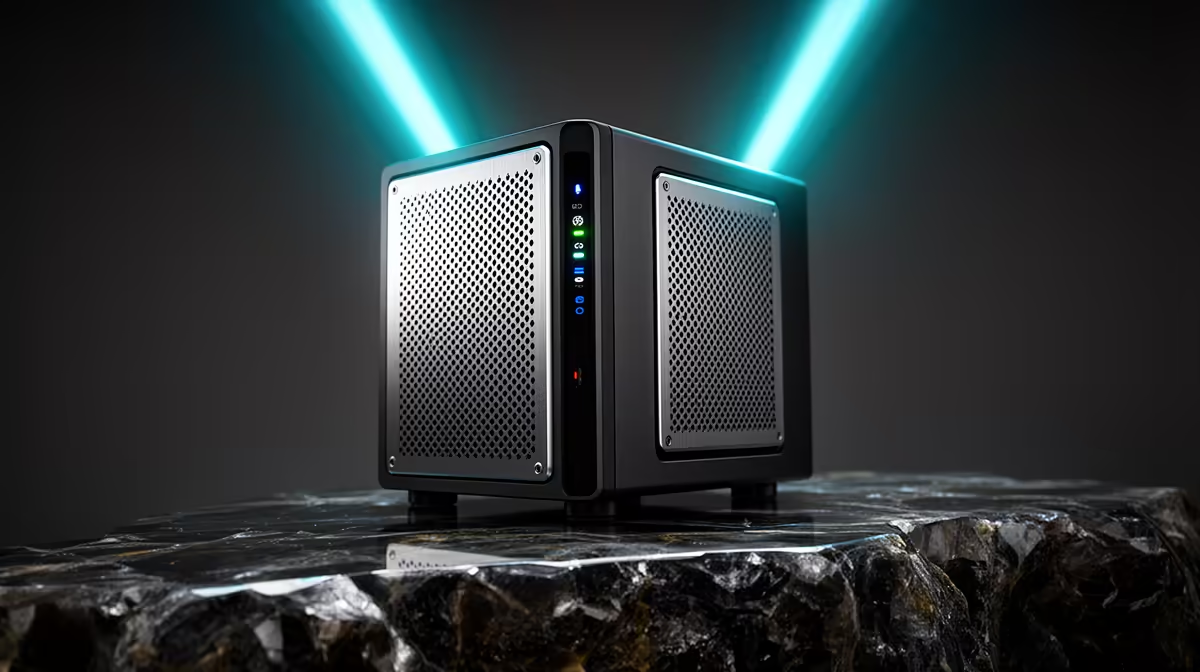
Phones, laptops, the work desktop, the kids' tablets: every device in a modern home holds something you cannot afford to lose, and most of them back up to nothing. A NAS fixes that by becoming the single target every device writes to, automatically. Used properly, it is the backbone of the 3-2-1 backup rule, the simple discipline that survives a dead drive, a stolen laptop, or a ransomware mess.
Quick Answer
The 3-2-1 rule means three copies of your data, on two different types of media, with one copy offsite. A NAS handles the local heavy lifting, pulling backups from every device at once. For the offsite copy, many South African households park a second NAS at a relative's home, which guards against theft and fire far better than a cloud plan billed in dollars.
What 3-2-1 actually asks of you
Break the numbers down before you build anything. Three copies means your live data plus two backups, so a single lost file still exists in two other places. Two different media means you do not keep every copy on the same kind of storage, because one fault type (a failing drive batch, say) should not be able to wipe all of them. One offsite copy means at least one backup lives in a different building, so a burglary, flood or fire at home does not take everything at once.
A NAS is the natural centre of this because it backs up many devices simultaneously and keeps versions, so you can roll back to last week if ransomware encrypts today's files. The threats the rule was built for, hardware failure, accidental deletion, ransomware and site-level disaster, are all still very much with us, which is why 3-2-1 has stayed the standard.
Building your 3-2-1 setup step by step
Here is the practical order to do it in. Each step is a copy or a medium in the rule, so by the end you have all three.
Step 1: Make the NAS your primary backup target
Set up the NAS with redundant drives so a single disk failure inside the unit does not lose data on its own. This is copy one, your central local backup. Browse the NAS and storage range at Evetech to pick a unit with enough bays for your household's growth, since you want room to add drives later rather than rebuilding from scratch.
Step 2: Point every device at it
Install the vendor's backup agent on each machine. Synology's Active Backup, included at no extra licence cost, pulls in Windows PCs, Macs and more, while phones back up over the home network through the companion app. Schedule these so they run overnight without anyone thinking about it. This populates copy one from every device automatically, which is the whole point of a NAS over scattered external drives.
Step 3: Add a second medium
The rule wants two media types, so add an external drive or a second storage tier that the NAS copies to on a schedule. The reason is simple: if your NAS drives all came from the same batch and share a fault, a copy on different hardware survives it. A fast external SSD from the SSD best sellers makes a quick, reliable second medium for the data that matters most.
Step 4: Get one copy offsite
This is the step most people skip and the one that saves you in a disaster. The cleanest approach for many SA homes is a second NAS at a trusted relative's house, syncing over the internet. It gives you fast restores, full encryption, and immutable snapshots that ransomware cannot rewrite, all without an ongoing dollar-priced subscription. A burglary or fire at your place leaves that offsite copy untouched.
Frequently Asked Questions
Why is one offsite copy so important?
Because every local copy lives in the same building. A burglary, fire or flood can destroy your live data and both home backups at once. An offsite copy in another location is the only thing that survives a whole-site disaster.
Can a NAS really back up all my devices at the same time?
Yes, that is its core strength. With a backup agent on each PC and the companion app on phones, a NAS ingests backups from many devices simultaneously and keeps versions, so you can restore a single file or a whole machine.
Does the second copy have to be a different type of storage?
Ideally yes. The "two media" part guards against a shared fault, like a bad drive batch, wiping every copy. Pairing NAS drives with an external SSD or a different storage tier covers that risk cleanly.
Is a second NAS better than cloud for the offsite copy?
For many SA households, yes. A second NAS at a relative's home gives fast restores and no ongoing dollar-billed subscription, while keeping all your data on hardware you own and control.
How often should backups run?
Schedule device backups to run automatically at least daily, overnight, so a recent copy always exists. The offsite sync can follow on its own schedule, since its job is disaster recovery rather than minute-by-minute versioning.
Ready to stop trusting your data to a single drive? Build a proper 3-2-1 setup starting with the right unit from the NAS and storage range at Evetech, then layer on a second medium and an offsite copy.











