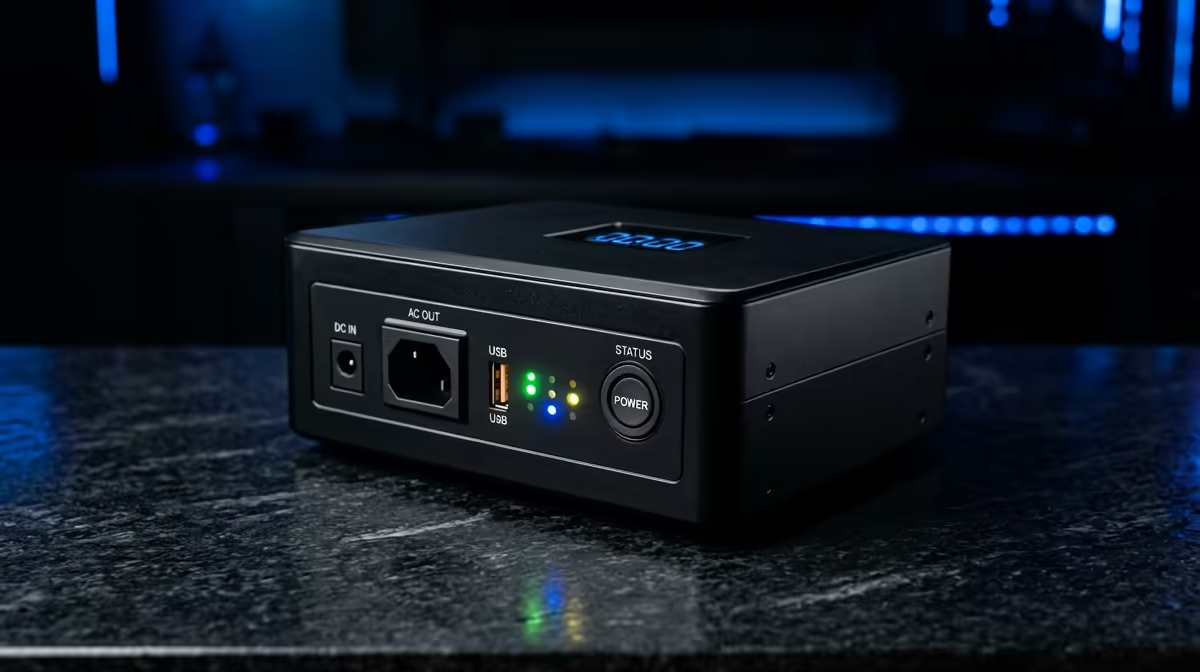
Quick Answer
Choose the UPS unit by setting a hard use-case ceiling first, then spend only where the spec changes daily use. In SA, a sensible planning range is R900-R6,500, with local warranty and availability checked before final checkout. A router and ONT may need under 80W, while a gaming PC and monitor can pull 350-650W under load. Treat prices as broad planning bands, not live stock quotes, because specials and configurations move quickly.
Spend Where It Changes Daily Use
650VA, 1000VA, 1500VA line-interactive UPS units, pure sine wave models, and APC or Mecer-style form factors are useful comparison anchors. For OBS recording, spend only where the UPS unit fixes a real limit: speed, comfort, capacity, cooling, signal quality or compatibility. Plan around R900-R6,500, then move up only when the extra spec will be used every week. In South Africa, voltage dips, short utility interruptions, and shared wall plugs make surge handling and battery replacement cost worth checking.
Specs To Check Before Checkout
Size the UPS by real watt load, battery quality, AVR support, transfer time, and whether the output suits a modern active-PFC power supply. Also check the practical details: cable length, clearance, ports, socket support, battery replacement, firmware, or panel type. Before payment, the spec sheet should show that the item fits, runs at the needed level, and still makes sense after the next upgrade.
Where Overspending Starts
Avoid choosing by VA rating alone; cheap batteries, slow transfer, and weak sockets are usually where the cost returns later. Overspending starts when the biggest number on the page hides the real bottleneck at home. Match the existing monitor, desk, room size, motherboard, power supply or fibre line first. If the premium version does not improve fps, comfort, thermals, storage, Wi-Fi stability or runtime, keep the money for the part that does.
FAQ
What is the safest budget for this purchase in SA?
Use R900-R6,500 as a cautious planning band. The safest buy meets the core spec, has local support, and avoids a second purchase.
Which spec should I check first?
Check the spec that can block the setup: wattage, socket clearance, RAM, SSD space, backhaul, refresh rate or resolution. Once that is correct, the smaller extras are easier to compare.
When is the premium option worth it?
The premium option is worth it when it gives quieter operation, higher stable fps, better coverage, more capacity, or a stronger warranty path. If it only adds a cosmetic feature, stay with the balanced option.