Quick Answer
Choose monitor accessories by paying for fit, airflow and warranty before styling. A sensible SA shortlist starts around R400-R900, then steps up to R900-R1,800 only when VESA holes, desk clamp space or monitor weight would otherwise block the build. For South African buyers, local stock timing, warranty handling and delivery to a flat, campus room or home office should be part of the decision.
What the part must solve first
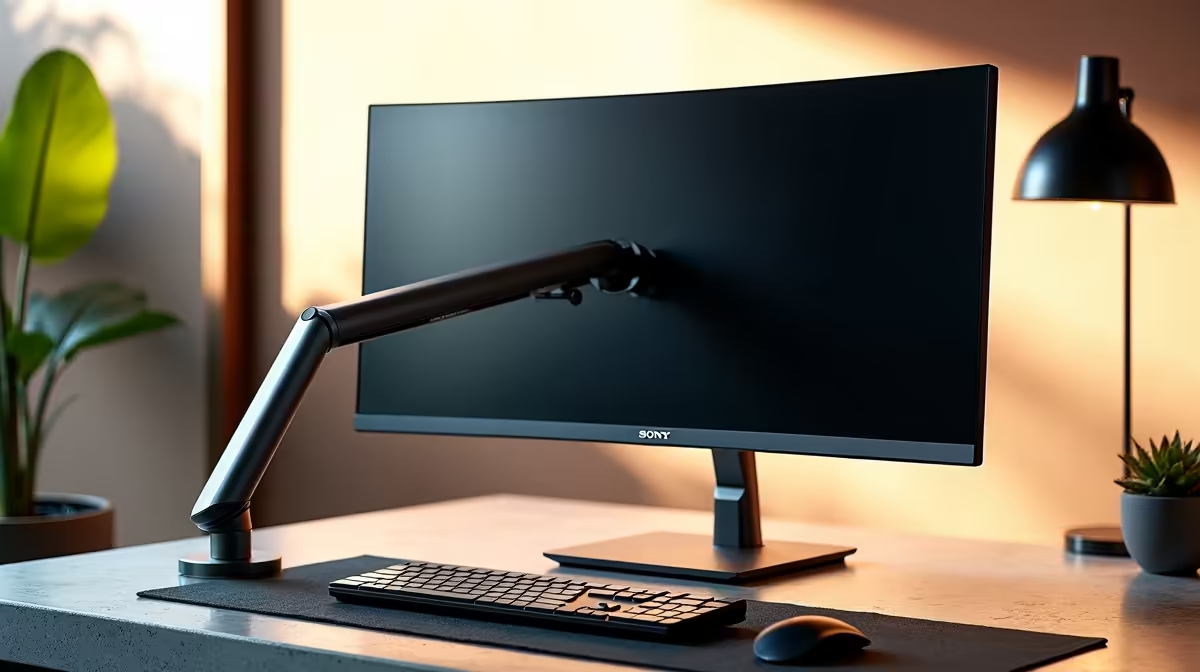
Start with VESA holes, desk clamp space and monitor weight. Those checks decide whether the monitor accessory supports South African builds on a controlled budget or only looks good on a spec sheet. Use single monitor arm as a reference point, then compare alternatives against VESA 75 x 75 or 100 x 100, 8 kg to 12 kg arm rating and HDMI 2.0 or DisplayPort. If the part cannot meet those basics, a lower price is not a saving.
Where the money should go
The value tier is usually R400-R900, the balanced tier is R900-R1,800, and the premium tier is R1,800-R3,500. Spend up when the extra money buys a measurable improvement: quieter operation, stronger ports, better cooling, 144 Hz support, 32GB capacity, 1TB storage, or enough wattage headroom for the next GPU. Spend down when the premium feature is cosmetic or when the rest of the build still caps the result at 60 fps.
SA pre-order checks
Before ordering in South Africa, confirm cable type, eye-level height, warranty handling and physical fit in the room where it will be used. USB-C display adapter and VESA mounting kit are useful comparison names because they make the shortlist concrete instead of vague. The warning signs are arms below weight rating, wrong adapter bandwidth and clamps marking thin desks; any one of those can turn a cheap order into courier delays, returns or a rushed replacement.
FAQ
What budget should SA buyers start with?
Start with the balanced range of R900-R1,800 unless the build is genuinely basic. That band usually gives enough room for VESA 75 x 75 or 100 x 100 and 8 kg to 12 kg arm rating without pushing into premium features that many buyers will not notice every day.
Which spec matters most for South African builds on a controlled budget?
Prioritise VESA holes first, then desk clamp space. For gaming or visual work, keep the screen or system target realistic: 1080p at 60 to 144 fps is a different purchase from 1440p high-refresh or long 4K editing sessions.
When is the premium option worth it?
Go premium only when HDMI 2.0 or DisplayPort, lower noise, stronger warranty terms or extra ports will be used every week. If the upgrade does not remove a real limit, keep the money for the next GPU, SSD, monitor or peripheral.
Quick check
Measure the desk or case space, list the ports or clearances you need, and compare the final shortlist against single monitor arm before checkout.