


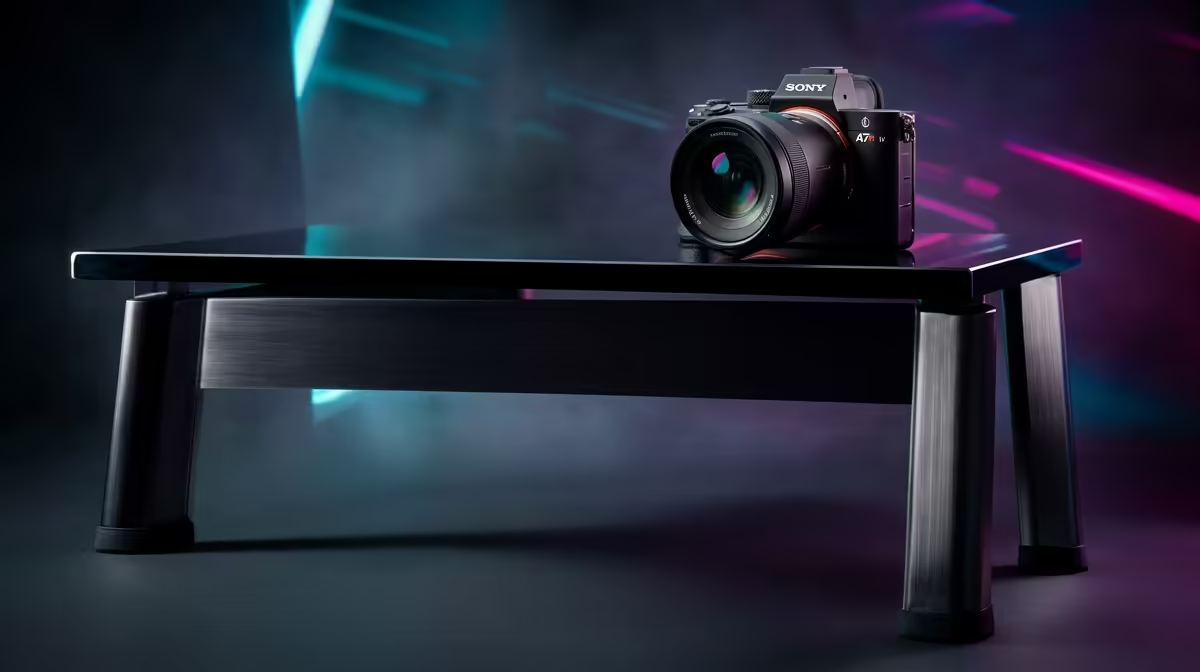
A gaming desk is bought for stability and surface, not styling, so the smart comparison ignores the lighting and focuses on the top and the frame.
Quick Answer
To compare gaming desks for a first-year student setup without chasing hype, score each on surface size, frame stability and cable management - ignore RGB and branding. A 120-140cm steel-framed desk (R1,800-R3,000) with a cable tray covers what actually matters; lighting and gamer styling add cost, not function.
Compare the fundamentals
Line desks up on four things: usable width (120cm+ for a comfortable single-monitor setup, 140cm+ for dual), depth (60-70cm for healthy monitor distance), frame material (steel beats particle-board legs for stability) and cable management. A desk that scores well there serves a first-year student setup far better than a flashier one that wobbles when you type.
Don't pay for hype
RGB edging, carbon-fibre textures and aggressive 'gamer' shapes add price without improving the desk. If you want the look, a R250 LED strip does the job. Put the budget into a thicker, more stable top and a steel frame with adjustable feet - that's what keeps your monitor steady and your setup comfortable through long sessions.
FAQ
How do I compare gaming desks fairly?
Score each on usable width, depth, frame stability and cable management against price. Those decide how good the desk actually is - far more than RGB or branding.
What size desk should I buy?
120-140cm wide and 60-70cm deep suits most setups, with 140cm+ for dual monitors. Match the size to your room and monitor count before anything else.
Is a steel frame worth it?
Yes - a steel frame with cross-bracing stays stable where particle-board legs flex and wobble. It's the single biggest factor in how solid a desk feels.
on width, depth, frame and cable management - a steel-framed 120-140cm desk beats any RGB showpiece, and a R250 LED strip adds the glow if you want it.











