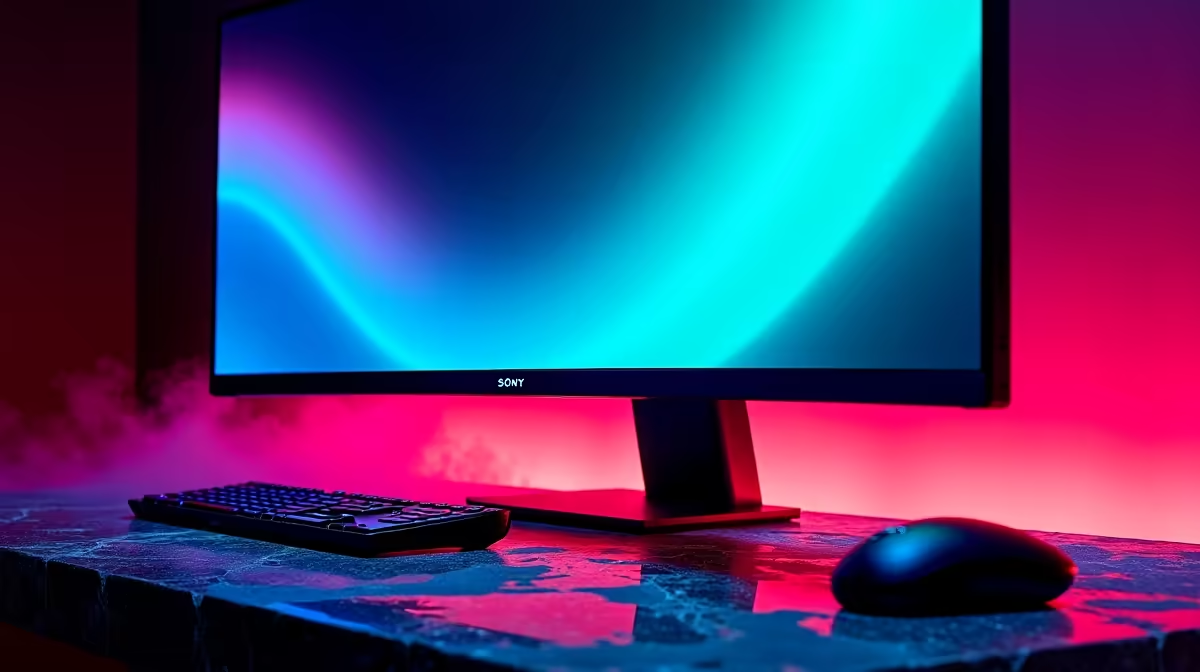
Chasing microstutter on a ultrawide monitor feels random until you measure frame consistency against one repeatable scene.
Quick Answer
The fix for microstutter on a ultrawide monitor is a short checklist: stable drivers, correct frame cap, cool components, and one repeatable benchmark. A 34-inch 3440x1440 ultrawide costs about R9,500, with 240Hz panels nearer R16,000. Numbers beat guesses every time.
Recreate microstutter With One Repeatable Scene
Pick a single in-game area you can reload on demand and run it the same way each time. Note whether microstutter arrives during loading, busy fights, online play, or only after the ultrawide monitor warms up. A capable setup can still feel rough when 3440x1440 settings or background tasks are unsettled, so a fixed scene gives you comparable frame consistency readings instead of vague impressions.
Update Drivers From A Clean State
Install the latest stable GPU and chipset drivers, reboot once, and avoid stacking other changes in the same pass. A clean driver state removes a frequent trigger for microstutter on a ultrawide monitor. If a recent update introduced the problem, roll back to the previous known-good version and retest the same scene.
Test Smart
a short log: setting changed, before value, after value. A 30-second repeatable run is worth more than testing three different games.
Verify Cables, Ports And Connections
Swap to a known-good certified cable and a different port, since a marginal link can cause microstutter that looks like a deeper fault. On a ultrawide monitor this is a two-minute check that rules out a whole class of problems. Reseat the connection, retest the same scene, and record the result before moving on.
FAQ
How do I measure frame consistency reliably on a ultrawide monitor?
Use an on-screen overlay and the same in-game scene each test. Capture a 60-second run, note the average and the lows, then compare after every change. Consistent scenes make small differences visible.
How much should I budget to properly address this on a ultrawide monitor?
Often nothing, since most fixes are configuration changes. A 34-inch 3440x1440 ultrawide costs about R9,500, with 240Hz panels nearer R16,000. If a measured bottleneck remains after tuning, spend on the single part your data points to rather than a full rebuild.
Is microstutter on a ultrawide monitor a hardware fault or a settings problem?
Most of the time it is settings, drivers, or background load rather than a broken part. Run one repeatable scene, change a single variable, and watch frame consistency. Only consider a replacement once a clean configuration still shows the issue.
Let the data choose your next monitor. After your test scene reveals the real bottleneck behind microstutter, compare the relevant Evetech monitor options instead of guessing.