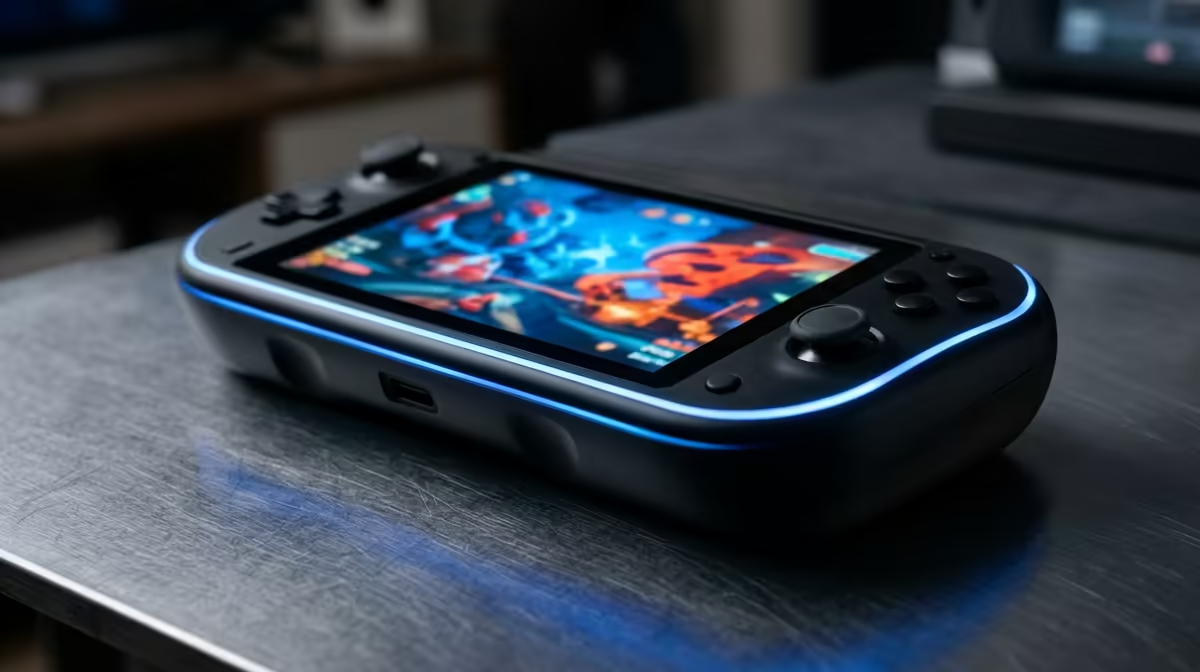
A fresh stuck pixel on a ROG Ally X handheld is annoying, but it rarely means the part is faulty. Most cases trace back to settings, cabling or firmware rather than dead hardware.
Quick Answer
A stuck pixel is usually fixable: run a pixel-cycling exerciser for 20 to 30 minutes and it often clears on its own. Unlike a dead pixel, it shows a single bright colour, which is the clue that recovery is realistic. Test at the native refresh such as 144 Hz, since a link that falls back to 60 Hz can mask the real issue.
Apply the careful tap method
On a powered-off screen, place a soft cloth over the spot and apply light, brief pressure as you power on. Keep the force minimal; the goal is to nudge the sub-pixel, not stress the glass.
Give it time and power cycles
Some stuck pixels clear after a few normal on-off sessions. Leave the exerciser running overnight if needed before deciding a ROG Ally X handheld needs a warranty look.
Identify stuck versus dead first
A stuck pixel glows one colour; a dead pixel stays black. Cycle through full-screen primaries to confirm, because only stuck pixels respond to the software fixes below.
Before you assume the part is faulty
Hardware faults are the rare exception, not the rule, with a ROG Ally X handheld. Most stuck pixel complaints come down to a default Windows setting, an under-spec cable bought to save a few Rand, or a driver that shipped before your exact panel was supported.
FAQ
Could stuck pixel mean my hardware is faulty?
Usually not. The cheap checks above resolve most cases, so only treat it as hardware if every setting, cable and driver step fails to help.
How long should I try the software fixes first?
Give the reversible steps a solid session, including a 20 to 30 minute exerciser or a full driver reinstall. If nothing changes after that, then escalate to a warranty conversation.
Does running Windows make this harder to fix?
No. Windows actually gives you the right tools (display rescan, ClearType, scaling controls) to clear most of these issues without extra software.
Buyer Tip
yourself a courier trip: confirm settings, cable and driver health before assuming the part is dead.