


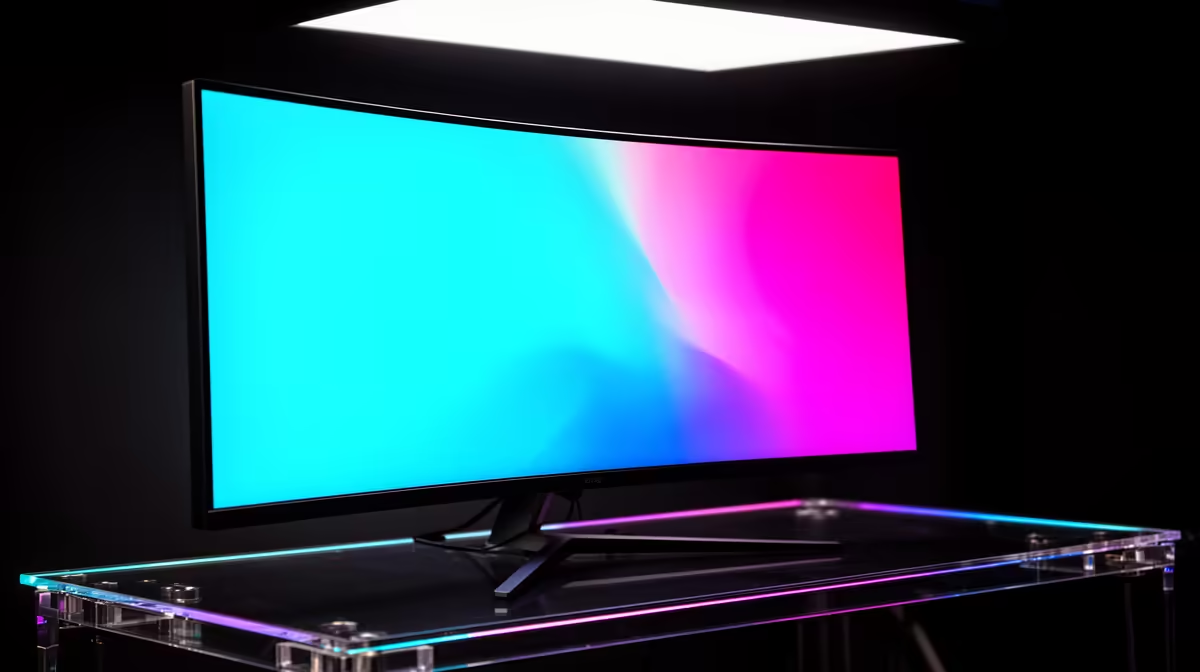
Many South African gamers leave free frames on the table because their refresh rate sits at a default value the cable or settings never raised.
Quick Answer
On a ultrawide build the refresh rate sits low because Windows saved a safe default or the cable caps the bandwidth. Raise it by hand and confirm the cable supports a 360Hz panel; no new parts are usually needed. If a part does turn out to be faulty, expect roughly R6,500 to R28,000 for a like-for-like swap, which is reason enough to test before you buy.
Match the cable to the bandwidth you need
High refresh at high resolution needs the right cable standard, so use DisplayPort or a high-bandwidth HDMI run rated for the panel. A cheap or old cable will cap the list of available rates well below a 360Hz panel. Swapping to a certified cable often unlocks numbers that simply were not appearing before.
Verify the driver is current and clean
An outdated or corrupt display driver can hide the higher rates entirely. Do a clean reinstall of the latest driver, reboot, and re-check the dropdown afterward. A fresh driver frequently restores a full ladder of refresh options that a broken one had hidden.
Set the rate in Windows display settings
Open Advanced display settings, pick the panel, and choose the highest listed refresh rate from the dropdown. Windows frequently saves a safe default after a driver update or a fresh install, so the panel runs slow until you raise it by hand. Apply, keep the change, and the difference is immediate.
FAQ
Should I enable adaptive sync as well?
If the panel and card support it, yes, adaptive sync smooths pacing and removes tearing without capping your rate. Turn it on in the GPU control panel after you have set the correct refresh rate.
Is it safe to keep using the rig while I troubleshoot?
For display and settings issues, yes, it is safe to keep testing. If you see heat warnings, repeated shutdowns, or burning smells, power down and inspect before continuing, since those point at power or thermal faults rather than software.
Does the resolution affect which refresh rates I can pick?
It does, because higher resolution needs more bandwidth, so a marginal cable may only offer the top rate at a lower resolution. A certified high-bandwidth cable lets you keep both the full resolution and the full rate.
Quick Win
Note the exact refresh rate, cable, and port that work today; a screenshot of your display settings turns any future regression into a thirty-second comparison.









