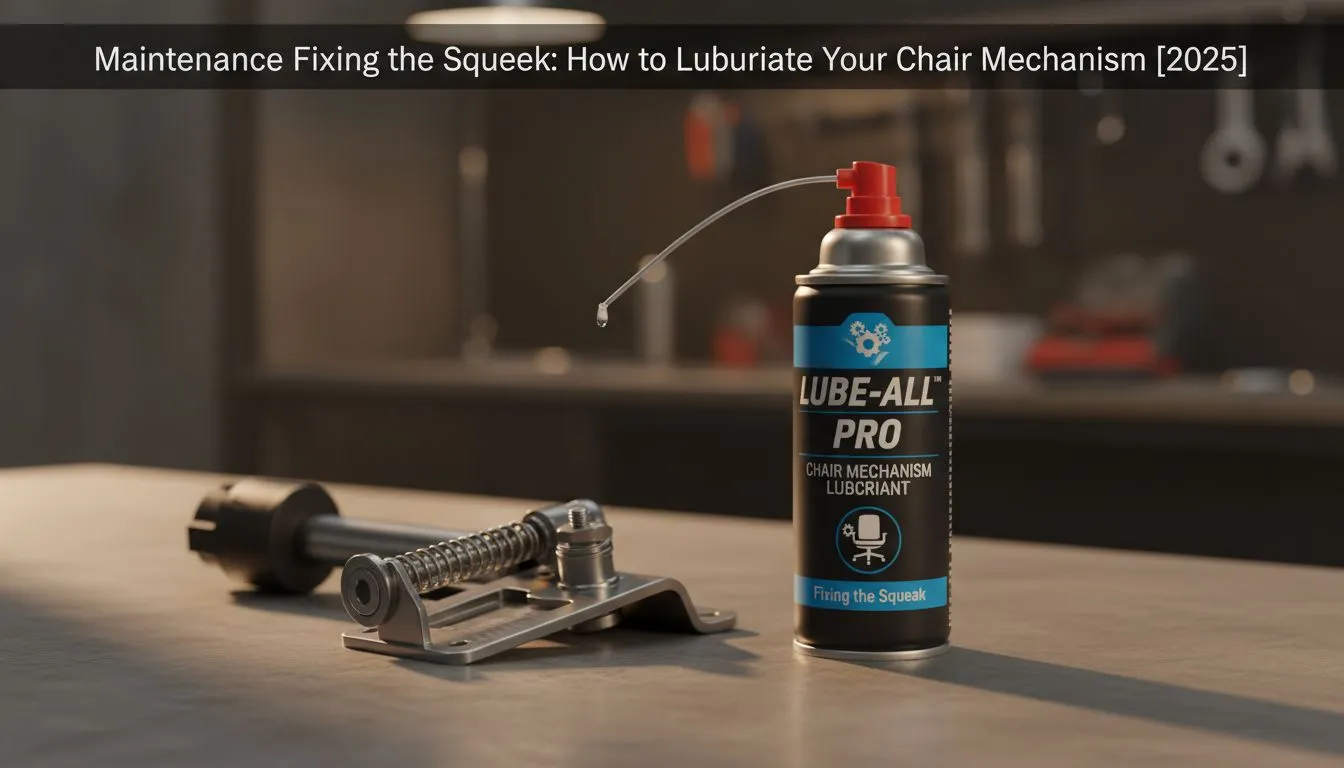
There is nothing worse than clutching a 1v3 situation in Valorant at 2 AM, shifting your weight, and having your chair let out a banshee-like shriek. That noise isn't just annoying; it breaks immersion and wakes up the house. Learning how to lubricate gaming chair mechanisms is a quick weekend project that restores silence and extends the lifespan of your setup. Let’s get that squeak sorted. 🤫
Why Is My Gaming Chair Squeaking?
Before you grab the toolbox, you need to identify the culprit. Generally, the noise comes from friction between metal parts that have dried out over time, or bolts that have loosened due to vibration.
Most gaming chairs in South Africa are built to withstand heavy daily use, but our dusty climate can work its way into the moving parts. The most common noise sources are:
- The Wheel Castors: Axles get clogged with hair and dust.
- The Gas Lift: The piston dries out.
- The Tilt Mechanism: Springs and tension knobs rub against the housing.
- Loose Bolts: Metal grinding on metal.
The Right Tools for the Job 🔧
Stop! Put down the standard WD-40. While it is a great solvent/cleaner, it is not a long-term lubricant and can actually dry out plastic components over time.
For premium materials found in Noblechairs gaming seats, you want to use a White Lithium Grease (spray can) or a Silicone Lubricant. These stick to the metal parts longer and don't attract as much dust as standard oil. You will also need the Allen key (hex key) that came with your chair and a paper towel.
Step-by-Step: How to Lubricate Gaming Chair Mechanisms
1. Tighten Every Bolt
Flip your chair over. Using your Allen key, tighten every visible bolt connecting the mechanism to the seat base and the arms. Even reliable, value-focused brands like Enova chairs need their hex bolts tightened every six months to prevent the frame from flexing and creaking.
2. Grease the Mechanism
Locate the springs and the heavy metal box under the seat (the tilt mechanism). Spray a small amount of lithium grease into the joints where the metal moves. High-performance models, such as Vertagear gaming chairs, often have complex tilt-lock systems... ensure you spray the pivot points precisely and wipe away any excess drip.
3. Service the Wheels
Pull the wheels out of the base. Remove any hair or carpet fibres wrapped around the axle (this is usually the main cause of resistance). Spray a tiny burst of silicone lube into the axle slot and pop them back in.
Maintenance Pro Tip ⚡
Don't wait for the noise to start. Treat your chair like your PC rig; give it a 'service' every 6 months. A quick tighten of the bolts and a spray of silicone on the gas lift will keep the hydraulics smooth and prevent the dreaded 'sinking chair' syndrome.
When Is It Time to Replace?
Sometimes, lubrication isn't enough. If the plywood inside the seat base is cracked, the gas lift is completely seized, or the metal frame is bent, no amount of grease will fix the safety hazard.
If your current seat has seen better days and the wobble is permanent, it might be cheaper to replace it than to hunt for spare parts. You can find excellent gaming chairs under R5000 that offer fresh ergonomics and warranty support without breaking the bank.
Ready to Upgrade Your Throne?
If the squeaks persist or the cushion has collapsed, it’s time to retire that old seat. Your back deserves better support for those long gaming sessions. Browse our full range of gaming chairs and find the perfect fit for your setup today.