


Quick Answer
For LAN party preparation, a CPU cooler should be your next upgrade only if your CPU throttles or runs loud during long sessions; otherwise prioritise a portable case or a better GPU first. A R350 to R700 tower air cooler keeps a gaming CPU near 65 to 75 degrees Celsius and quiet for an all-day LAN.
When The Cooler Is The Right Next Step
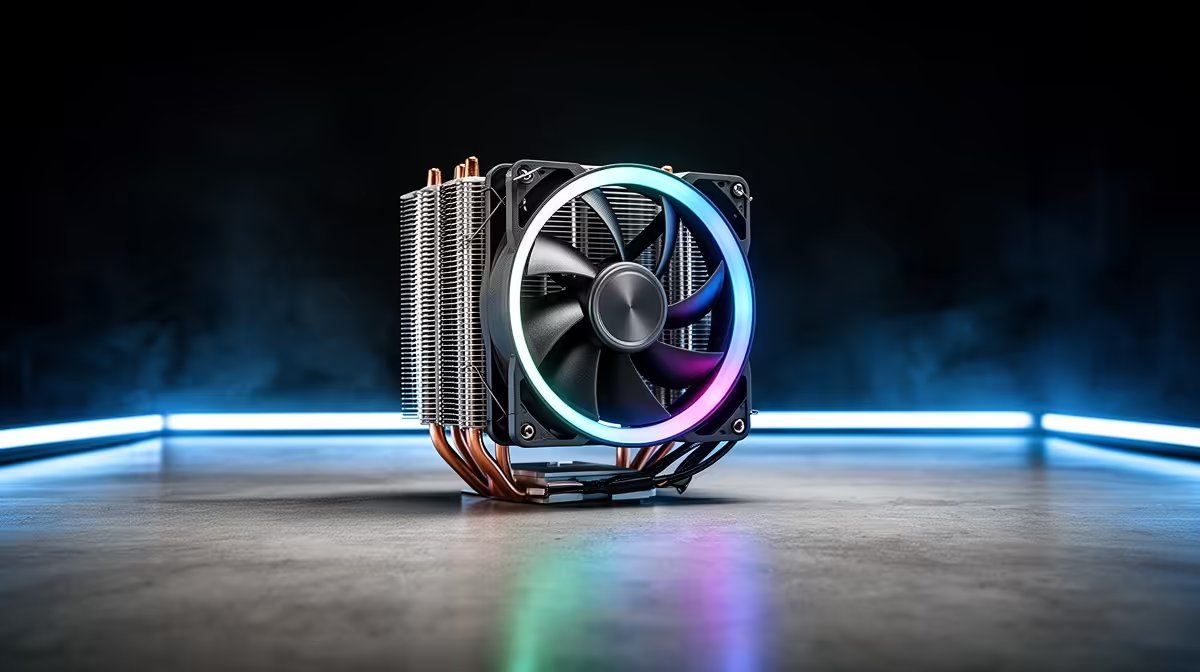
At a LAN you game for hours straight, often in a warm hall, so a CPU that throttles or whines under sustained load hurts both your fps and your neighbours' ears. If that describes your rig, a R350 to R700 tower air cooler is a smart next upgrade, holding a Ryzen or Core CPU near 65 to 75 degrees Celsius at under 30 dBA through an all-day session. A cooler that keeps the chip off its thermal limit preserves boost clocks so a competitive title holds a steady 144fps in a hot venue.
But if your CPU already runs cool and quiet, the cooler is not your priority.
When Something Else Comes First
If your temperatures are already fine, spend on what actually limits your LAN experience: a portable case to transport the PC safely, or a GPU upgrade for higher fps in your main titles. A LAN rig that is hard to carry or drops frames benefits more from those than from a cooler it does not need. Decide by checking your CPU temperatures under a long gaming load first.
Match The Cooler To LAN Conditions
A warm, crowded venue raises ambient temperature, so a cooler with good headroom matters more than at home. Check cooler height against your case clearance, often 150mm to 170mm, and confirm socket support. An air cooler with no pump to fail is also more reliable for transport than an AIO. Pair it with two intake and one exhaust 120mm fan for steady airflow.
FAQ
Should a CPU cooler be my next LAN upgrade?
Only if your CPU throttles or runs loud during long sessions. A R350 to R700 tower cooler then keeps it near 65 to 75 degrees Celsius and quiet. If temperatures are already fine, prioritise a case or GPU.
How do I know if my CPU needs a better cooler?
Check temperatures under a long gaming load. If the CPU nears or hits its 80-to-84-degree throttling point, or the cooler is loud, an upgrade helps. Steady, quiet temperatures mean the cooler is fine.
Is an air cooler better than an AIO for a LAN rig?
For transport, yes. An air cooler has no pump to fail and survives being carried better than an AIO. A good tower cooler handles a gaming CPU through an all-day LAN session reliably.
CPU temperature under a long gaming load before upgrading; if it stays off the throttling point and runs quiet, spend on a portable case or GPU instead of a cooler.











