


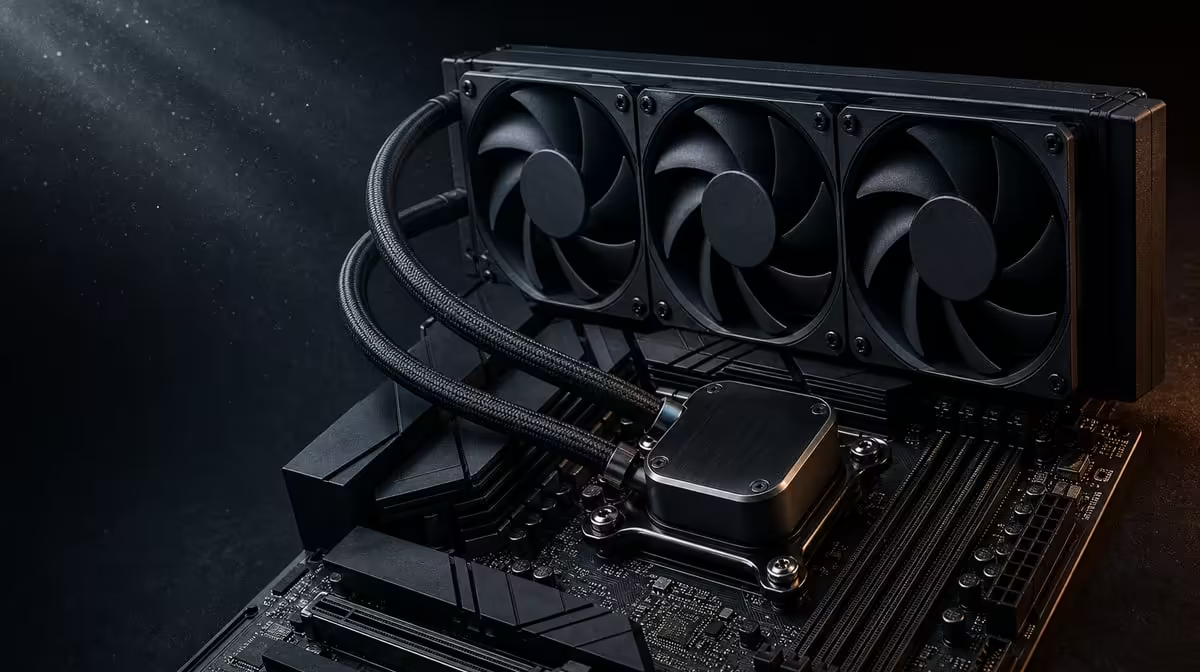
A liquid cooler installation succeeds when case fit, mounting, connections and first-load behaviour are all checked in order. To install and optimise a DeepCool LQ360 CPU cooler, use the exact model instructions and establish normal operation before changing fan or processor controls. The LQ360 arrives within this R38,999 9950X3D platform.
Quick Answer
Confirm that the chosen case supports the DeepCool LQ360, plan radiator and fan placement, mount it according to its instructions, and connect pump and fans using the ROG Crosshair X870E Dark Hero guidance. On the R38,999 kit's first boot, verify operation and observe temperatures under a representative load. Optimise controls one change at a time; the cooler cannot guarantee one temperature or continuous 5.7GHz operation.
📐 Plan the physical installation
Check the chassis documentation for LQ360 radiator support in the intended position. A case may accept a large radiator at the front but not the top, or may create conflicts with memory, cables or the graphics card. Use exact measurements from the component documentation rather than a general case-size label.
Decide the airflow path before mounting. Radiator position influences where warmed air travels, and the eventual GPU adds its own heat. Map intake and exhaust so fans are not fighting one another.
Confirm access to the Dark Hero's cooler and fan connections. Route cables without crossing fan blades or creating pressure on connectors. Consider the assembly order, because installing a large graphics card first can make the pump or fan headers difficult to reach.
Inspect the included mounting hardware and follow the DeepCool sequence. Do not substitute a generic 360mm-cooler diagram for the model instructions.
🔩 Mount and connect carefully
Prepare the CPU and cold-plate contact area as directed by the cooler instructions. Use the correct hardware for the platform, apply even mounting pressure and avoid forcing a bracket that does not align.
Secure the radiator and fans in the planned orientation, checking that screws and cables do not interfere with the cooler. Keep the tube route free from sharp bends or tension created by other components.
Connect pump and fans to the documented Dark Hero headers. Confirm the board's control mode and monitoring path from its manual. A fan spinning does not by itself prove that every part of the loop is operating.
Before closing the case, perform a visual inspection. Look for loose connections, trapped cables, blocked fans and any obvious installation problem. Confirm that the 48GB KLEVV memory remains fully seated after working around the socket area.
Evetech's AMD motherboard selection provides exact board context if the cooling plan is being compared across platforms.
🌡️ Verify the first-load behaviour
At first boot, observe whether pump and fans are detected and behave plausibly. Check an idle reading, then introduce a moderate representative CPU workload. Watch the temperature trend over time instead of relying on one instant.
If temperature climbs abnormally quickly, stop heavy testing. Recheck the cold-plate mount, pump connection, fan operation and airflow. Do not attempt to solve a physical installation problem with aggressive software changes.
Ambient room conditions affect results. Record whether the test occurs in a warm or cool environment. The same LQ360 can report different temperatures across seasons without either number proving a fault.
The 9950X3D's up-to-5.7GHz figure describes maximum boost capability. Workload, active cores, temperature and power shape observed clocks. A correctly installed cooler supports thermal headroom but does not force every load to remain at the peak.
Use several workloads. A game, creation task and synthetic load can stress the CPU differently. The normal operating target should reflect the work the owner performs, with extreme tools used cautiously and stopped if behaviour appears unsafe or unstable.
🎚️ Optimise controls from a baseline
Record the working pump and fan settings before changing them. Adjust one curve or control, repeat the same workload and compare temperature, noise and clock behaviour. This makes the effect traceable.
The lowest temperature is not automatically the best result if it requires unnecessary noise. Look for a sensible balance where the processor operates correctly through the intended load and fan behaviour remains acceptable.
Do not tune memory and cooling simultaneously. The KLEVV DDR5-7200 target needs its own stability process. Changing memory, processor and fan settings together makes errors difficult to diagnose.
Inspect the cooler periodically for blocked airflow, dust on the radiator or changed fan behaviour. Use the baseline to recognise a meaningful shift, but do not claim a fixed lifespan or maintenance interval without evidence.
Evetech's AMD CPU category places the cooled 9950X3D among other processor choices, while Evetech's AMD kit range shows coordinated alternatives. Check current availability after the case and thermal plan are complete.
Create a noise-and-temperature table for three useful states: idle, a normal game and a sustained work task. Record the room conditions and let each test settle. The table makes curve changes comparable and prevents a momentary peak from dominating the decision.
If a quieter profile is tested, confirm that temperatures and clocks remain appropriate through the full workload. If a more aggressive profile is tested, decide whether the reduced reading is worth the added noise. Keep the original working curve available so the change is reversible.
Frequently Asked Questions
What should be checked before mounting?
Confirm exact case support, radiator position, component clearance, airflow direction and access to board connections.
Why should the LQ360 instructions lead?
Mounting hardware, sequence and connections are model-specific, so generic liquid-cooler guidance may not apply.
Which connections need verification?
Check the pump and radiator-fan paths against the exact Dark Hero documentation.
How should operation be tested?
Observe detection and idle behaviour, then use a moderate representative load while watching the temperature trend.
When should optimisation begin?
Only after correct mounting, normal pump-and-fan operation and a stable thermal baseline are established.
Does the cooler guarantee one CPU temperature?
No. Workload, case airflow, ambient conditions, controls and installation influence the reading.
What if temperatures rise unexpectedly?
Stop heavy testing and inspect mounting, pump, fans, connections and airflow before changing performance settings.
Ready to make the LQ360 installation repeatable from mounting to first load? Explore Evetech AMD platforms and complete every case, connection and baseline check before optimisation.










