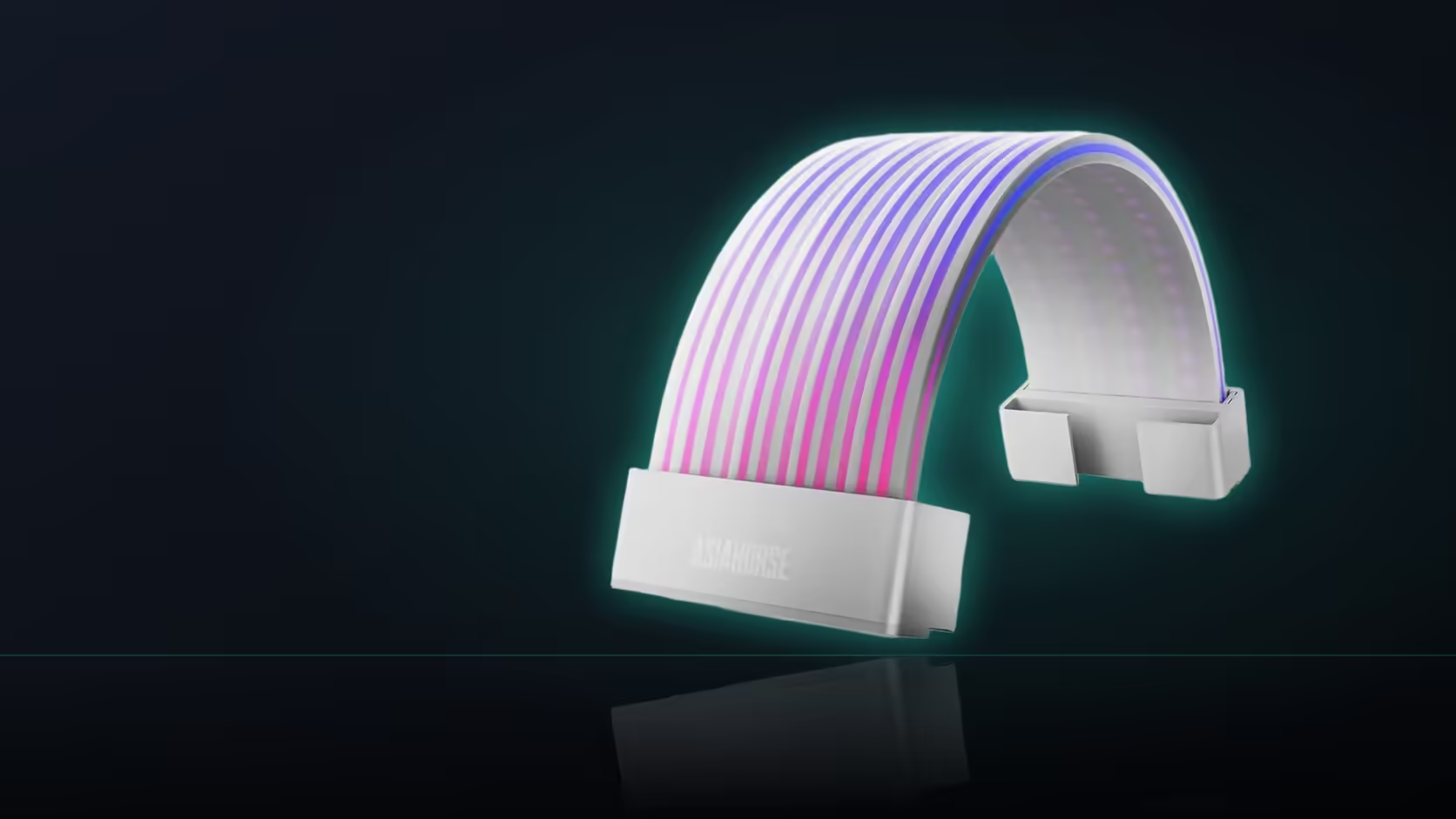
It's an easy step to skip: tuck every cable neatly into the rear chamber, tie the bundle down tight, and move on to the next part of the build. With AsiaHorse's Aurora ARGB cover kit sitting somewhere in that bundle, skipping the access question at this stage is exactly how a shell that was easy to fit becomes genuinely difficult to remove later.
Quick Answer
Before closing up the rear cable chamber, leave a clear path to wherever the Aurora kit's clip points sit. That's how the shell comes off again if it ever needs to, and that access disappears quickly once ties and bundled cables close in around it. A shell buried behind a tightly tied bundle is considerably harder to release than one left with even a small gap beside it.
🔓 Where the clip points actually sit
The clips run along the edge of the shell, where it closes around the cable - which is exactly the same area any nearby tie or bundle will restrict if routed too close. It's a narrow strip of space that's easy to overlook while focused on getting the overall cable routing to look tidy.
🤔 Why access matters after the initial install
The shell might need to come off to reach the cable underneath for any reason, or simply because the layout changes later - a new graphics card with a different power connector position, say, or a decision to move the shell's placement once the rest of the build is finished and the original position no longer looks right in context.
🚫 What typically blocks the clips
Two things, usually: tied bundles running directly alongside the covered section, and components fitted afterwards - a drive cage loaded with storage, a second cable cover fitted close by - that end up sitting right against the shell without anyone planning for it.
⏱️ When to check this
Before the final tie-down, while the routing can still be adjusted. Once cables are tied into their final bundle and everything else is buttoned up, working a gap back in beside an already-buried shell means undoing more than just the last step.
🕳️ Does the rear chamber matter for a front-facing shell too?
Often, yes - the run frequently passes through a cable grommet on its way to the rear chamber, and the cable behind that point is exactly what tends to get tied down tightly. Even a shell sitting entirely on the front-facing side of the build can have its release access compromised by what happens on the other side of that grommet.
✋ What it actually takes to unclip a shell
Fingers, generally - no tool is normally needed. That's precisely why preserving finger access is the whole point here; a shell that needs prying loose with something else entirely defeats the purpose of a clip-on design in the first place.
🪢 Should ties near the shell be left looser?
Slightly looser ties along the section nearest a fitted cover keep the option open to release the shell later without needing to cut anything - a small compromise on tidiness that pays off the first time the build needs opening up again. Evetech's cable management accessories are worth having on hand for exactly this kind of balance between a tidy bundle and genuine future access.
🔗 Does this affect other lit accessories nearby?
If a fan hub, a lit AIO pump head, or an RGB strip shares the same rear chamber, the same access principle applies to all of them - anything that might need reseating or replacing later deserves the same small gap in the tie-down rather than being buried along with the Aurora shell. Planning cable access as a single pass across the whole rear chamber, rather than one component at a time, tends to catch these cases before they become a problem. Other addressable products that might share this same access consideration sit in Evetech's case lighting range.
Frequently Asked Questions
Where are the Aurora shell's clip points located?
Along the edge where the shell closes around the cable - the same area any nearby tie or bundle would restrict if routed too close.
Why does clip access matter after the initial fit?
The shell may need to come off later to reach the cable underneath, or to move the cover if the build's layout changes.
What usually ends up blocking the clips?
Tied bundles running alongside the covered section, plus components fitted afterwards that end up sitting close to the shell.
When is the best time to check for clip access?
Before the final tie-down, while the surrounding cable routing can still be adjusted to leave a gap beside the covered run.
Does the rear cable chamber matter for a front-facing shell?
It can - the run often passes through a grommet, and the cable behind that point is what tends to get tied down tightly.
Is a tool needed to release the clips?
Normally not - fingers are enough, which is exactly why preserving that finger access is worth planning for.
Should ties near the shell be left slightly loose?
Yes - looser ties near the covered section keep the option to release the shell later without having to cut anything.
Planning your cable routing around a lit cover?
Check Evetech's cable management range to balance a tidy bundle with future access.