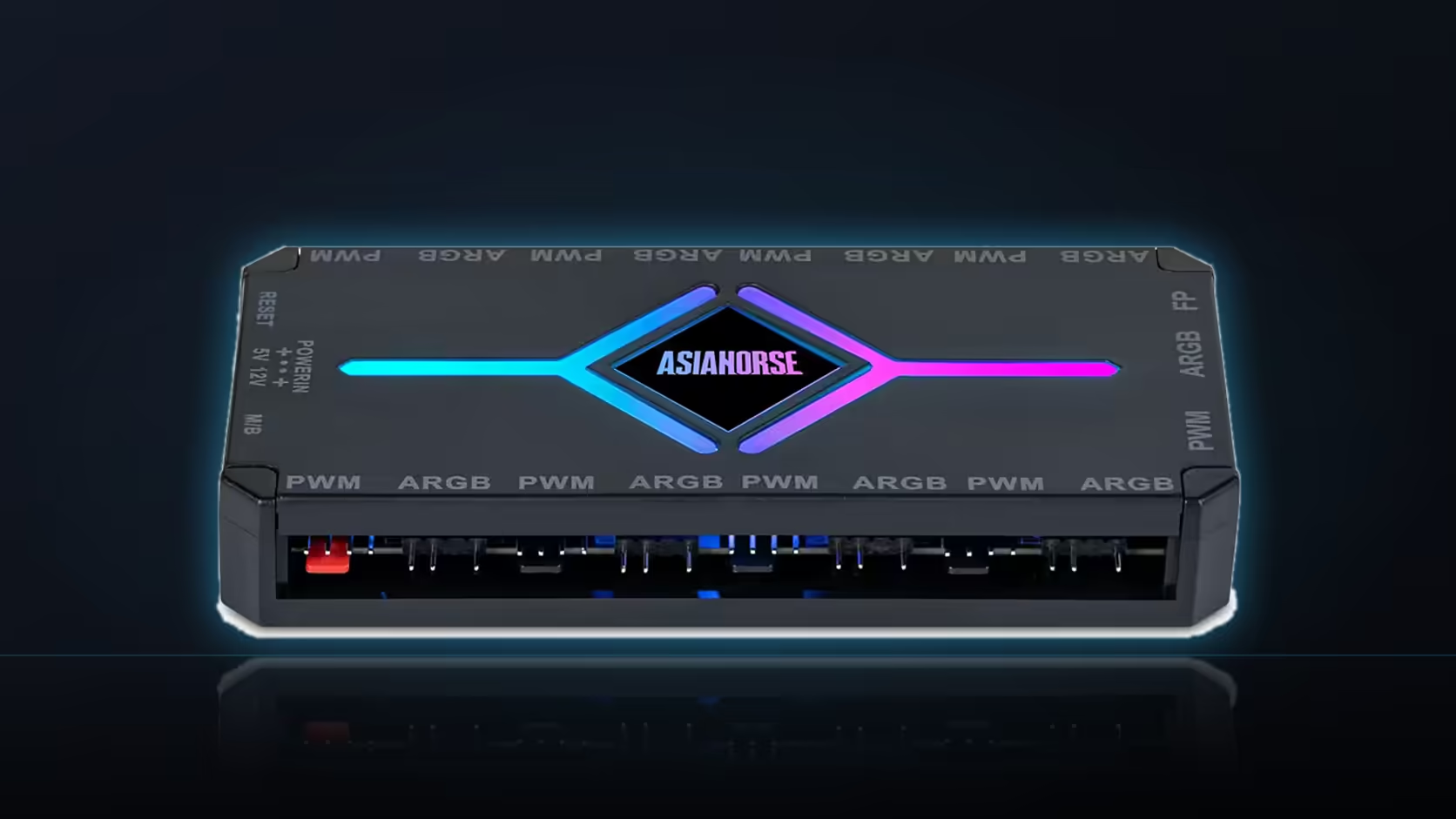
Nine fan ports and nine lighting ports on the ASH-S1 look manageable while the case is open and every cable is visible, but that clarity disappears the moment the side panel goes back on - at which point eighteen near-identical connections become impossible to trace without disturbing half of them to find the one that matters.
Quick Answer
Write down which device connects to which port on the ASH-S1 before the case is closed up for the last time, keeping the fan bank and the lighting bank as two clearly separate lists. Eighteen similar-looking connections are effectively untraceable once every cable disappears behind a tray, and a simple written record turns a later fault from a lengthy search through the whole case into a direct lookup at one specific port.
🧵 Why the wiring becomes untraceable so quickly
While a build is open on the bench, every connection is visible and fresh in memory - which port got which fan, which lighting device went where. That clarity is temporary. Cables get routed behind the tray, tucked under grommets, and bundled together for tidiness, and within a week or two the exact routing is no longer something anyone remembers with confidence. This is not a failure of memory so much as a predictable outcome of how many similar connections there are to keep straight - nine PWM connectors that all look the same, and nine 5V addressable connectors that also all look the same, distinguished only by which specific fan or strip happens to be on the other end.
The practical cost of this shows up the first time something stops working. Without a record, tracing a single unresponsive fan means following its cable back through the bundle by hand, which in a tidy build means partially undoing cable management just to identify one connection - awkward, slow, and a good way to accidentally disturb something else that was working fine.
📝 What actually belongs on the list
The list needs two sections, one for each bank, and each entry needs a port number against the specific device connected there - "PWM port 3: front intake fan," "ARGB port 6: side strip," and so on for every populated port. It does not need to be elaborate. A plain text note, a spreadsheet row, or even a photo of the hub with cables labelled in marker all work, provided the mapping between port number and device is unambiguous.
Chained devices are worth flagging specifically on the list, since a single port feeding several lighting items downstream means a fault at that port affects everything on the chain at once - useful context to have on hand before assuming the whole hub has failed when actually one chained branch is the problem. A photograph of the hub with everything connected is a reasonable supplement to a written list, though it tends to be harder to read quickly than a plain numbered list when you are actually troubleshooting under time pressure.
🔍 Where the record earns its keep later
The obvious payoff is troubleshooting - a fan or lighting device stops responding, and the list points straight at the relevant port rather than leaving you to check all eighteen positions in turn. Less obviously, the same list is useful any time the build changes: adding a fan or a lit cable cover months later means knowing at a glance which ports are already occupied and which are genuinely free, without reopening the case just to look. Plan any new additions against a list like this by checking Evetech's case fan range before buying, and where fewer ports would keep the record itself simpler to maintain, the NZXT fan controller is worth a glance too.
Frequently Asked Questions
What specifically belongs on the port list?
Each port number against the device connected to it, kept separately for the fan bank and the lighting bank.
Why not just trace the cable later if something fails?
Because eighteen similar cables disappearing behind a tray look identical, and following one means disturbing the rest.
Would a photograph do the job instead of a written list?
A photograph of the hub with its cables connected helps, though it is harder to read than a written list of port assignments.
When is the list actually most useful?
When one device stops working, since the list points straight at the port to check rather than at all nine.
Should chained devices be noted differently on the list?
Particularly so, since a chain on one port means a fault there affects several devices at once.
Where should this list realistically live?
With your build notes, or photographed, so it survives longer than a note left loose on the desk.
Does the list also help when adding devices later?
It does, since the list shows immediately which ports are free without opening the case to look.
About to close up a build with a fully wired hub?
Write down your port map first, then browse Evetech's case fan range if anything still needs adding.