Quick Answer
For Telkom LTE gaming in Gqeberha, fix lag spikes by testing on Ethernet first, logging ping for 10 minutes, and separating local network issues from provider routing. Lag spikes usually come from Wi-Fi interference, router queueing or peak-hour routing rather than the game itself. The practical target is ping stability within 20-30ms during a 10-minute test before blaming the PC or the game server.
Start With A Wired Baseline
Connect the gaming PC directly to the router with Ethernet and test at the same time you normally play, especially between 19:00 and 22:00. If the wired test is stable but Wi-Fi jumps from 25ms to 180ms, the fix is inside the room: 5GHz placement, channel width, router load or weak signal. If wired also fails, note the time, city and game server region for a cleaner support report.
Check The Router And Access Link
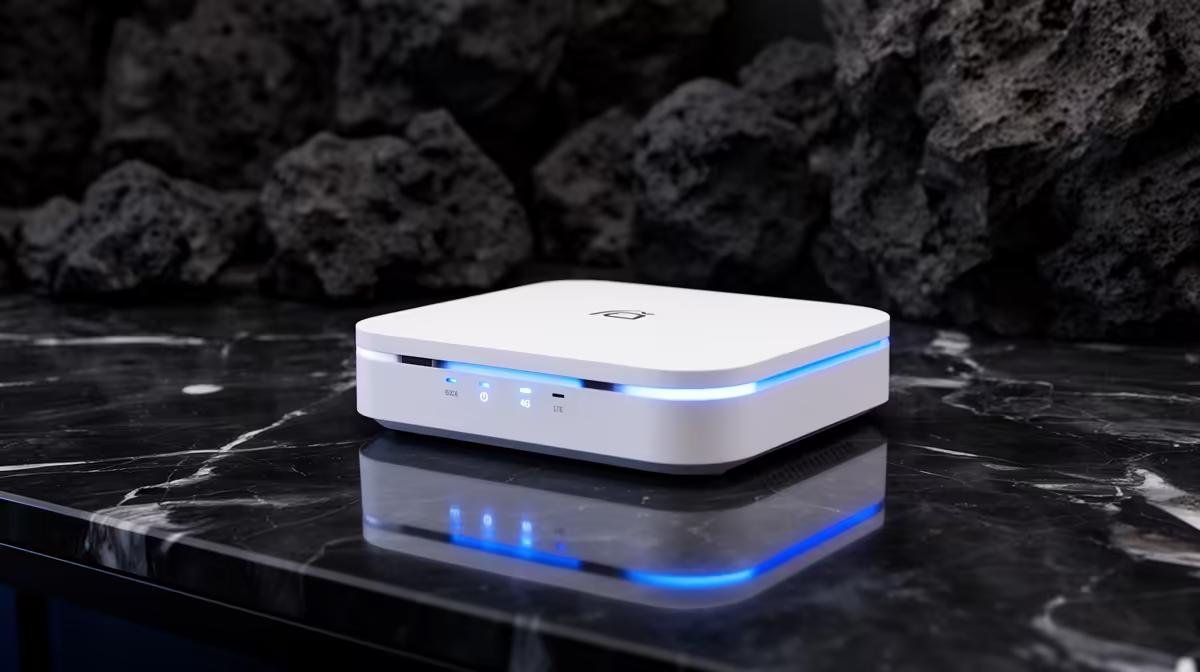
For Telkom LTE in Gqeberha, the main checks are LTE signal, RSRP, RSRQ and tower congestion. A Wi-Fi 6 router in the R1,200-R3,500 band, such as TP-Link Archer MR600 or a Huawei B535-class LTE router, can help when the old router buffers traffic or shares one crowded 2.4GHz channel. Keep the gaming PC on Ethernet where possible, and reserve Wi-Fi for phones and casual devices.
Separate Game Lag From Line Faults
Use a local ping test, then a Johannesburg or Cape Town server, then the game server. If only one game spikes, its server route may be the issue. If every test shows loss or jumps, capture three samples with time stamps, loss percentage, average ping and whether the test was wired. That evidence is stronger than saying the line feels bad.
FAQ
What packet loss or ping spike is bad for gaming?
For shooters and ranked games, sustained packet loss above 1% is bad, and repeated jumps above 100ms will feel rough even if the average ping looks fine. For casual games, short spikes matter less, but voice chat and hit registration still expose the issue.
Should I replace my router first?
Replace the router only after a wired test proves Wi-Fi or router queueing is the weak point. If Ethernet also shows loss, a new router may not fix the provider-side fault.
What should I send support?
Send the city, provider, test time, wired or Wi-Fi status, average ping, worst ping and loss percentage. A 10-minute log from Gqeberha is much easier to act on than a general complaint.
Buyer Check
For Telkom LTE in Gqeberha, run one wired 10-minute test before and after any router change, then keep the screenshots with time and loss percentage.