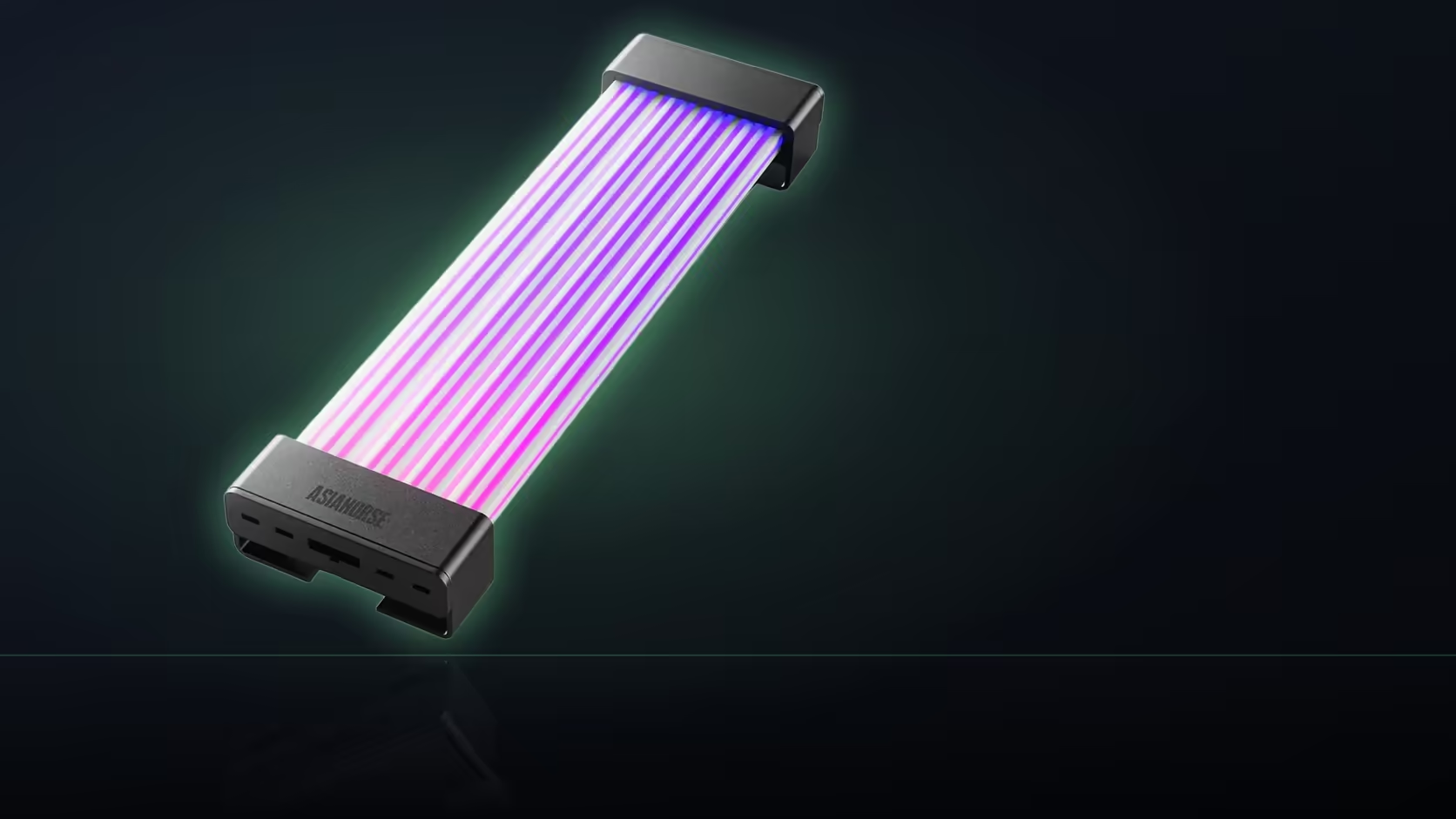
Fitting a lit cable cover is less about the cable and more about the window it has to show through. AsiaHorse's Aurora ARGB cover kit ships with two shells of fixed length, and neither one adjusts to whatever a particular case happens to display. Before deciding where either shell sits, it's worth measuring what the case window actually shows rather than guessing from the cable route alone.
Quick Answer
Measure the visible span through your case's window before deciding where the Aurora kit's two covers go. Each shell is a fixed length - the graphics cover is the longer and narrower of the pair, the board cover the shorter and wider - and a shell longer than the visible span will simply run past the window into the part of the case nobody sees. Getting that measurement right first is what decides how much of the R699 kit actually shows once the panel goes back on.
📐 Two shells, two different footprints
The kit isn't a single universal cover cut to size - it's two purpose-built shells, each shaped for a specific run. The 24-pin board cover is the wider of the pair, built to sit across the motherboard power connection. The graphics cover is longer and narrower, built to follow the eight-pin run as it comes up from the power supply shroud towards the card. Because each is a moulded, fixed-length piece, neither can be trimmed or extended to match a particular case - the placement has to work around the shell's own dimensions rather than the other way round.
Working out what the window actually shows
With the side panel on, the honest way to check is to mark where the window's edges fall against each cable run, then measure the distance between those two points. That figure - not the total length of the cable, and not the shell's own length - is what tells you how much of a fitted cover will genuinely be visible day to day.
🔍 What happens when a shell overruns
If the visible span is shorter than the shell itself, part of the cover simply sits past the edge of the window, inside the section of the case a panel or shroud hides. That's not necessarily a failure - light spilling out from a partly hidden section can still read well, adding a glow at the edge of the window rather than a hard cut-off - but it does mean part of what was paid for isn't doing visible work. Knowing that in advance, rather than discovering it once the panel's back on, changes how each shell gets positioned.
🛠 Placing each shell against its own constraint
The graphics cover is the one more likely to run past a visible window, since it's the longer of the two and the graphics power run is often routed at least partly behind a shroud before it reaches daylight. The board cover tends to sit more fully within a typical window, though its extra width is worth checking against whatever sits beside that run - a drive cage or shroud edge can crowd it even when the length fits comfortably.
A dry fit with both shells laid loosely in position, panel held up briefly to check the view, is worth the few minutes it takes before either is actually clipped shut. It's a lot easier to reposition a loose shell than one that's already fastened, and Evetech's cable management accessories can help tidy whatever's left visible either side of the covered section once the placement is settled.
🔌 The connection doesn't change either way
Wherever the shells end up sitting, both still get their power and sync signal from the one 5V 3-pin motherboard header - measuring placement has no bearing on that part of the install, which stays the same regardless of how the window ends up framing each cover. Evetech's case lighting selection shows a few other examples of that same window-versus-shell trade-off, if it helps to see the reasoning applied elsewhere.
Frequently Asked Questions
How do the two shells differ in shape?
One is shaped for the 24-pin board run and the other for the graphics run, with the graphics cover the longer and narrower of the pair.
What happens if my window is shorter than the shell?
Part of the shell sits outside the window, so the lit section actually visible ends up shorter than the shell you fitted.
Does that make the fit a poor choice?
Not necessarily - light spilling from a partly hidden section can still look good, though some of the shell's length goes unseen.
How should I measure the visible span?
With the panel fitted, mark where the window edges fall against the cable run, then measure the distance between those two marks.
Can either shell be trimmed to fit a smaller window?
No - both are moulded to a fixed length, so placement along the run is the only variable available to adjust.
Which shell is more likely to run past the window?
The graphics cover, since it's the longer of the two and that run is often routed partly behind a power supply shroud.
Does shell width matter as well as length?
Yes for clearance - the board cover is the wider of the two, which is worth checking against whatever sits beside that run before fitting.
Planning where your cable covers will actually show?
Check Evetech's cable management accessories to tidy the rest of the run once placement is settled.