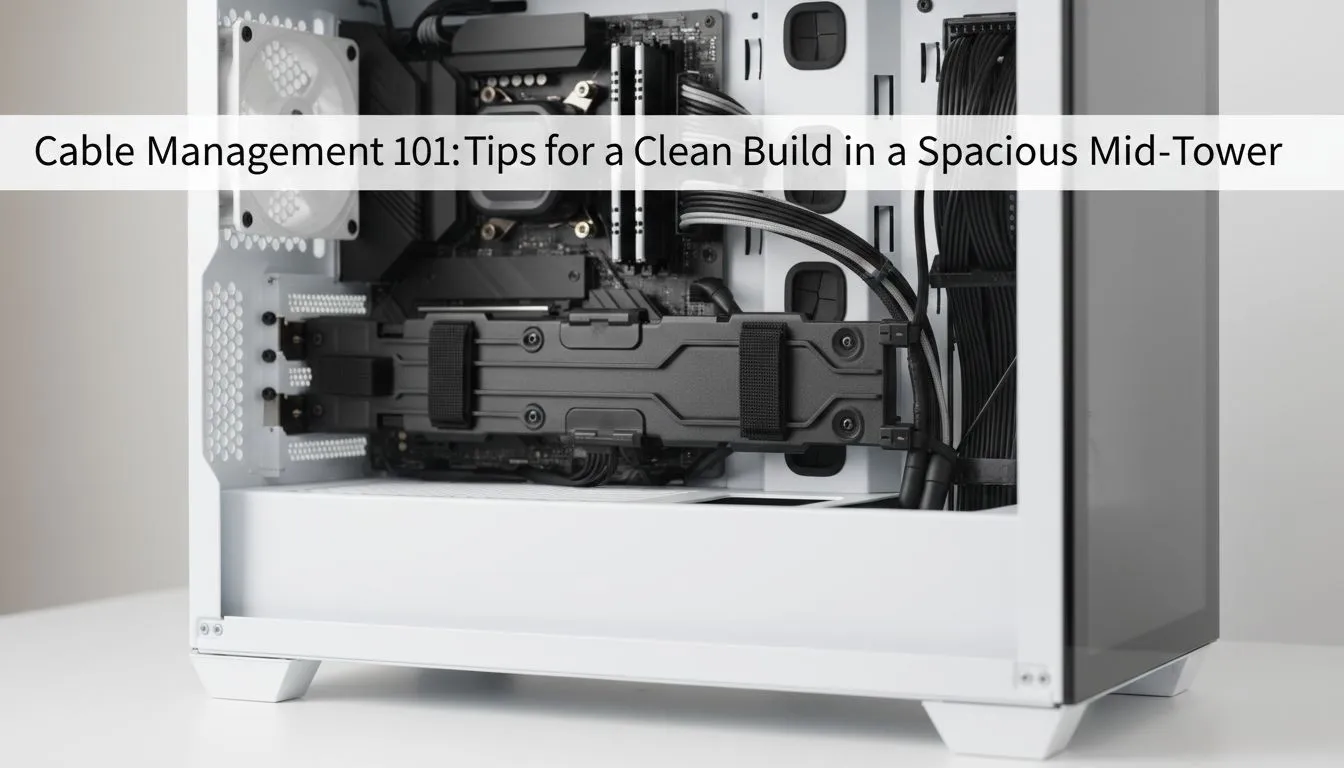
Why Mid-Tower Cable Management Matters
Building a PC in South Africa is a rewarding experience. You’ve saved your Rands and picked the best parts. But once you start assembly, the wires can become overwhelming. Effective mid-tower cable management is the difference between a professional rig and a messy one. It isn't just about the looks... it directly impacts your system's airflow and cooling efficiency.
When you look for new computer cases, prioritise those with dedicated routing channels. A well-designed interior allows you to hide the bulk of your power cables behind the motherboard tray. This keeps the main chamber clear for air to flow. Proper cable routing helps to optimise the thermal performance of your components. This is vital during those hot summer afternoons in Johannesburg.
Choosing the Right Chassis for Your Build
For those who value premium build quality, Fractal Design PC cases are a top choice. They feature integrated Velcro ties and well-placed rubber grommets. These small details make mid-tower cable management much easier for beginners. You can easily path your thick 24-pin cable without it pushing against the side panel. It makes the entire process feel like a structured project rather than a struggle.
The 'Back-to-Front' Strategy ⚡
Always route your largest power cables first. Secure the 24-pin ATX and 8-pin CPU cables flat against the chassis before adding smaller fan or RGB wires. This prevents a massive bulge that stops your side panel from closing properly.
Professional Cable Routing on a Budget
If you are working with a tighter budget, Gamdias gaming cases offer fantastic value. Many of these models include power supply shrouds to hide excess cables. You can find excellent gaming cases under R1500 that still provide enough cut-outs for a clean build. A shroud hides the "rat's nest" of wires coming from a non-modular power supply.
Essential Steps for a Tidy Interior
Always use zip ties or Velcro to group cables together. Grouping prevents "cable sprawl" and makes future upgrades much simpler. Group your RGB cables carefully to ensure your chosen colour scheme isn't interrupted by stray wires. Remember to leave a little bit of slack near the connectors. This avoids tension on the motherboard headers. A clean build is a happy build... and it makes showing off your hardware much more satisfying.
Ready to Build Your Cleanest PC Yet?
A tidy build starts with the right chassis. Whether you want premium silence or high-airflow aesthetics, we have the perfect case for your next project. Explore our massive range of computer cases and start your clean build journey today.