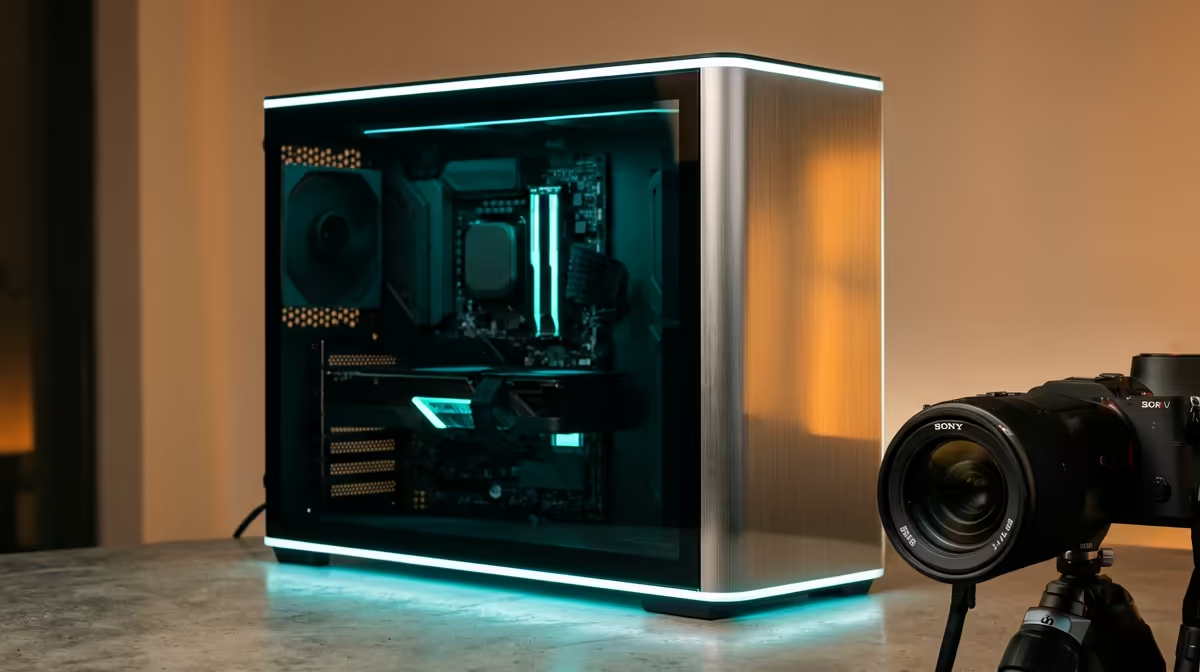
A minimum 1080p PC for general office and productivity work needs a snappy, reliable machine rather than gaming muscle, so the budget goes into responsiveness and quiet operation. This SA build guide targets fast everyday work with light gaming on the side.
Quick Answer
A solid 1080p office and productivity PC costs around R9,500 in SA: a 6-core CPU with integrated graphics, 16GB DDR5, and a 1TB NVMe SSD. This handles spreadsheets, browser tabs and video calls smoothly and plays light 1080p titles at 60fps. No dedicated GPU is needed for office work.
Where the budget goes for office work
Responsiveness comes from RAM and storage, not a graphics card. Put 16GB of DDR5 and a 1TB NVMe SSD ahead of any GPU spend; these keep dozens of browser tabs, Office apps and video calls fluid. A modern 6-core CPU with integrated graphics covers display output and light gaming without the cost of a discrete card.
Skip the dedicated GPU
For pure office and productivity, integrated graphics drive dual 1080p monitors and light esports titles at 60fps. Save the R4,000 a discrete card would add and redirect it to a second monitor and a comfortable chair, which improve productivity far more than graphics power ever could at this tier.
FAQ
Do I need a graphics card for an office PC?
No, a modern 6-core CPU with integrated graphics drives dual 1080p monitors and plays light titles at 60fps. Spend the saved R4,000 on RAM, storage or a second monitor instead.
How much RAM for productivity work?
16GB of DDR5 is the sweet spot for heavy browser and Office multitasking. It keeps dozens of tabs and a video call fluid without the cost of 32GB you would not use for office tasks.
What makes an office PC feel fast?
A 1TB NVMe SSD and adequate RAM, not the CPU's peak speed. Fast storage makes boot, app launch and file work feel instant, which is what defines a snappy office machine.
Spend on responsiveness, not graphics. Build a R9,500 office PC at Evetech with 16GB DDR5 and a 1TB NVMe SSD for fast, quiet everyday work.