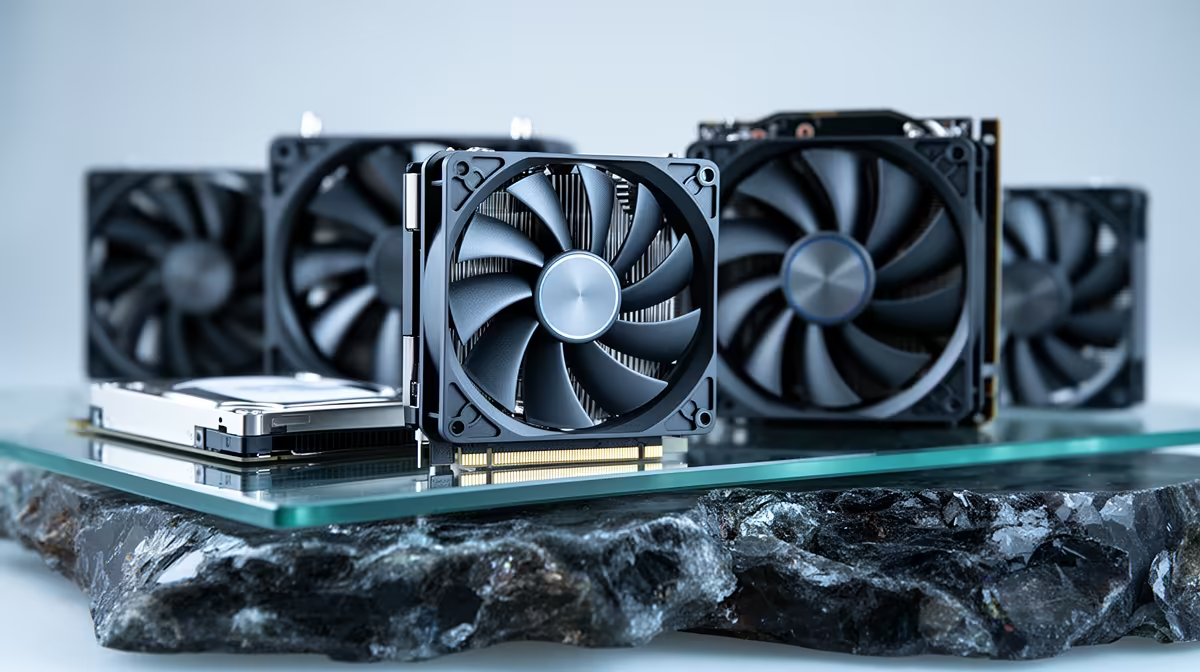
A new PC noise is easiest to identify before it becomes part of the room. Fan contact tends to repeat with blade speed. Coil whine changes with electrical load and frame rate. A mechanical hard drive can make normal seek sounds, though new repeated clicking with errors or disappearing storage calls for an immediate backup.
Quick Answer
Save important files first when a hard drive is involved. Remove headphones, stop the game and locate the side of the case where the sound is strongest. Compare idle, a CPU load, a GPU load and a storage copy. Shut down before checking cables or fan clearance, and never open the power supply.
Evetech's gaming PC systems provide component and case-layout context. The best-selling PC collection helps compare replacement options after the noisy part is identified.
Record the Pattern
Use a phone recording from outside the closed case and note the workload, frame rate and time. A cold-start noise that fades can point elsewhere from a sound that begins only after heat builds.
Do not place fingers or tools into a running case. Use software controls to change one supported fan speed at a time, or shut down and disconnect a suspect fan only when the motherboard manual and test procedure allow it.
Check whether the noise follows FPS, CPU temperature, GPU temperature or disk activity.
Find Fan Contact
A rhythmic tick often comes from a cable, label or dust clump touching a blade. Bearing wear can create grinding, rumbling or a click that changes with fan speed.
Shut down, switch off and unplug the PC. Inspect CPU, GPU, radiator, case and power-supply intake paths with a torch. Hold each accessible fan at the hub and check for obstruction without forcing the blades.
Do not open the PSU to reach its fan. A noisy PSU goes to qualified service or replacement.
Understand Coil Whine
Coil whine is vibration in electrical components under load. It can come from the graphics card or power supply and often changes pitch with frame rate, game menu or GPU power.
Cap menu and game frame rates and test at stock GPU settings. A lower power limit or undervolt can change the sound when stability is proven, though it is not guaranteed.
Coil whine alone is often an acoustic issue, but burning smell, visible damage, instability or arcing is a stop condition. Warranty treatment depends on the maker's current policy and severity.
Treat Drive Clicking With Care
Hard drives make normal seek and parking sounds. A new repeated click paired with slow access, read errors, freezes or a drive dropping from Windows is different.
Stop non-essential use and copy irreplaceable data. Check health information and the drive maker's diagnostic only after the backup. Repeated surface scans can stress a failing disk.
SSDs have no moving parts, so a click heard near an SSD bay comes from another component, case vibration or a nearby fan.
Track Pumps and Case Resonance
Liquid-cooling pumps can gurgle after transport or make a rough sound when air reaches the pump. Check radiator orientation and pump-speed guidance for that cooler. Do not run a dry or unpowered pump diagnosis by guesswork.
A side panel, dust filter or loose screw can resonate at one fan speed. With the PC shut down, reseat panels and tighten case screws to normal hand pressure. Do not overtighten glass.
Isolate With Controlled Loads
Run a CPU-only task. If the noise follows CPU heat, inspect its cooler and case-fan response. Run a GPU benchmark with a frame cap and see whether pitch follows graphics power or fan speed.
Copy a large file from the hard drive while watching activity. Stop if clicking intensifies or errors appear. The goal is identification, not a stress contest.
Save the recording and sensor log for support. A clear load-dependent pattern helps more than describing the sound as loud.
Check for Electrical Stop Signs
Switch off and disconnect mains when the new noise includes crackling electricity, a burnt smell, smoke, visible sparking or repeated power loss. Do not restart to make a better recording.
Move away from the equipment and follow electrical and fire safety procedures appropriate to the situation. A power supply or damaged connector can retain hazardous energy, so neither belongs in a home disassembly.
Inspect external power leads only after isolation. Qualified service should handle scorched plugs, melted graphics power connectors or noise from inside the PSU.
FAQ
Is coil whine dangerous?
Usually it is an acoustic effect under load. Stop and seek service when it comes with smell, damage, arcing or instability.
What causes a rhythmic fan click?
A cable or debris can touch a blade, or a bearing can be worn. Inspect only with the PC unplugged.
Should I keep testing a clicking hard drive?
Back up important files first. New repeated clicking with errors or drop-outs calls for minimal use and drive diagnostics.
Record the sound against idle, CPU, GPU and storage activity, then inspect the isolated component with power removed.