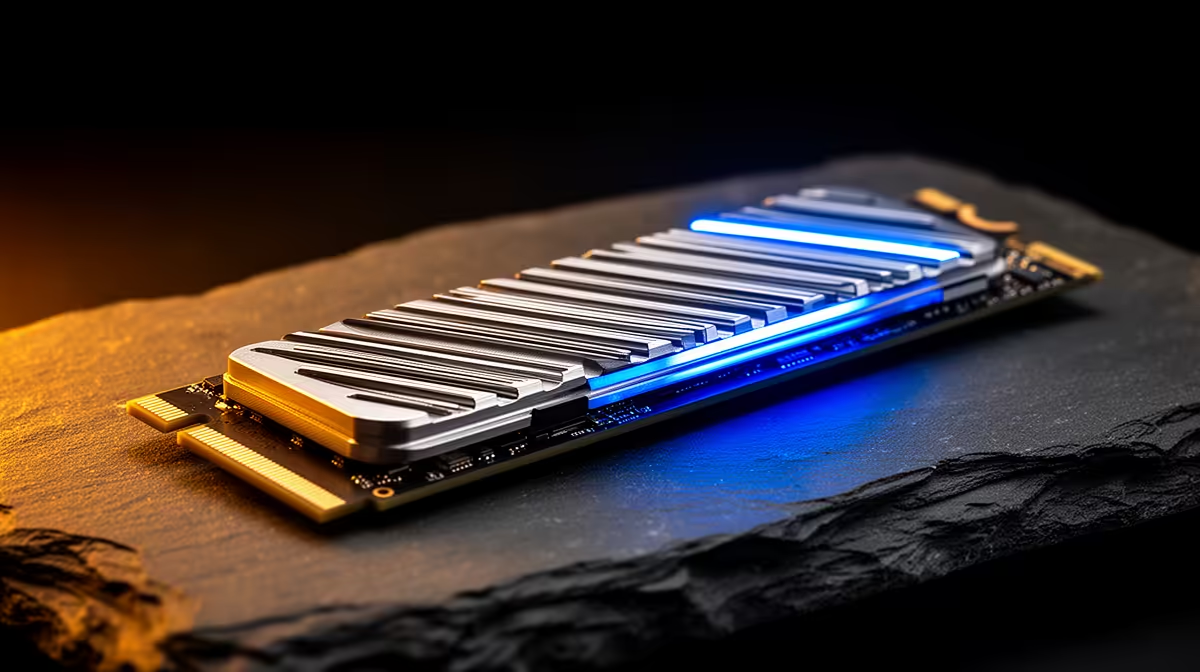
A Gen 5 SSD can begin a large copy at headline speed, then fall hard after the controller heats up. The progress graph gives you the first clue. Pair it with a temperature log and you can tell Gen 5 SSD throttling from a full cache, a slow source drive or Windows moving other data in the background.
Quick Answer
Log SSD temperature and transfer speed during one sustained copy. A repeated speed drop that arrives with high controller temperature points toward thermal throttling. Fit the motherboard M.2 heatsink or the cooler specified for the drive, improve airflow and repeat the same test. Evetech's July 2026 SSD snapshot had a R4,599 median price, so diagnose the installed drive before replacing it.
📊 Reproduce the slowdown with one large file
Choose a file or folder large enough to run beyond the SSD's fast write cache. Copy it from another fast drive so the source does not become the limit. Close launchers, sync tools and downloads before starting.
Open the SSD maker's utility or a hardware monitor that reads the controller sensor. Record temperature and transfer speed every minute. Repeat the test after the PC cools. Throttling tends to return at a similar temperature and point in the run.
Watch the shape of the slowdown. A write cache that fills may settle at a lower, steady native-flash speed while temperature stays level. Thermal throttling often rises and falls as the controller crosses its limit. Copying from a slow SATA source can also create a flat ceiling that no NVMe heatsink will fix.
Evetech's SSD category helps you compare bare and cooled models, but check which heatsink the installed drive already uses before you shop.
🧊 Fit the heatsink with full pad contact
Power down, unplug the PC and remove the M.2 cover. Peel the protective film from the thermal pad, align the SSD and lower the heatsink without sliding the pad off the controller. Use the board's screw and standoff in the correct hole for the drive length.
Some double-sided SSDs need thermal contact on both sides. Follow the drive and motherboard instructions, since stacking an extra pad can bend the module or prevent the top pad from touching.
Check that the SSD label may remain in place. Many labels form part of the thermal design or protect warranty markings, and removing one can do more harm than a thin layer of printing ever would. Fit the pad over the label when the maker's installation guide shows that arrangement.
🌀 Feed the M.2 area with moving air
A motherboard heatsink still needs case airflow to release heat. Check whether the GPU backplate covers the M.2 slot and pushes warm exhaust across it. A front intake fan aimed along the board can lower the temperature of the SSD, chipset and power stages together.
Keep cables away from the intake path and clean the front filter. Tiny stick-on fans add noise and another failure point; use one only when the passive heatsink and case airflow cannot hold the drive's sustained load.
🧪 Run the same copy after each change
Use the same source, destination and file set. Compare the temperature where speed drops, the lowest transfer rate and the time to finish. A cooler drive that still slows at the same point may be emptying its write cache rather than throttling.
Check firmware through the SSD maker's tool if the behaviour looks abnormal. Back up before any firmware change. The best-selling SSDs at Evetech give you replacement context if the drive cannot sustain the workload you bought it for.
Run one final test with the side panel closed. An open case can make the cooling result look better than the drive will see under your desk. Save the before-and-after graph beside the SSD model and firmware version so a future change has a proper baseline.
Frequently Asked Questions
How do you know whether a Gen 5 SSD is throttling?
Log temperature and speed through a sustained transfer. A repeatable temperature-linked speed drop is the useful pattern.
What temperature causes a Gen 5 SSD to throttle?
The controller and firmware set the threshold for each model. Read its sensor and specification rather than applying one number to every drive.
Does a Gen 5 SSD need active cooling?
Many desktop builds work with a sound passive heatsink and case airflow. Heavy sustained work may need more airflow.
Can a motherboard M.2 heatsink handle Gen 5 heat?
A well-fitted board heatsink can handle many workloads. Test the exact drive during the transfer you care about.
Will throttling damage the SSD?
Throttling reduces speed to protect the controller. Persistent high heat still calls for a cooling check.
Should you buy a Gen 5 SSD with a bundled heatsink?
Choose the bundled cooler when your board lacks one or its cover does not suit the drive. Check case and GPU clearance.
Planning a Gen 5 storage upgrade?
Compare NVMe drives at Evetech, check the motherboard heatsink and map the airflow around the GPU before choosing a cooled or bare model.