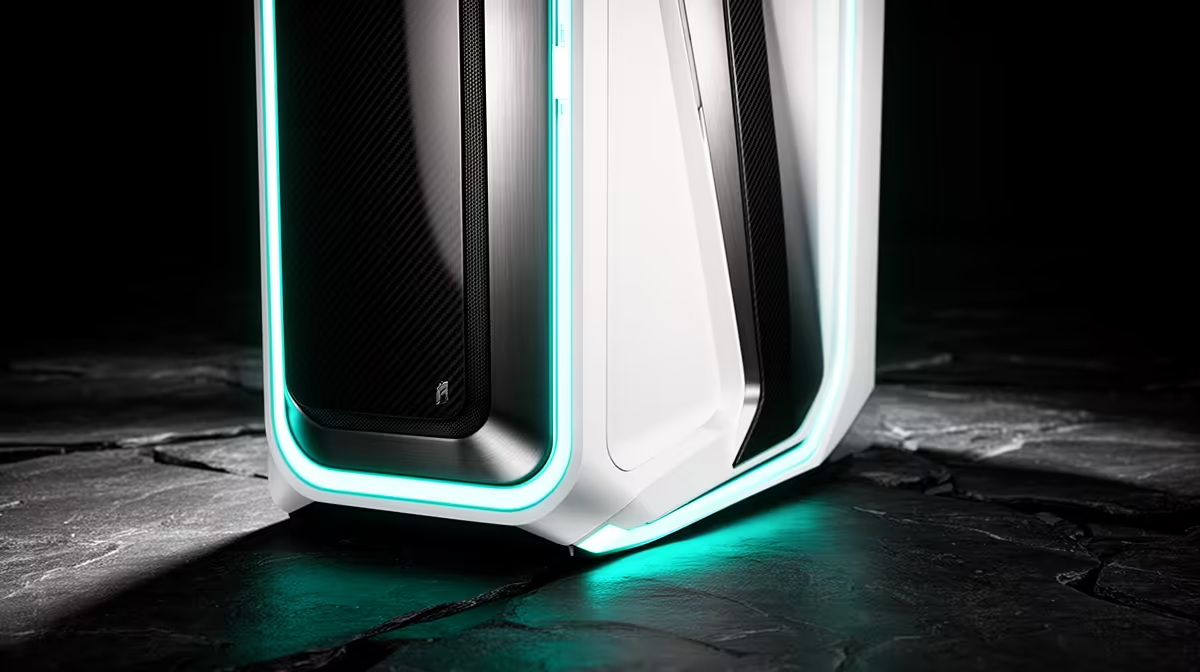
Matching white parts can make a build look deliberate and make the same performance cost more. A white gaming PC build is worth the premium when the visual goal matters enough to guide which components stay visible.
Quick Answer
A white gaming PC is worth the premium when the visible design matters to you and the exact white parts still meet the performance, cooling and support target. There is no fixed white surcharge. Availability and price differ across cases, graphics cards, coolers, boards, memory and cables. Compare each white component with a technically equivalent alternative on the same day. The cheapest clean approach is often a white case and cooler around dark internal parts. Good lighting and cable routing can make that look intentional without forcing every hidden connector to match.
Choose the visible surfaces first
The case, graphics-card shroud, CPU cooler and memory dominate most window views. The motherboard disappears under the cooler and GPU in many builds. Start with a photograph or case layout and mark what you can see.
A white case with black components can create a deliberate two-tone build. It also gives you a wider parts pool and avoids paying for a white power supply hidden behind a shroud.
Match specifications before colour
Compare GPU model, cooler performance, dimensions, power connector and warranty. A white graphics card from a lower tier is not an equivalent because its casing matches.
For coolers, check CPU support, noise, radiator fit and memory clearance. For motherboards, compare storage, network, audio, firmware and power delivery. Colour comes after the job.
Cables need electrical care
White extension cables add colour on the visible side while keeping the power supply's approved modular cables attached. Use extensions rated for the load and seat every connector fully.
Never plug a modular cable from another power-supply model into the unit because the device-side connector looks the same. Pinouts differ and can destroy components. Cable combs must not force a sharp bend near a high-power GPU plug.
White surfaces show ownership
Dust, fingerprints and material yellowing are more visible. Different whites can also look cream, blue or grey under the same LEDs. Product photos use different lighting, so exact colour matching is difficult.
Clean with manufacturer-approved methods and avoid strong chemicals. Plan filters and positive intake airflow to reduce dust without choking the case.
Lighting can unite mismatched whites
Set every component to one neutral white before judging the theme. LEDs from different makers can have different colour temperature and tint, so a warm strip can make one plastic look yellow. A soft accent colour often hides those differences better than maximum white.
Check whether controllers save the colour without several startup tools. A clean two-tone build with one light source can look more deliberate than five white parts fighting across software.
Inspect current gaming PC systems for complete colour layouts. The popular PC selection gives you another view of finished builds.
FAQ
Are white PC parts always more expensive?
No fixed premium applies. Compare exact equivalent parts and live prices when you build.
Must the motherboard be white?
No. A dark board can disappear behind larger parts or support a deliberate two-tone design.
Are white cable extensions safe?
They can be when correctly rated and installed over approved PSU cables. Never mix modular PSU cables by appearance.
Compare white and dark components only after matching performance, cooling, dimensions and support.