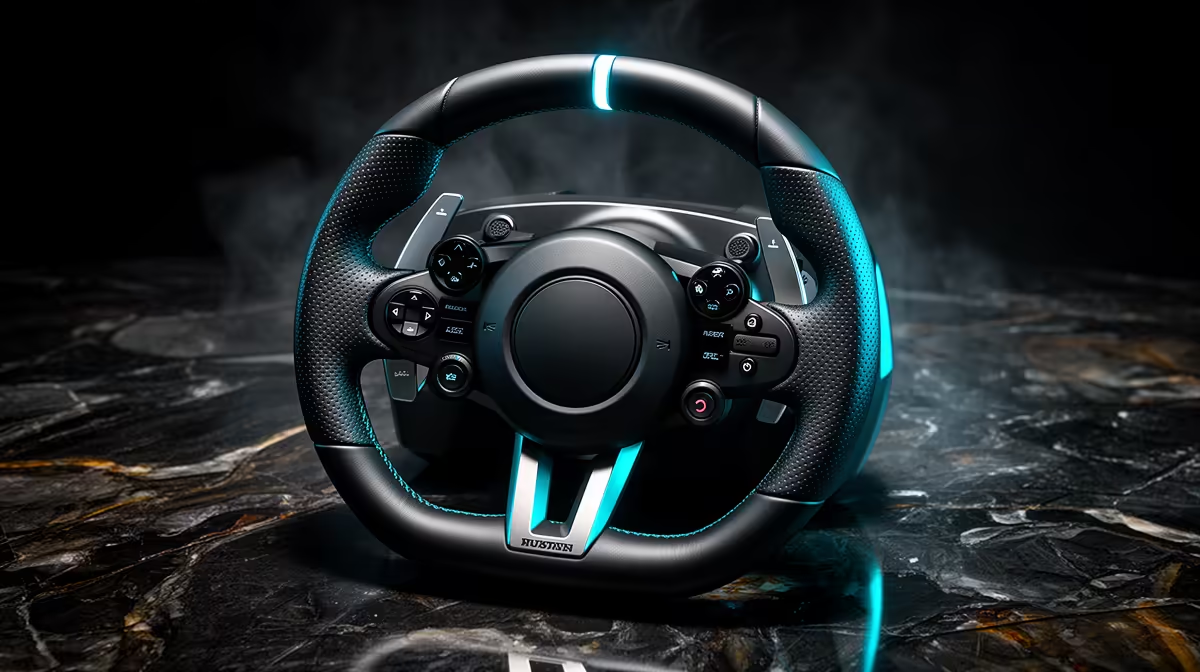
One wheel can serve PS5 and PC when the exact model has official PlayStation support and a current Windows driver. The USB plug does not settle it. Licensing can sit in the base or wheel ecosystem, so a PC-only unit with the same brand name may remain incompatible with PS5.
Quick Answer
Open the maker's current compatibility page and confirm the base, rim, pedals and console generation as one combination. Look for PS5 and Windows support on the exact stock code. Buy before unboxing only after that check, because a future firmware update is not a compatibility plan.
Evetech's sim-racing selection lets you compare platform labels and complete kits. If the stand must also hold aircraft controls, plan the shared layout with the flight-simulator range.
Read the Platform Line Literally
"PC compatible" does not include PlayStation. "PS4 compatible" can work with selected PS5 games and hardware paths, but you need the maker and game documentation for the exact wheel.
Do not infer support from an earlier model. A new rim or base can change where the licensed hardware sits.
Keep a screenshot or copy of the current compatibility statement with your parts list.
Check the Whole Ecosystem
Pedals plugged into the supported wheel base may travel across both platforms. Separate USB pedals can work on PC and fail to appear on PS5.
The same applies to shifters and handbrakes. Console setups often need accessories connected through the licensed base or an official hub.
List every control you plan to use, then trace its connection on each platform.
Settings Will Need Two Profiles
Windows drivers can offer rotation, force and pedal settings outside the game. PS5 relies more on base firmware and in-game controls.
Photograph the working values for each title. Steering rotation, dead zones and force gain can differ even on one platform.
Update firmware through the maker's official tool and keep the wheel powered safely during the process.
Decide Whether Cross-Platform Costs More
Compare the compatible complete kit with the PC-only alternative. The extra spend buys one set of controls across two libraries when you use both.
It has little value when the PS5 sits unused or when the PC simulator needs peripherals the console path cannot combine.
For a rand comparison, take each exact wheel from the approved snapshot and label the amount as of July 2026. Do not assign one price to a whole platform class.
Include any platform-specific rim or hub needed to complete the second path. That extra part can decide whether one wheel still saves money.
FAQ
How do I know a wheel works on PS5 and PC?
Check the exact model on the maker's current compatibility list for both PS5 and Windows.
Do PC-only wheels gain PS5 support later?
Do not assume they will. Buy for documented support available at the time.
Will settings carry between platforms?
Usually not as one shared profile. Record and tune the values for each game and platform.
Trace the base, rim and pedal connections on both PS5 and PC, then buy one wheel only when the full combination has documented support.