


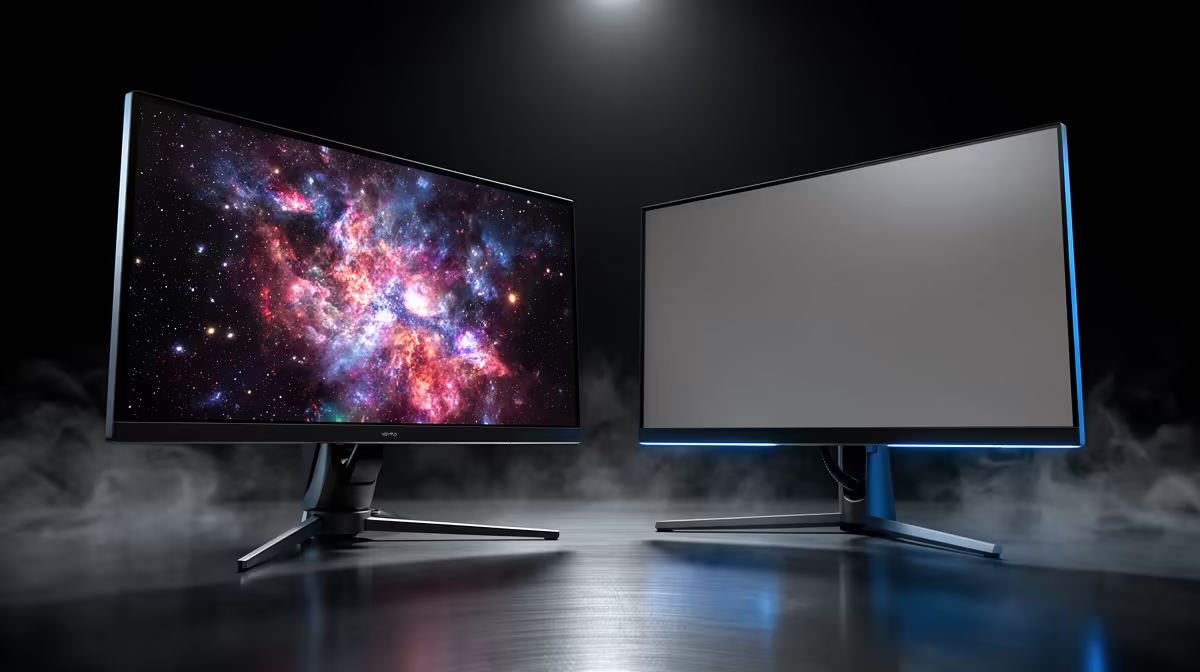
OLED creates black by switching pixels off; IPS keeps a backlight shining behind its liquid crystals. That physical difference explains the huge OLED vs IPS contrast gap before marketing numbers enter the comparison.
Quick Answer
OLED can make a black pixel emit almost no light while a neighbouring pixel stays bright, giving enormous on-off and per-pixel contrast. A conventional IPS LCD uses a shared backlight and liquid-crystal layer that cannot block every bit of light. Local dimming can improve LCD scene contrast, but zone size and blooming remain different from per-pixel control.
Compare complete LCD and OLED models in the PC monitor range, see current favourites among monitor best sellers, and inspect the focused OLED monitor selection. Contrast numbers need a measurement method and viewing condition.
Contrast is a ratio
Contrast ratio compares a bright level with a dark level. If a display produces 300 nits of white and 0.3 nit black, the simplified ratio is 1,000 to one. Lower black level raises the ratio fast.
OLED black can approach the measurement floor when pixels are off, so manufacturers may describe contrast as near infinite. The panel still has room reflections, raised near-black behaviour, flare, and measurement limits in real viewing.
IPS black depends on backlight leakage, panel alignment, viewing angle, brightness, temperature, and unit variation. A dark room exposes grey black more than a lit office.
Do not compare two ratios measured with different patterns, brightness, dimming modes, and instruments as though they share one test.
Per-pixel light control changes scenes
OLED can show a small bright star next to black space without illuminating a large zone around it. This helps subtitles, night scenes, space games, and dark HUDs.
Near-black transitions can expose banding, black crush, or chrominance noise depending on the panel and content. Fast pixel response does not guarantee perfect shadow gradation.
OLED brightness can vary with bright area and automatic limiting. A small HDR highlight may peak higher than a full white screen. Contrast remains strong while room brightness and full-screen output affect impact.
IPS glow and bleed are not the same
IPS glow is an angle-dependent brightening visible near corners or off-axis in dark scenes. It changes when your head moves. Backlight bleed is more tied to panel assembly and pressure, though unit variation makes diagnosis important.
Lowering excessive brightness and sitting centred can reduce visible glow. Do not press the panel or loosen its frame to chase dark uniformity.
Photographs can exaggerate glow through camera exposure. Judge at normal brightness, distance, and room light. Compare with reputable uniformity measurements.
Local dimming narrows the gap
An LCD with full-array or Mini-LED local dimming adjusts groups of backlight zones. More zones and a strong algorithm can deepen blacks around larger objects and create bright HDR highlights.
Zones are larger than pixels. A bright cursor or subtitle can light the surrounding area, creating blooming. The algorithm may dim small highlights to protect black level.
Edge-lit local dimming has fewer broad zones and can produce visible bars or pumping. A local-dimming label does not establish performance; model-level tests do.
Room light changes the decision
In a dark room, OLED black and per-pixel control are obvious. In a bright room, reflections and screen coating can lift perceived black, while a strong Mini-LED LCD can fight ambient light with higher sustained brightness.
Check glossy, semi-gloss, and matte coatings for reflections and text appearance. Move lamps and windows before driving brightness to maximum.
For mixed office work, consider text rendering, automatic brightness behaviour, static-content care, and full-screen output beside contrast. A display is more than its best dark scene.
Compare the correct contrast tests
Native contrast measures an LCD without local dimming. Dynamic or local-dimming contrast adds the backlight algorithm. ANSI or checkerboard tests show bright and dark areas together, while on-off tests show them separately.
OLED's per-pixel control excels when bright and dark share the frame. An on-off "infinite" claim is true only within the test and instrument limits.
Use the same calibrated brightness and test pattern across displays. Check dark uniformity, blooming, shadow detail, bright-area behaviour, and room reflections.
Factor ownership into the choice
OLED needs model-specific static-content protections and maintenance routines. Uneven wear depends on brightness, content, and time. Read the exact warranty terms.
IPS avoids emissive pixel wear and can show glow, bleed, slower dark transitions, or lower native contrast. Mini-LED adds zone complexity and can cost as much as OLED.
Choose OLED when dark-scene contrast, response, and per-pixel HDR matter and you accept care. Choose IPS when sustained bright desktop work, price, text, or static content fits better. Exact models can reverse broad assumptions.
FAQ
Is OLED contrast truly infinite?
When black output is below measurement and white remains finite, the ratio can be described that way. Reflections, near-black behaviour, and instruments keep real viewing more complex.
Can Mini-LED match OLED black?
It can dim large dark regions strongly and produce bright highlights. Zones remain larger than pixels, so blooming and small-highlight control differ.
Does IPS always look grey in dark scenes?
Black level varies by model, brightness, room, viewing angle, panel uniformity, and local dimming. It usually cannot match OLED per-pixel black in a dark room.
Compare OLED and IPS at matched brightness with mixed dark scenes, reflections, text, and local dimming before choosing from contrast ratios alone.











