



The best gaming headset setup for a face-brick house in SA
A face-brick house setup should put the gaming headset close to the main device and keep voice chat dependable across the gaming area.
Read morePairing a desk monitor arm in a South African setup should centre on the creator PC workspace, not on a random accessory list.
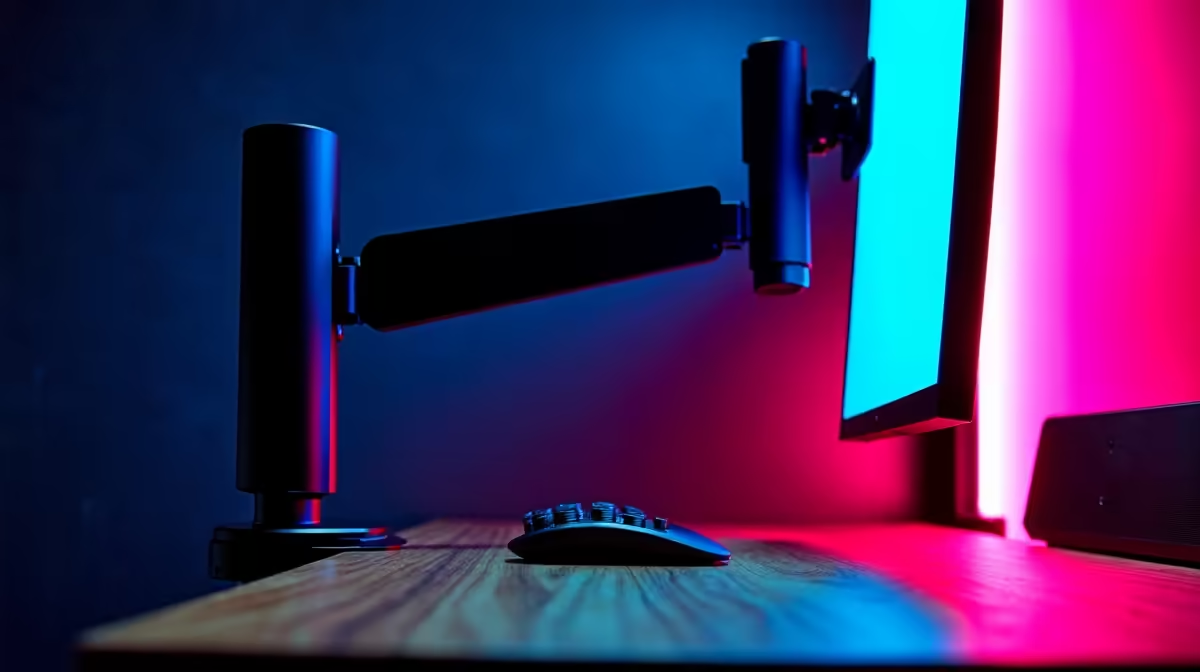
Dell SE2726H 27in FHD 144Hz at R1,797 suits a South African desk setup where a monitor arm needs a larger everyday screen with smoother motion for work, browsing, and after-hours gaming. Its 27in size gives the arm enough visual impact to feel worthwhile, while FHD keeps the setup simple for common laptops and compact desktops.
The Dell SE2426H 23.8in FHD at R1,532 is the cleaner choice for a tighter desk where the arm is mainly about reclaiming surface space. At 23.8in, it is easier to position beside a laptop stand, keyboard, notebook, or small speaker pair without making the workspace feel crowded.
The Dahua LM27 100Hz at R1,500 is useful when the brief is value first but the desk still deserves a larger screen. Its 27in size gives spreadsheets, browser tabs, and study notes more breathing room, while 100Hz adds smoother everyday movement than a basic office panel.
For a student desk, shared room, or home office corner, the MSI PRO MP275W at R1,850 makes sense when the arm is part of a tidier layout. Pairing that model with careful cable routing helps keep the screen, keyboard, and charging cables off the main work surface, so the area can switch between study, admin, and casual browsing without constant rearranging.
Ready to choose the right monitor? Use Dell SE2726H 27in FHD 144Hz at R1,797 as the monitor shortlist benchmark, then check whether its listed spec matches the space, workload, and upgrade path.
Yes, a monitor arm suits a creator desk when it frees up space and improves screen placement for the way you work.
Build it around the desk layout, keeping room for the monitor, keyboard, mouse and microphone together.
A monitor arm improves positioning, but check its reach and mount details against your own screen rather than assuming they fit.
For a simple creator setup, basic peripherals can be plenty when the arm only needs to improve screen position.
The key question is whether the desk layout leaves enough room for comfortable creation work.
A monitor arm helps placement, but a slow creator PC or a limited display needs upgrading directly, not through the arm.
A face-brick house setup should put the gaming headset close to the main device and keep voice chat dependable across the gaming area.
Read more
Programmable mouse buttons are most useful when they reduce awkward keyboard reaches without overloading the aiming hand. The G305 X SUPERLIGHT offers six programmable buttons, enough for focused FPS, MOBA or strategy layouts that remain easy to remember.
Read more
For a quiet bedroom setup, a controller for PC is worth buying when it lets you play comfortably without making the desk feel crowded. Case 100-6 frames it as a gaming peripheral choice, with GAMDIAS Hermes P2A R130, Logitech G305 R525 and Promate Baton R280 among the real listed options.
Read more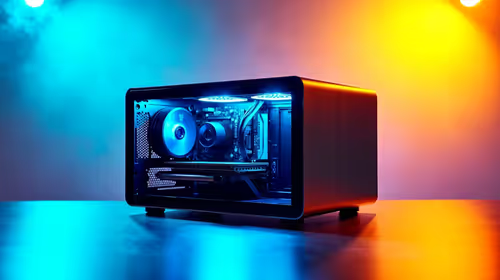
For a home security setup under R25,000, the office desktop choice should support steady monitoring, admin and connected peripherals. Listed options include ExpertBook P1 R12,999, ThinkBook 15 G4 R17,599, or NAB6 Lite R4,150, plus mesh, monitors, mini-UPS, surge protection and verified printers.
Read more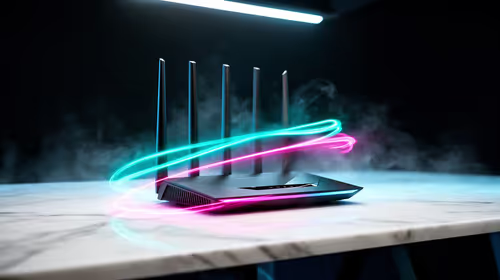
A router with a guest network setup solves this cleanly: visitors get internet on a separate wireless network with its own bandwidth cap, so video calls never compete with your gaming traffic. Evetech routers include dedicated guest options alongside gaming QoS rules.
Read more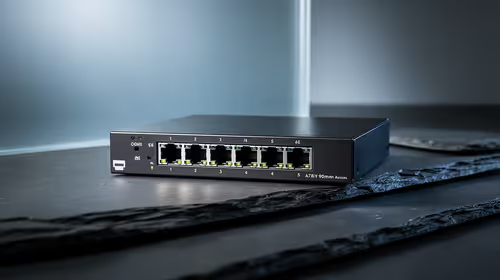
Yes, a 2.5GbE switch can handle a home security setup when the connected security gear can use that wired speed. For SA homes split between fixed internet at 20.6% and mobile-first access at 78.9%, compare Cudy WR1300 R327, WR3600E Wi-Fi 7 R766, M3000 mesh 3-pack R1,502, and LTE options.
Read more
BFCM gaming monitor is a cautious guide for seasonal tech deal planning. Compare spec priorities, timing, warranty support, and realistic SA price checks for SA buyers without assuming live prices, availability, or exact benchmark results.

Pre-Black Friday student laptop is a cautious guide for seasonal tech deal planning. Compare spec priorities, timing, warranty support, and realistic SA price checks for SA buyers without assuming live prices, availability, or exact benchmark

Gen 5 NVMe vs Gen 4 NVMe for Cinematic Story Games comes down to load behaviour, capacity, motherboard lanes, heat, and real game or workflow needs. SA buyers should match the choice to their setup instead of assuming one option always wins.

MMO and live-service games show Gen 5 NVMe vs Gen 4 NVMe differences through installs, patching, and busy asset loads. SA players should weigh capacity, heat, update sizes, and platform support before buying.

A built-in monitor KVM switch lets one screen, keyboard and mouse control two separate computers with a single button press, no extra hardware box needed. Evetech stocks monitors with this feature for buyers running a work laptop and a gaming PC side by side.

Tape and foam mods genuinely change a keyboard's acoustics by damping plate resonance and hollow case ping, but the improvement depends heavily on the board's existing build quality, not a fix for every keyboard. Set realistic expectations before pulling switches out.

Multi-gig networking can accelerate large local transfers and support busy home-office traffic, while online gaming depends more on consistency and routing. The X870E Extreme provides 5G and 10G LAN, giving South African builders two wired speeds to match.

A gaming chair frame transfers seated and movement forces through the structure, making it more consequential than surface styling. The HERO uses a robust steel frame and is designed for users up to 150kg, though those facts cannot establish an exact lifespan.

Triple-monitor trading can justify a standing desk only if the surface and layout support several screens safely and neatly. For the related peripheral spend, the input list names GAMDIAS Hermes P2A R130, Logitech G305 R525, Promate Baton R280 and Logitech Pro X2 Superstrike R2,708.

This high-end AMD kit combines the platform parts that define CPU performance, memory and cooling, while the remaining PC still needs support hardware. Its 9950X3D sits on the Dark Hero board, with 48GB KLEVV memory and an LQ360 completing the package.
A face-brick house setup should put the gaming headset close to the main device and keep voice chat dependable across the gaming area.

The best upgrade kit differs by game, creative application, graphics plan and budget, so buyers need a workload-specific choice. This AMD bundle is a strong high-end option with a 9950X3D, 48GB DDR5-7200, X870E Dark Hero and DeepCool LQ360.