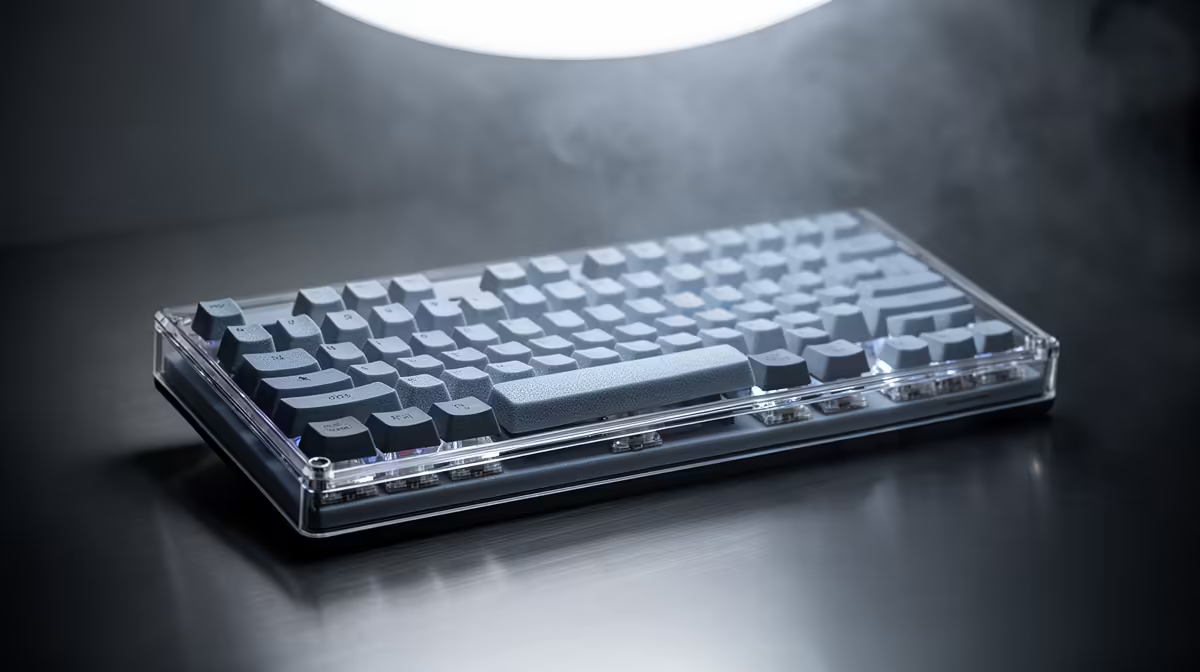
A hollow case and ringing plate react to added material in different ways. Keyboard tape and foam mods work when they target a sound you can identify and leave batteries, contacts, heat and fit uncompromised.
Quick Answer
Tape and case foam can change a mechanical keyboard's sound by altering PCB vibration, cavity resonance and the way energy reflects inside the case. The result depends on the board, tape, foam thickness and the sound you want. Neither mod fixes bad stabilisers, worn switches or a loose case. Record the stock board first, change one reversible layer and stop when the sound improves at your normal typing force.
Tape changes the PCB response
The common tape mod places suitable non-conductive tape on the rear of the PCB. Added mass and damping can make the board sound fuller or sharper depending on construction.
Do not cover hot components, connectors, LEDs or reset contacts. Avoid conductive foil tape and materials with unknown adhesive or fire behaviour. Check the keyboard maker's warranty before opening the case.
Apply one layer and reassemble for the test. Several layers can press against the case, stress sockets or change wireless antenna behaviour.
Foam controls empty space
Case foam fills part of the cavity beneath the PCB and can reduce hollow resonance. Plate foam sits between plate and PCB, which often requires removing switches and stabilisers. Switch foam or pads target another part of the sound.
Thickness matters. Foam that compresses the battery, bends the PCB or blocks flex is unsafe. Use material suited to electronics and keep it clear of heat, antennas and screw posts.
A board designed with deliberate flex may lose the feel you bought when the cavity is packed tight. Sound and key movement need to be judged together.
Diagnose before opening
Tap the empty case, press stabilised keys and listen for spring ping. Stabiliser rattle needs stabiliser tuning. A ticking switch may have a bent pin or poor socket contact. Case foam cannot solve either fault.
Use the same phone position, room and typing passage for before-and-after recordings. Match playback volume. A louder recording can sound richer without being better.
Wear headphones for the comparison, then listen through ordinary speakers. A mod can change close-mic tone more than the sound you hear at the desk.
Keep the mod reversible
Photograph cable routes and screw positions. Disconnect power and remove a wireless battery plug through the documented method. Use an anti-static work surface and the correct tools.
If adhesive residue appears, follow the PCB maker's safe cleaning route. Do not soak the board or scrape traces.
Compare board construction in the gaming keyboard deals and use the keyboard best-seller page to decide whether a better foundation costs less than rebuilding the current one.
FAQ
Does tape always improve sound?
No. It changes resonance and can make a board harsher or remove character you like.
Do I need to remove switches?
Rear PCB tape may need only case disassembly. Plate foam often needs switches and stabilisers removed.
Can the mod affect warranty?
Opening the case or adding material may affect cover. Read the exact written terms before work.
Record the stock keyboard, identify the resonance you dislike and test one reversible tape or foam layer at a time.