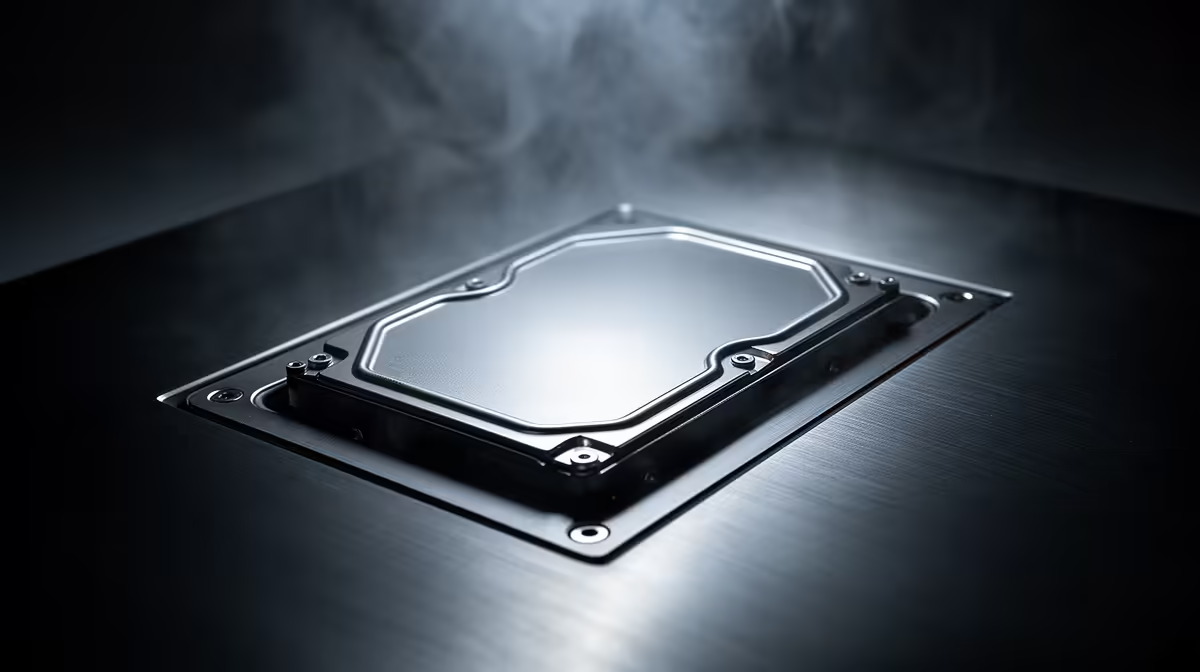
Hard drives have found a useful second job in 2026. SSDs remain the right place for Windows, active games and applications, while a large HDD can hold backups, recordings and files that do not need instant access.
Quick Answer
Buy a hard drive for low-cost bulk storage, a local backup target or a large media archive. Keep the operating system and current games on an SSD. Avoid an HDD as the only copy of important files, and check noise, capacity, recording technology and warranty before buying.
Split fast and cold storage
An SSD makes the PC responsive because it handles small reads and writes with low delay. A hard drive offers more capacity per Rand when speed is secondary. Using both lets each technology do the work it suits.
Store Windows, launchers, active projects and regular games on the SSD. Move finished video, installers, photos and older game captures to the HDD. Large games can run from a hard drive, but loads and asset streaming may feel slow.
Compare the solid-state storage range with SSDs buyers currently choose. The named Seagate Expansion 2TB external hard drive cost R1,849 in July 2026. It gives bulk storage a dated product reference without turning it into an SSD substitute.
Use hard drives with a backup plan
A hard drive can fail, and one drive is one copy. Keep important files on another device or service, with at least one copy away from the PC. Test that a restore works before trusting the routine.
Check whether the model uses conventional or shingled recording when sustained write behaviour matters. External drives add their own enclosure, USB connection and power needs. Internal drives need a free bay, SATA port and power connector.
Noise can be noticeable in a quiet desk setup. Rubber mounting and a sound case help, though a constantly accessed archive drive will still click and spin. Let power settings stop it when long wake-up delays will not bother you.
Check the practical details
Internal desktop drives need a SATA data cable, a PSU connector and a ventilated mounting bay. External models are easier to move but add a USB bridge and a loose cable to the chain. For backups, disconnect the external drive after the job finishes so a software fault cannot reach every copy at once. Label the drive with its purpose and last successful verification date.
Frequently Asked Questions
Spin up the drive monthly and verify a sample restore.
Are HDDs good for games in 2026?
They can store games, but current titles often load and stream assets better from an SSD.
Should I use an HDD for backups?
Yes, as one backup destination. Keep another independent copy of files you cannot replace.
Is an external hard drive easier than an internal one?
It is easier to add and move. An internal drive avoids another power brick or USB cable on the desk.
Compare bulk-drive capacity with the SSD space your active games need and build a two-tier storage plan.