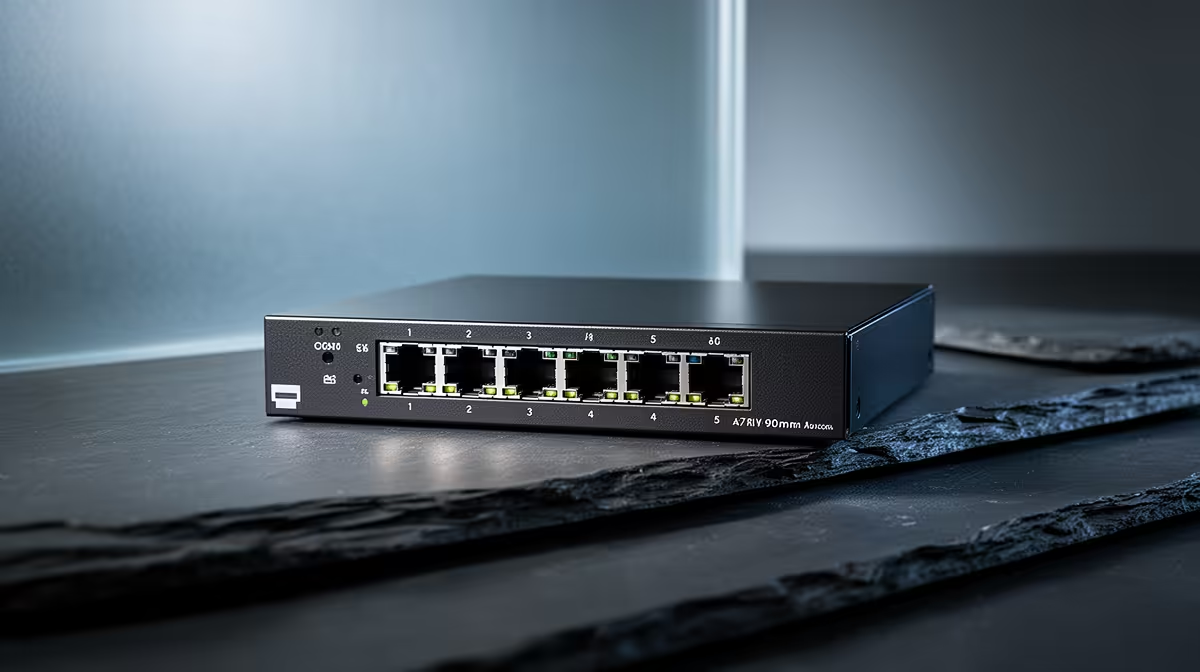
A 2.5GbE switch can carry home-security traffic when it has enough ports, suitable uplinks and management for the camera and recorder network. The faster link does not power cameras unless the model also provides compatible PoE. Camera count, bit rate and storage design determine the real load. Remote viewing adds uplink traffic, while archive copies can create short network peaks. Cable length and quality still affect each link.
Map cameras, recorder and uplink
The verified facts do not list a priced 2.5GbE switch. Compare current Evetech models by port count, uplink speed, VLAN support, PoE standard, total power budget, cooling, management and warranty. Confirm that cameras, recorder and router support the selected connections.
List each camera resolution and recording mode, then run all streams while viewing footage remotely and copying an archive. Watch port errors, dropped frames, recorder load and uplink use. A multi-gigabit uplink can help when many devices converge on one recorder, while faster edge ports add little to cameras that negotiate at lower rates.
Use unique administrator credentials, back up the switch configuration and separate camera access from guest devices where supported. The switch copes when it moves every planned stream without loss and supplies approved PoE loads within budget. Buy from the network map rather than the highest advertised speed.
Networking a home security system? > Ask Evetech to compare managed switches, cameras and storage.