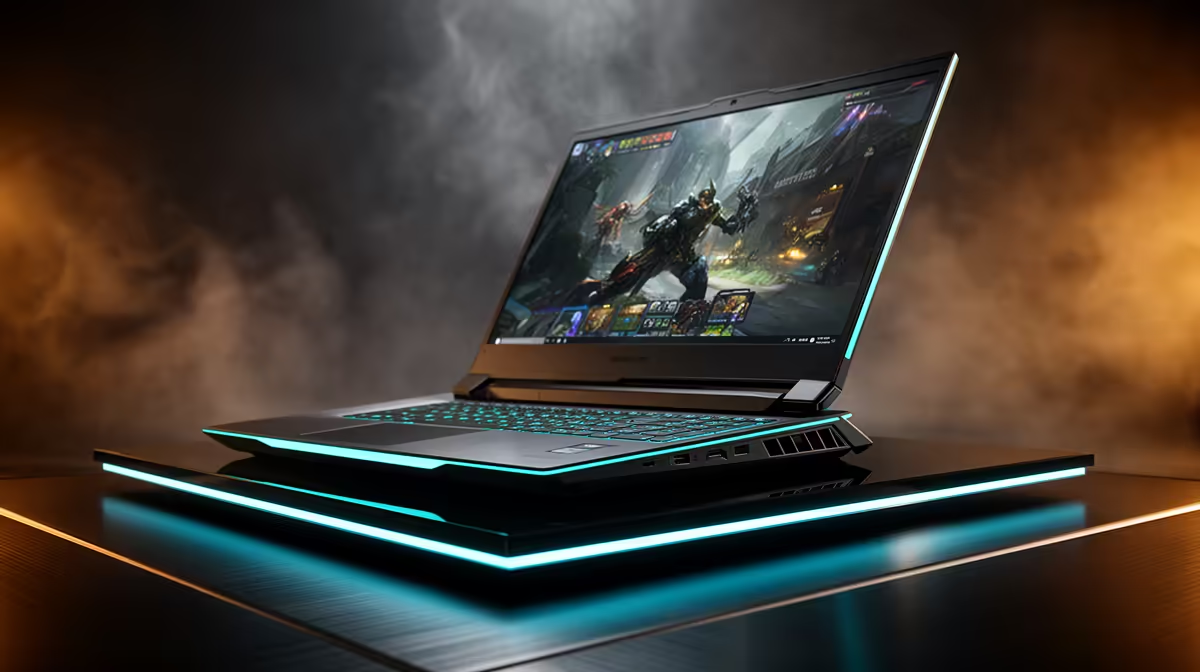
Fifteen minutes cannot prove that a used gaming laptop is healthy, but it can expose a cracked hinge, damaged port, weak battery, faulty key or cooling problem before money and machine part ways. Arrive with a checklist, a few small test files and permission to restart the laptop.
Quick Answer
Confirm the serial label and hardware specification, start from cold, inspect the screen, test every key and port, run a battery report and put the CPU and GPU under a short known load. Listen to both fans and watch clocks, temperature and charger detection. Walk away from swelling, firmware locks, unexplained accounts or a seller who refuses basic tests.
Evetech's current laptop best sellers give you a new-system reference for model and specification. The gaming laptop deal list helps compare what a current warranty-backed alternative includes before you assess a used price.
Minute 0 to 2: Identity and Exterior
Match the product number and serial label with firmware and Windows System Information. Confirm CPU, installed memory, GPU and storage capacity against the listing. A similar chassis can hide a different panel or graphics configuration.
Inspect corners, screw heads, hinge mounts and the seam around the bottom cover. Missing screws, tool marks and uneven gaps show prior work. Check the charger label, cable and plug for damage.
Look for battery swelling: raised trackpad, bowed base or a lid that no longer closes evenly. Stop the test if you see it.
Minute 2 to 5: Screen, Camera and Controls
Display solid black, white, red, green and blue images. Look for stuck pixels, pressure marks, flicker, uneven backlight and image retention. One quick test cannot reveal every intermittent panel fault, so move the lid through its normal range and watch the image.
Open a keyboard tester you brought or a plain text editor. Press every key, both modifiers, function combinations, trackpad buttons and the power-profile shortcut. Test speakers, headphone output, camera and microphone.
Check that the hinges move evenly without cracking sounds or lifting the chassis.
Minute 5 to 8: Battery and Charger
Run powercfg /batteryreport and open the HTML file. Compare Design Capacity with Full Charge Capacity and inspect recent use. A blank cycle count means firmware did not supply it.
Disconnect mains for a minute under light load and watch for a sudden percentage drop or shutdown. Reconnect and confirm the laptop identifies the adapter correctly. A high-power gaming machine may limit performance on an under-rated charger.
Battery capacity is only one negotiating point; swelling, heat and erratic percentage are safety or service issues.
Minute 8 to 11: Ports and Wireless
Bring a known USB drive, headphones and the display adapter needed for the model. Test each accessible USB port, audio jack and charging connection. Inspect pins and looseness before inserting anything.
Connect to Wi-Fi, pair a Bluetooth device if time permits and check Device Manager for unknown devices or warning symbols. An external display test is useful when the laptop's main appeal is its gaming port path.
Do not sign into personal accounts or copy private files onto a machine you do not own.
Minute 11 to 15: Short Load Test
Run a trusted portable or preinstalled benchmark with the seller's agreement. Use a known game scene when benchmark installation is not allowed. Watch CPU and GPU clocks, temperature, power and frame time.
The goal is gross-fault detection, not a final score. Look for crashes, artefacts, one fan failing to spin, severe clock collapse and power loss. A hot chassis or loud fan alone does not prove throttling.
Return to the desktop and listen for fan recovery. Check Windows Reliability Monitor for recent hardware errors, crashes and failed updates.
Check Ownership and Reset Status
Confirm the seller can remove their accounts and activation locks through the maker's supported process. Firmware passwords and management enrolment can survive a Windows reset. Ask for proof of purchase where available and verify the device is eligible for transfer under the relevant support terms.
Plan a clean Windows installation from trusted media after purchase. Do not rely on the seller's existing operating system for passwords or personal work.
Know What Fifteen Minutes Misses
Intermittent memory errors, long-term thermal saturation, storage faults and battery runtime need longer testing. If the purchase matters, arrange a longer inspection or written return window and run extended memory, storage and game tests once you own the machine.
Record the serial, condition and agreed accessories on the handover. A charger, second SSD and memory configuration can change the value as much as a cosmetic mark.
FAQ
What is the fastest battery check?
Generate a Windows battery report, compare current and design capacity, then unplug briefly and watch for an unstable percentage or shutdown.
Is a fifteen-minute stress test enough?
No. It catches gross faults. Longer warm, memory and storage tests are needed for confidence.
How do I test every keyboard key?
Use an offline keyboard tester or text editor, including modifiers, function combinations and the laptop's hardware shortcuts.
Bring a cold-start checklist, verify identity and ownership, and spend the final minutes watching a known load rather than admiring the desktop.