


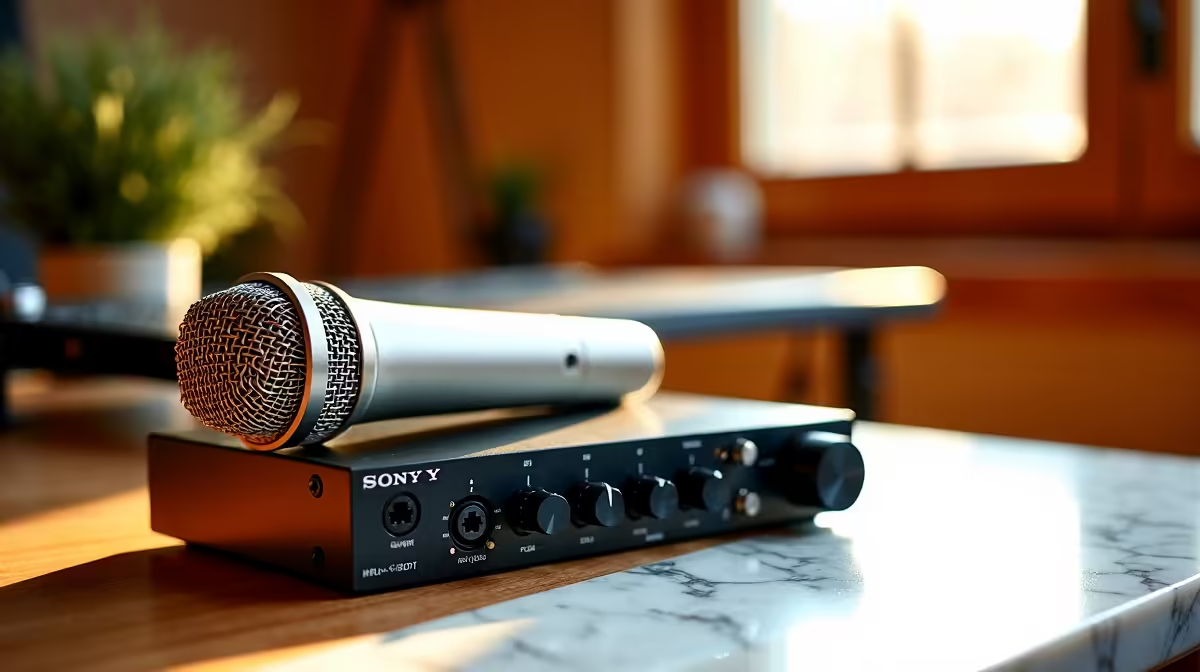
A parent should choose a podcast recording setup from the number of speakers, recording room and time available to edit. The NearStream USB/XLR microphone at R676 is a verified flexible reference. A solo parent can begin over USB, while family interviews or remote guests may eventually need more inputs and monitoring.
Map every speaker and listening path
Confirm microphone connection, pickup behaviour, monitoring, included stand, operating-system support and warranty. XLR operation requires a compatible interface or mixer. Count simultaneous speakers, headphone listeners, remote callers and any permitted sound cues before paying for channels that may never be used.
Record a ten-minute mock episode at the normal table. Listen for children moving, keyboard noise, room echo, traffic, clipping and speakers sitting too far from the microphone. Add a remote call only if the show uses one, then check for echo and doubled audio. Keep cables away from walking areas.
Decide how family privacy will work before publishing. Avoid school names, daily routines, addresses and identifiable information about children. Store consent details where relevant and keep raw recordings under restricted accounts. A child should be able to stop participating without production pressure.
Choose the simplest route that captures clear voices and leaves a clean local recording. Add a mixer, extra microphones or acoustic treatment after a specific test reveals the need. Save input settings, label cables and maintain a separate backup of every finished episode and raw master.
Pro Tip ⚡
Building a family podcast desk? > Ask Evetech to match microphone and interface needs to the speaker count.











