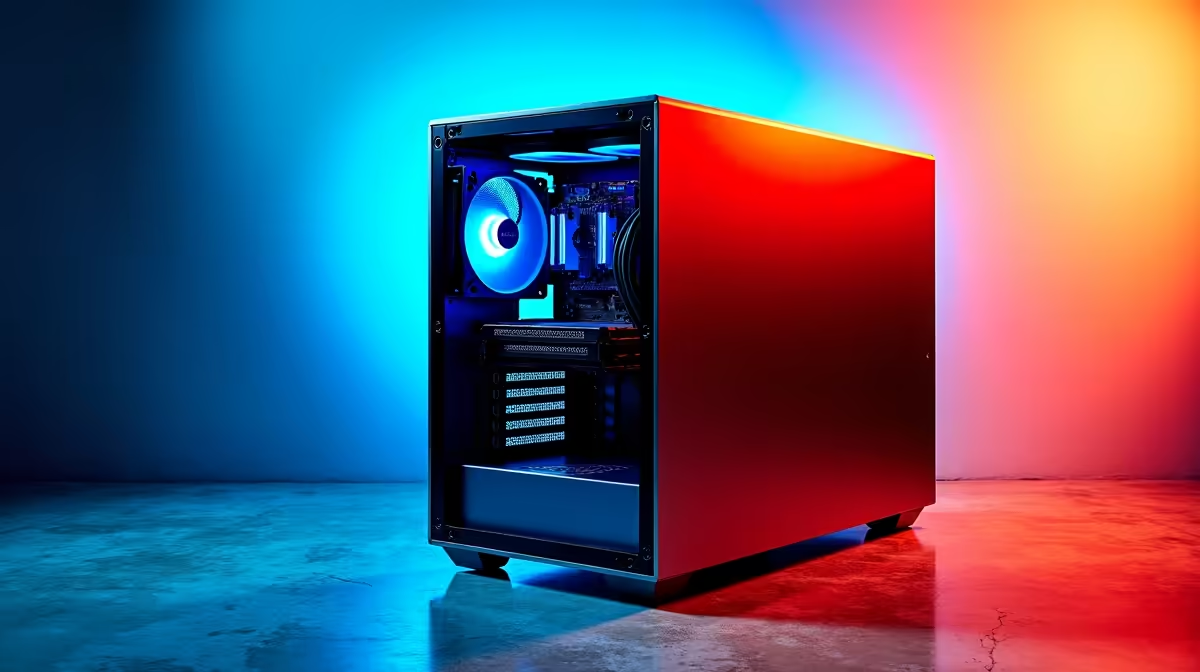
A first-time photo-editing buyer should choose a computer from the camera files, editing application and normal batch size. Casual JPEG adjustments need far less hardware than layered RAW work or large panorama merges. Memory, responsive storage and a clear display usually deserve attention before professional graphics or a premium processor.
Start with a balanced verified computer
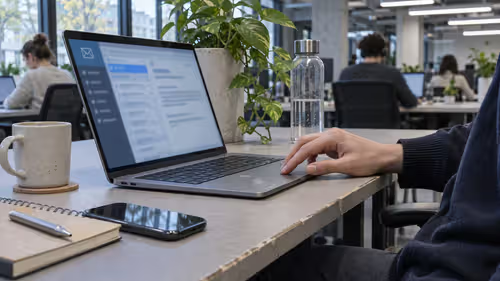
The verified ASUS ExpertBook P5405 costs R12,700 and includes Core Ultra 5 226V hardware, 16GB memory and 512GB storage. It provides a mobile candidate after the chosen editor, RAW format and display needs are checked. A fixed desk can consider the verified Minisforum UM750L at R4,600 with Ryzen 5 hardware, 16GB memory, 1TB storage and Windows 11 Pro. Neither specification replaces a test with real images.
Build a safe editing routine
Import one representative shoot, generate previews, apply local adjustments and export the required formats. Record memory pressure, temperature and completion time. Keep untouched originals in more than one approved location before formatting a camera card. The verified Dell S2725QC 27-inch 4K USB-C monitor at R6,128 offers a high-resolution display option, though current colour coverage and calibration suitability need review. Add a card reader, backup drive and licensed software to the complete setup cost. Keep the test RAW folder unchanged so future display and storage upgrades face the same workload.
Choosing a first photo-editing PC? > Ask Evetech to match memory, storage and display needs to the camera files and editor.