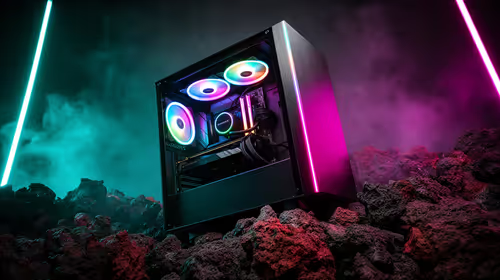
The Secret to a Silent Gaming Experience
There is nothing worse than the sound of a jet engine taking off under your desk while you are trying to clutch a 1v4 in Counter-Strike 2. When you invest in quiet gaming PC fans, you are not just buying silence... you are buying focus. Achieving that elusive near-silent operation requires a clever balance of high-quality components and smart airflow management.
Why Fan Size and Quality Matter
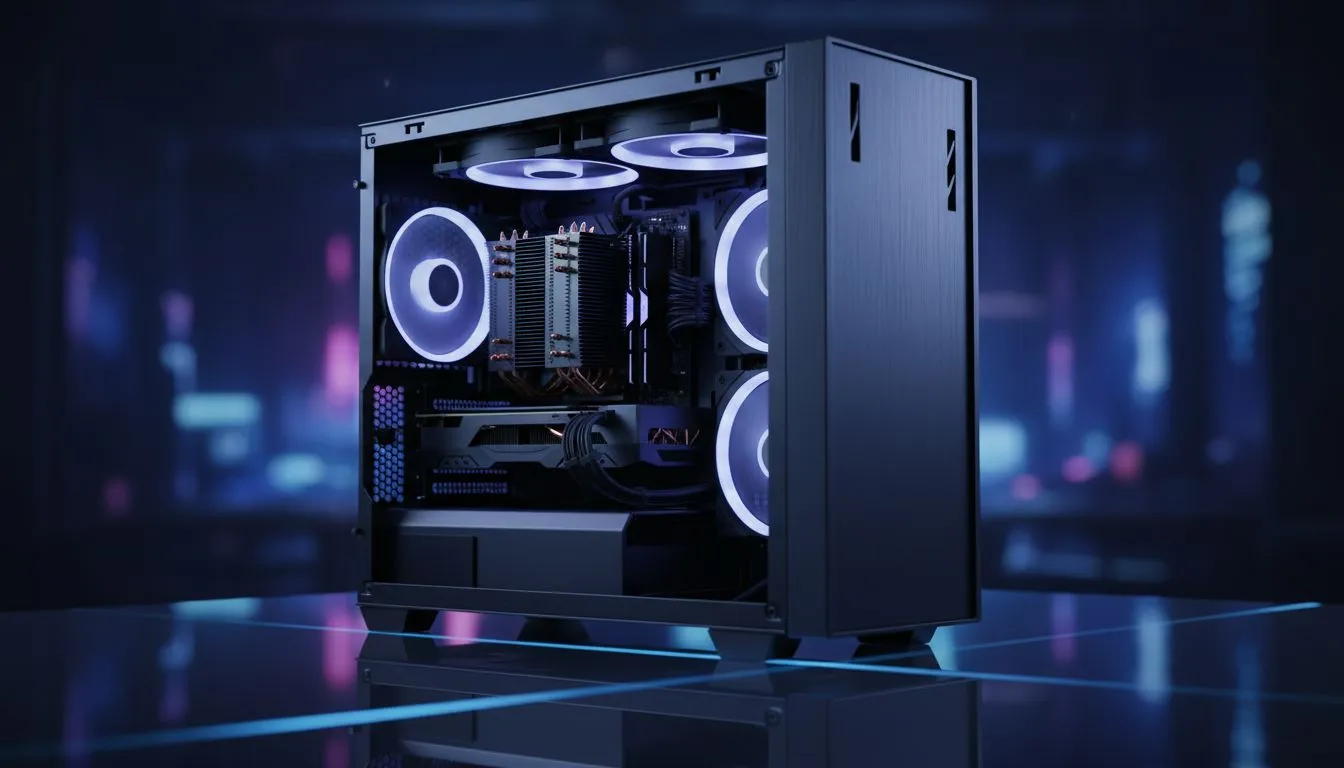
Most standard builds rely on generic fans that rattle or whine as soon as the RPM climbs. To truly choose fans & airflow to cut noise, you should prioritise larger 140mm fans over 120mm options where possible. Larger blades move more air at lower speeds, which significantly reduces the aerodynamic "whoosh" sound.
When browsing through our massive selection of computer cases, look for models that support these larger mounting points. Additionally, look for fans with Fluid Dynamic Bearings (FDB) or Magnetic Levitation. These technologies eliminate the mechanical friction that causes that annoying grinding sound over time. 🔧
The PWM Advantage ⚡
Always choose 4-pin PWM (Pulse Width Modulation) fans over 3-pin DC fans. PWM allows your motherboard to precisely control fan speeds based on real-time temperatures. This ensures your PC stays whisper-quiet while browsing the web and only ramps up when you are actually pushing your hardware in-game.
Optimising Airflow to Kill Turbulence
Noise is often caused by air struggling to move through tight spaces. If your fans are fighting against a solid front panel, they will spin faster and louder to compensate. To cut noise effectively, you need a high-airflow path that allows heat to escape naturally.
For enthusiasts who value a premium, silent aesthetic, Fractal Design PC cases are often the gold standard. They frequently include sound-dampening foam and specialised vent designs that break up sound waves before they reach your ears. 🚀
Balancing Your Budget and Silence
You do not need to spend a fortune to get a quieter rig. Many Gamdias gaming cases offer excellent mesh front panels that promote "free-flowing" air... meaning your fans do not have to work nearly as hard.
If you are building on a budget, you can find several Gamdias cases under R1500 that provide a great foundation for a silent build. By choosing a case with good natural ventilation, you can run your fans at 40% or 50% speed even under load, keeping your room peaceful and your components cool. ✨
Positive vs. Negative Pressure
To maintain quiet gaming PC fans over the long term, you must manage dust. A "positive pressure" setup... where you have more intake fans than exhaust fans... forces air out of every small gap in the chassis. This prevents dust from settling on your fan blades. Dust build-up unbalances the blades, leading to vibrations and increased noise levels. A quick clean every few months keeps your acoustics in check and your ZAR investment protected.
Ready to Build Your Silent Powerhouse?
Don't let a noisy PC ruin your immersion. Whether you need high-performance fans or a chassis designed for silence, we have the hardware to help you play in peace. Explore our massive range of PC cases and start your journey toward a quieter, cooler gaming rig today.