


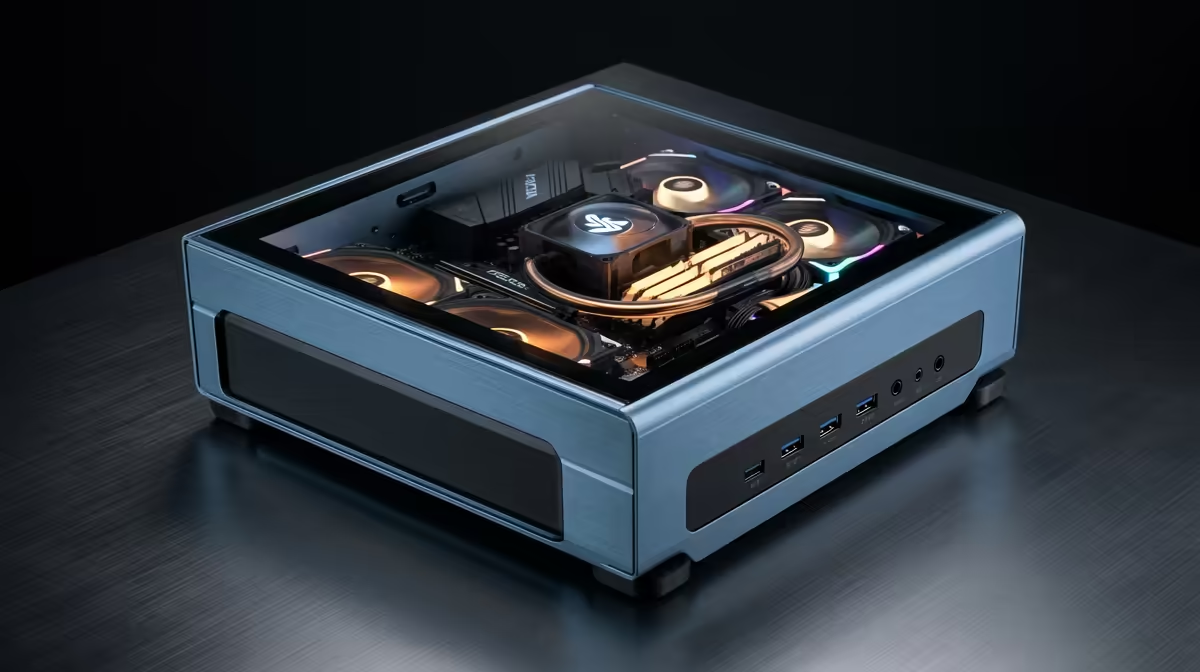
You’ve saved up. You’ve got the budget. That R30,000 is burning a hole in your pocket, destined for a monster PC that will slash through 4K timelines and render projects in record time. But then the fear sets in… what if the parts don’t work together? A single incompatible component can turn your dream machine into a very expensive paperweight.
This guide is your solution. We’re breaking down a powerful R30k editing PC build to help you end compatibility nightmares for good.
Decoding the Perfect R30k Editing PC
First, let's get one thing straight: an editing PC and a gaming PC are not the same beast, though they share a lot of DNA. While gaming prioritises the graphics card (GPU) for high frame rates, a video editing rig needs a more balanced approach. Your priority list should be CPU cores, RAM capacity, and storage speed.
A powerful CPU with many cores, like an AMD Ryzen 7 or Intel Core i7, will dramatically speed up your export and render times. Ample RAM (we're talking 32GB minimum) lets you work with complex, multi-layered 4K timelines without your system grinding to a halt. And of course, many of the components that make for a great editing rig are also fantastic for after-hours gaming, which is why checking out the best gaming PC deals can often reveal powerful, well-balanced machines.
Your R30k Editing PC Build Blueprint 🔧
With a healthy R30,000 budget, you can build a seriously capable machine that will serve you for years. Here’s a sample blueprint focusing on a balanced, high-performance R30k editing PC build.
- CPU (The Brains): Look for a processor with at least 8 cores and 16 threads. This is the engine for rendering, and more cores mean more power.
- Motherboard (The Nervous System): Don't cheap out here. A solid motherboard with good VRMs (Voltage Regulator Modules) ensures stable power delivery to the CPU during long, intense workloads. Ensure the chipset matches your CPU (e.g., AM5 for modern Ryzen).
- RAM (The Workspace): 32GB of DDR5 RAM is the new sweet spot. It provides enough headroom for 4K editing, motion graphics, and having multiple creative apps open simultaneously.
- Storage (The Filing Cabinet): Speed is everything. Use a fast 1TB NVMe SSD for your operating system and applications. A second NVMe drive as a dedicated "scratch disk" for active projects will make your timeline feel incredibly responsive.
- GPU (The Visual Muscle): While not the top priority, a good GPU is still crucial. Look for a card like the NVIDIA GeForce RTX 4060. Its dedicated video encoders (NVENC) are a massive help in programs like DaVinci Resolve and Adobe Premiere Pro.
Putting it all together can be daunting, which is why many creators opt for pre-built PC deals where the component matching and assembly are handled by experts.
Storage Pro Tip ✨
For video editing, split your storage roles. Use your fastest NVMe SSD for your OS and software. Use a second NVMe SSD for your active project files and cache scratch disk. Finally, use a large, affordable hard drive (HDD) or SATA SSD for long-term storage and archiving completed projects. This setup optimises speed where it matters most.
How to Avoid PC Build Compatibility Nightmares
The "nightmare" scenario usually happens when small details are overlooked. A perfectly good set of components can refuse to work together for frustratingly simple reasons.
Here are the most common traps:
- Physical Clearance: Will that giant air cooler for your CPU fit with your tall RGB RAM sticks? Will your extra-long graphics card actually fit inside your chosen PC case? Measure twice, buy once.
- Power Connectors: Modern GPUs often require specific power connectors (like the 12VHPWR connector). You must ensure your Power Supply Unit (PSU) has the right cables and enough wattage.
- BIOS Updates: Sometimes a new CPU will only work on an older motherboard after a BIOS update. But you can't update the BIOS without a working CPU... a classic catch-22 that can stop a build in its tracks.
These are the kinds of headaches that are solved for you even on budget-friendly gaming PCs, proving that professional assembly has its perks at any price point. Even if you're looking at options under R20k, guaranteed compatibility saves a world of trouble.
The Smart Alternative: Is a Pre-Built PC for You?
Building a PC is an amazing experience, but it requires research, patience, and a bit of luck. For content creators, time is money. Every hour spent troubleshooting a build is an hour not spent editing, creating, and earning.
This is where a professionally assembled PC shines. You're not just buying a box of parts; you're buying peace of mind.
- Guaranteed Compatibility: All components are tested to work together perfectly.
- Professional Assembly: Clean cable management and optimal airflow.
- Warranty & Support: If something goes wrong, you have one point of contact for a solution.
For a budget like yours, exploring a range of powerful PCs over R20k gives you a fantastic baseline of what professionally built performance looks like, often for a similar price to sourcing the parts yourself.
Ready to Build Without the Headaches? Crafting the perfect R30k editing PC build is rewarding, but one wrong part can cause major issues. Skip the compatibility nightmares and get a guaranteed-to-work rig delivered to your door. Browse our massive range of PC components or let our experts build your dream machine for you!









