


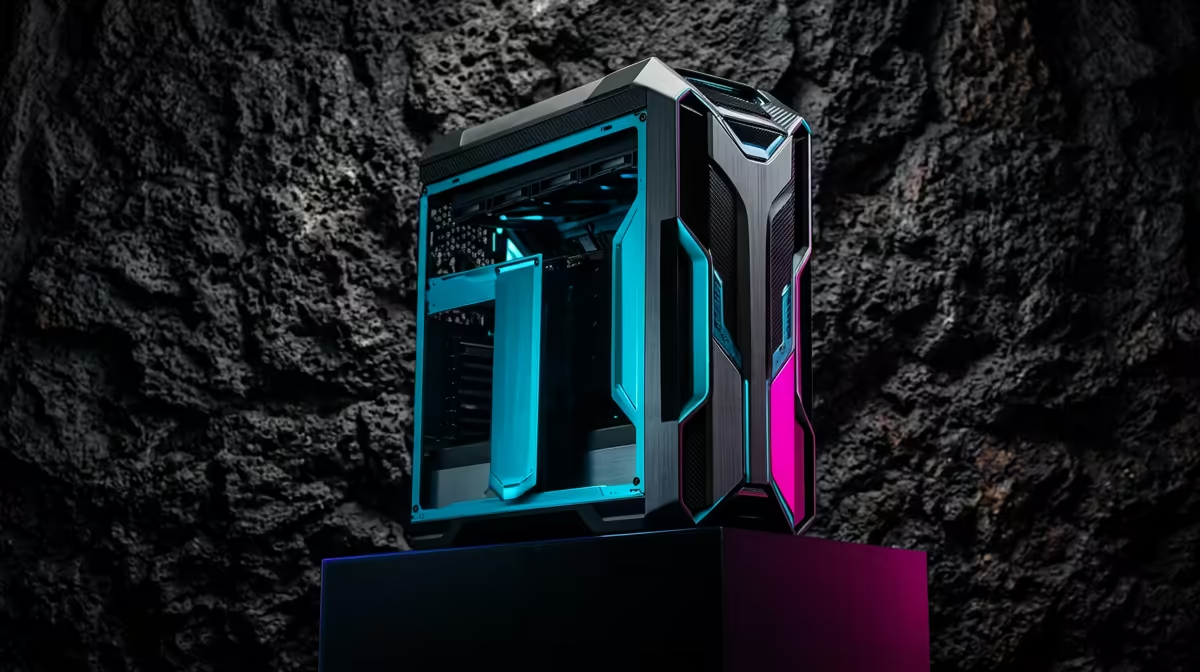
The ideal Red Dead Redemption 2 build at R20,000 is one that delivers the game's beauty at a steady 1080p high without overreaching. This budget hits a comfortable balance where Rockstar's frontier looks great and runs smoothly, with no single part holding the others back.
Quick Answer
The ideal R20,000 Red Dead build pairs a Ryzen 5, an RTX 4060-class GPU, 16GB RAM and a 1TB NVMe SSD, running the game at 1080p high and 60fps with light upscaling. This balanced spread is precisely tuned for smooth play at this budget without wasted spend.
Balance Is The Whole Point
Red Dead leans on both the GPU and CPU as it streams its world, so an RTX 4060-class card matched with a capable 6-core chip avoids bottlenecks. That balance is what makes a R20,000 build feel ideal rather than uneven, keeping the frame rate steady as scenes get busy.
Tuning For A Steady 60fps
A few settings cost far more frames than they add visually. Easing volumetric lighting and reflections, then turning on upscaling at quality mode, lets this build hold a stable 60fps at 1080p high through the game's most demanding towns and storms.
Storage For The Frontier
A 1TB NVMe SSD comfortably holds the game's 100GB-plus install and keeps fast-travel loading quick. The fast drive also smooths world streaming, reducing the texture pop-in that appears when this detailed environment loads from a slower disk.
FAQ
What makes R20,000 the ideal Red Dead budget?
It balances a capable GPU, CPU and memory for smooth 1080p high at 60fps without overspending. Every part is matched, which is what makes the build feel ideal.
Do I need 32GB of RAM at this budget?
16GB is enough for smooth single-player play. 32GB only helps if you multitask heavily, so it is an optional rather than essential addition here.
How do I keep a steady 60fps?
Ease volumetric and reflection settings and enable upscaling. Those changes recover the most frames in busy scenes while keeping the game looking great.
Pro Tip
In Red Dead, set the advanced graphics that mention volumetric and reflection quality to medium first; they are the heaviest settings and recover the most frames before you touch anything else.











