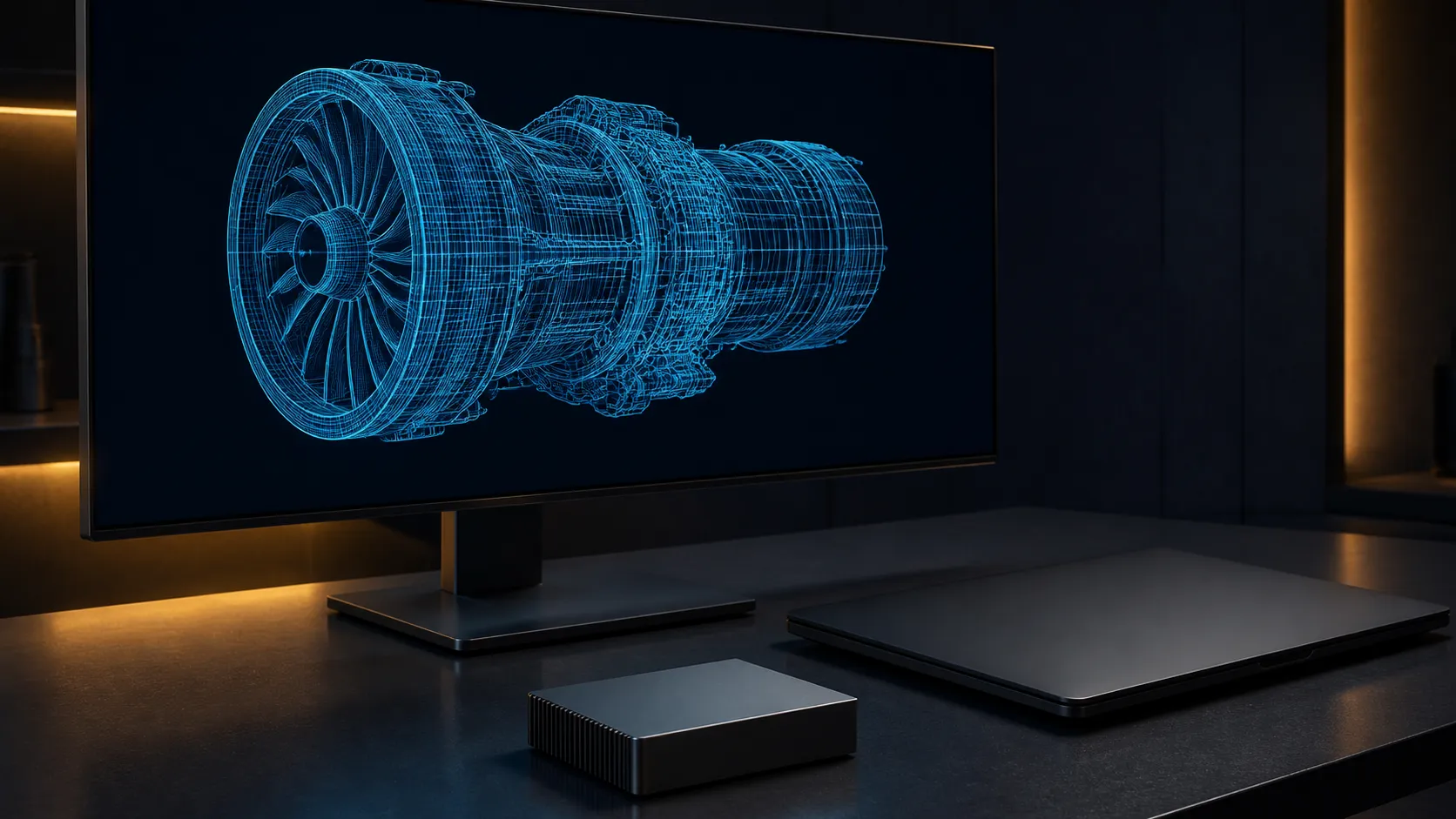
The RTX 5060 AutoCAD SolidWorks question has two different answers. AutoCAD 2026 can make practical use of this 8 GB GeForce card, especially for 2D drawings and moderate 3D viewports. SOLIDWORKS is more cautious because its official support model centres on certified workstation cards, complete systems and exact driver combinations. Treat the RTX 5060 as a capable value choice, not a certified replacement for every professional workstation.
Quick Answer
An RTX 5060 is a sensible GPU for moderate AutoCAD work and informal SOLIDWORKS projects, but it is not the safest choice for a workflow that requires certified SOLIDWORKS hardware. Define the project size, certification need, system RAM and CPU workload before choosing a faster graphics card. Check current component pricing only after those requirements are clear.
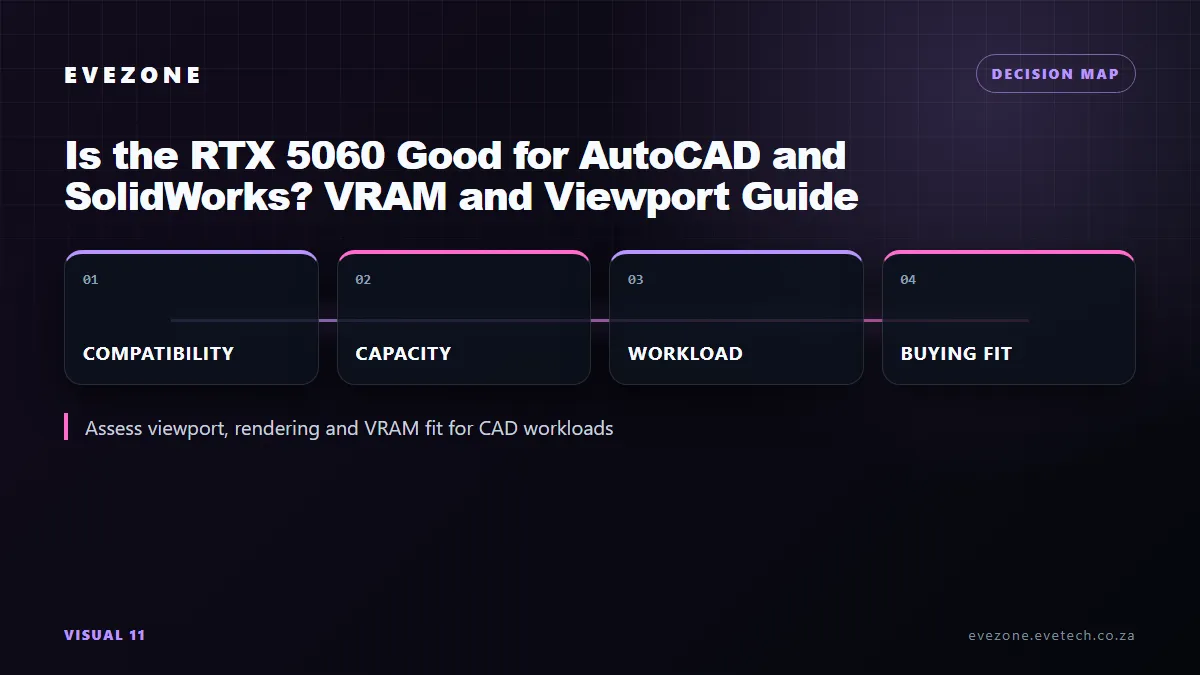
🧭 Match the card to the CAD application
AutoCAD 2026's official recommended graphics target is an 8 GB DirectX 12 card with at least 106 GB/s of bandwidth. The desktop RTX 5060 provides 8 GB of GDDR7, supports DirectX 12 Ultimate and can use NVIDIA Studio Drivers. That makes it a reasonable fit for line work, typical layouts, shaded view manipulation and modest 3D models.
AutoCAD does not turn every task into a GPU problem. Autodesk says clock speed matters more than core count for much of the application and recommends 3 GHz or higher. A strong recent processor, 32 GB of system memory and a responsive SSD can change daily drawing work more than moving one step up the GeForce range.
The official limits become more demanding when the project grows. Autodesk recommends 12 GB or more VRAM and workstation-class graphics for large datasets, point clouds and 3D modelling at 4K or above. That is the point where the 8 GB RTX 5060 stops being the easy recommendation. Buyers dealing with those files should compare purpose-built workstation graphics cards, not just gaming benchmark charts.
🧩 Understand the SOLIDWORKS certification gap
SOLIDWORKS 2026 specifies certified cards and drivers. Its hardware database qualifies a combination of system vendor, model, operating system, graphics card, SOLIDWORKS release and recommended driver. A GPU can be technically fast enough to draw the viewport and still sit outside that support matrix.
This distinction matters when downtime has a real cost. A certified configuration gives a business a known driver path for visual defects, RealView features and vendor support. A GeForce RTX 5060 may run ordinary parts and assemblies well, but speed observed in one project does not create official certification for another system.
For learning, home projects or a creator who also games, that trade may be acceptable. For a production seat governed by an employer, client or software-support requirement, start with a listed card and system. Evetech's current workstation PC range is the more useful comparison surface for that requirement.
Viewport work is not the same as rendering
Rotating an assembly, editing a drawing and producing a final render stress different resources. A renderer may use CUDA, the CPU or a separate engine depending on the tool. Verify the renderer's own hardware page before assuming its output time will scale with the same GPU that improves viewport motion.
⚙️ Build the rest of the workstation properly
Start with 32 GB of RAM. That matches the recommendation published for both AutoCAD 2026 and SOLIDWORKS 2026, while leaving useful headroom over their basic figures. Large assemblies, multiple drawings, browsers and reference PDFs can make 16 GB feel constrained even if the graphics card is idle.
Choose the CPU around fast foreground work rather than an oversized core count alone. AutoCAD remains sensitive to single-core speed in many common operations. SOLIDWORKS modelling has similar interactive needs, although simulation and rendering can use more cores depending on the module.
Use an SSD for the operating system, applications, active projects and local caches. Keep adequate free space and maintain a separate backup routine for project files. A graphics upgrade does not protect a drawing from storage failure or an unstable memory overclock.
If the workload fits the consumer-card trade, compare current RTX 5060 cards by cooler dimensions, display connectors and warranty terms. Do not pay extra for a factory clock when the same money fixes a RAM or CPU bottleneck.
🧪 Validate the real project before standardising
Install the current stable driver, open a copy of the heaviest representative project and measure the tasks users repeat. Time file open, rebuild, drawing regeneration and viewport interaction separately. Watch system RAM and GPU VRAM rather than relying on an overall utilisation percentage.
If 8 GB VRAM fills while navigating a 4K model, the evidence supports a larger or workstation-class card. If the GPU sits lightly loaded while one CPU thread peaks, a faster processor is the more direct fix. If system memory approaches capacity, solve that before judging the graphics card.
For a small South African studio, one pilot workstation is safer than replacing several machines from a generic recommendation. Confirm display scaling, plug-ins, driver behaviour and the exact SOLIDWORKS certification requirement with the people who support the software.
Frequently Asked Questions
Does the RTX 5060 meet AutoCAD 2026's recommended GPU target?
Yes. Its 8 GB VRAM matches Autodesk's recommended memory figure, and the card supports DirectX 12. Very large 4K datasets have a higher 12 GB-plus recommendation.
Is the RTX 5060 officially certified for SOLIDWORKS 2026?
Do not assume it is. SOLIDWORKS certification applies to exact systems, graphics cards, drivers and software releases listed in its hardware database.
Should a CAD PC use 16 GB or 32 GB of system RAM?
Choose 32 GB for sustained work. Both AutoCAD 2026 and SOLIDWORKS 2026 recommend 32 GB, while 16 GB leaves less room for assemblies and other open tools.
Will NVIDIA Studio Drivers make a GeForce card SOLIDWORKS-certified?
No. Studio Drivers provide a creator-focused driver branch, but they do not add a GeForce system to the SOLIDWORKS certification database.
Ready to size a CAD workstation around the work you actually open?
Compare the current Evetech graphics and workstation ranges, then match CPU, RAM and GPU support to one representative project before you commit.