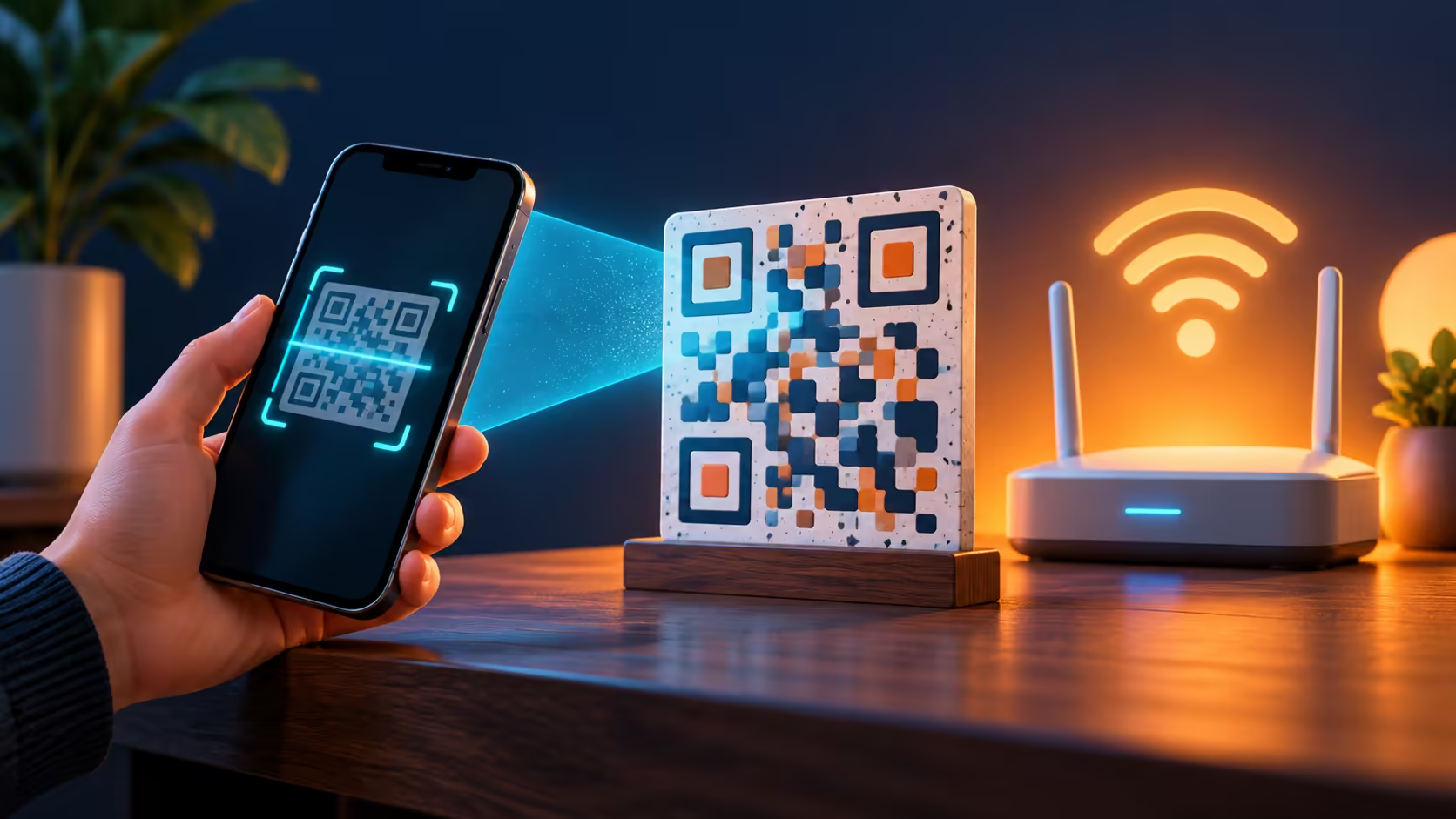
A long WiFi password is easy to mistype on a small screen, especially at a shared desk. If you are asking how to scan wifi qr code on iphone, begin with the phone's built-in tools and a code supplied by the network owner. You do not need to install an unfamiliar scanner just to try the connection.
Quick Answer
Open Camera in Photo mode, place the trusted WiFi QR code inside the frame and follow the recognised connection prompt. Alternatively use Scan Code from Control Centre. The scan costs R0 in additional equipment; confirm the intended network under Settings > Wi-Fi, then test internet access rather than assuming that recognition proves a working connection.
📷 Make the code readable first
Show the whole square clearly, keep the phone steady and reduce reflections if the code is on another screen. Camera can recognise QR content and offer its associated action. The Scan Code control provides another built-in route; add that control to Control Centre if it is not already present.
Check what the prompt actually offers before accepting it. A code can contain a website address rather than WiFi connection details. If it opens a page asking for unrelated payment or software installation, stop and ask the network owner for the intended joining instructions.
📶 Confirm the network after scanning
Open Wi-Fi settings and verify the selected network. Apple uses a blue checkmark to identify the connected network. Matching the name matters in a venue with several similar signals, particularly where staff and guests have separate access.
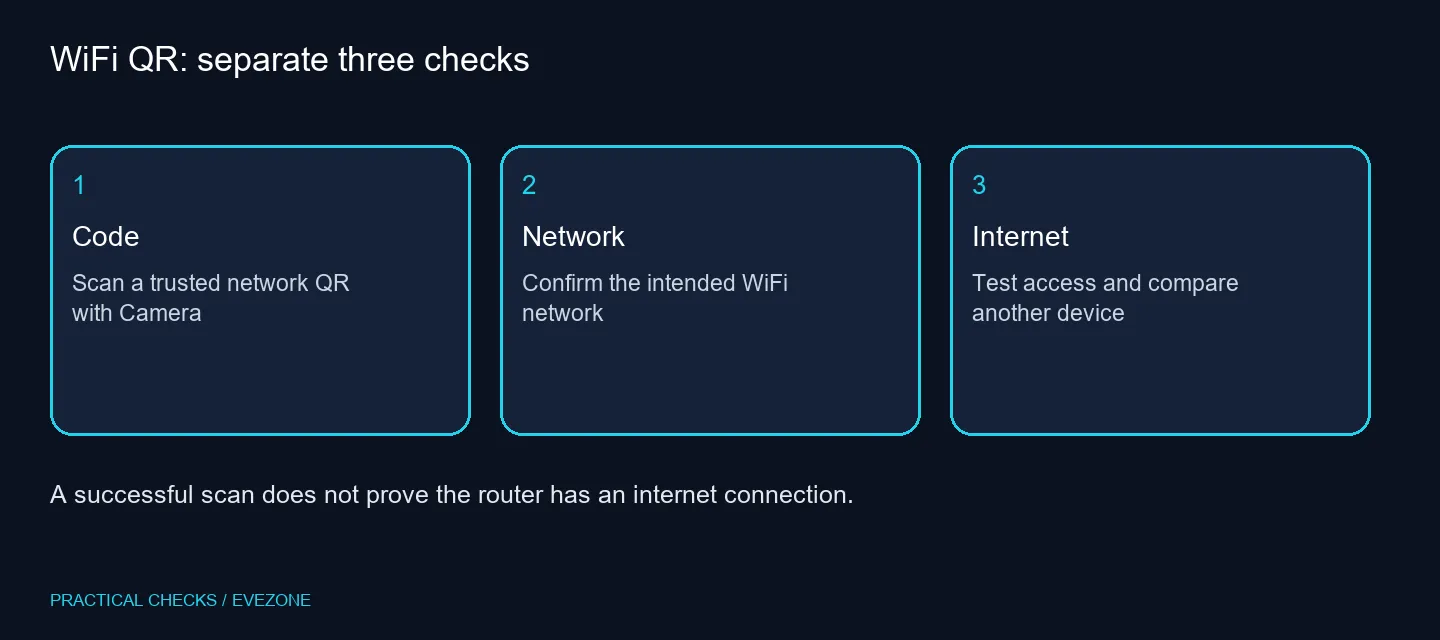
Connection can succeed while internet access fails. Test a simple familiar page and ask whether another authorised device can reach the internet on the same network. That helps distinguish a phone-specific problem from a router or service problem. A faster mobile device does not repair an unavailable upstream connection.
🏠 Avoid buying a router for a scanning problem
First compare distance, the intended network and whether other devices connect. For a home installation, wireless routers should be chosen around coverage and device requirements. A QR code is only a convenient way to share joining information; it does not improve signal strength or speed by itself.
If you use fibre routers, check the provider connection separately from WiFi. Keep the network owner's permission and guest rules in mind when sharing a code, because it can carry the details needed to join. Do not post a private home-network code publicly.
Leave network reset for later troubleshooting. It removes saved network settings, so read the consequences first and consult the responsible IT team on a managed phone. A clear code, a verified network and one comparison device often provide a better first diagnosis than wiping configuration.
Frequently Asked Questions
Does this need a paid scanner?
Start with the built-in Camera or Scan Code control. The scanning step needs no additional paid hardware or scanner application.
What if Camera does not recognise the code?
Keep the entire code in frame and improve lighting. Try the Scan Code control before assuming the WiFi radio is faulty.
Does scanning bypass the password?
A proper network QR carries connection information. It does not grant permission to use a private network or reveal an unknown owner's credentials.
Can I scan a code shown on another phone?
Yes, use the camera to read a clearly displayed code on another screen. Confirm that its owner is sharing the intended network.
What if it joins but has no internet?
Check whether another device can use that network. Successful WiFi association and working internet service are separate conditions.
Should I reset networking immediately?
No. Apple says a network reset removes saved settings. Try the basic connection checks first and consult IT for a managed device.
Improving a shared home connection?
Choose networking equipment for coverage and service needs after checking the code and current connection.