Two folders can share a name while holding completely different files. File Explorer full path helps you distinguish the Downloads folder you intended from a similarly named directory on another drive. Before copying, saving or asking for help, make sure the location belongs to the file you mean.
Quick Answer
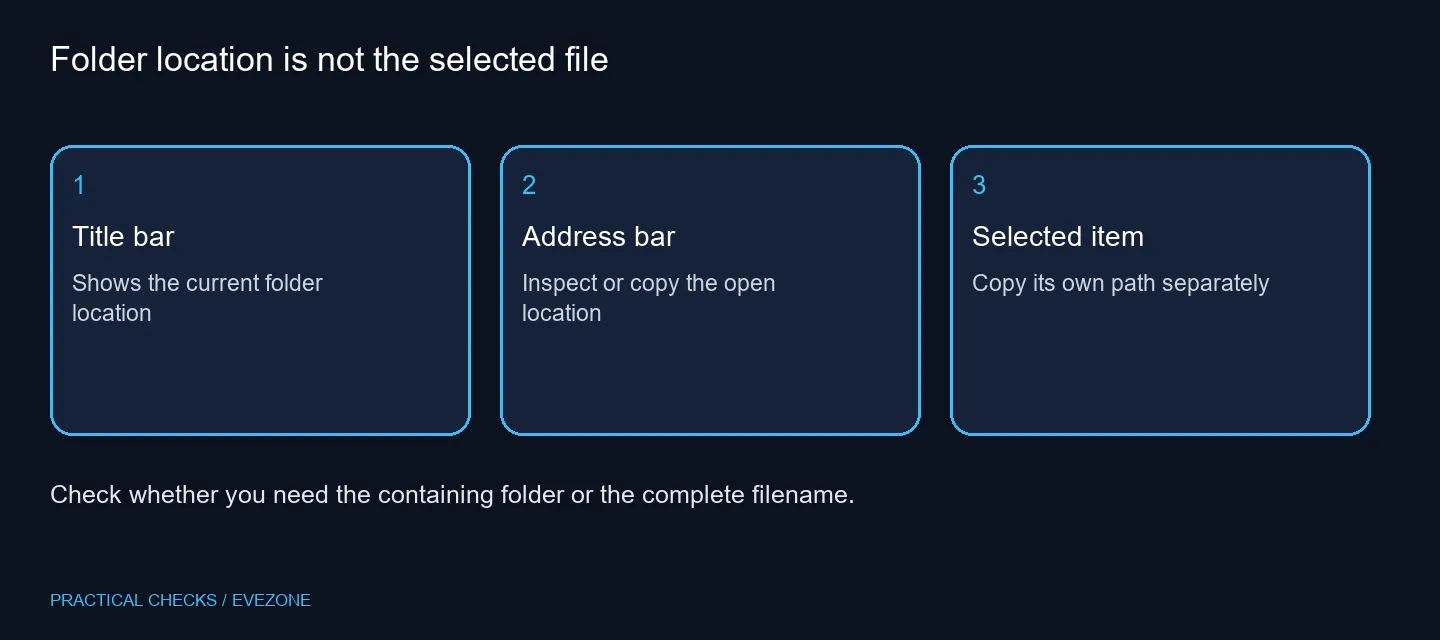
Open File Explorer Options > View, enable Display the full path in the title bar and apply it. You can also press Alt+D to inspect the address bar, while Ctrl+Shift+C copies a selected item's path. These built-in controls need R0 in extra equipment and do not move any files.
🧭 Read the containing folder first
Use an ordinary local folder for the first check. Compare the title bar with the address bar and the drive you opened. The title-bar preference displays location information; it is not a request to rename that folder or change where future downloads are saved.
Special views can describe a collection rather than a simple disk directory. If you are in Home or a search result, open the item's actual location before assuming the visible heading is a complete filesystem address. This avoids sending support a broad view name when they need a particular folder.
📋 Copy the address that matches the task
Press Alt+D when you need the current location from the address bar. If someone needs a specific document, select that document and copy its path instead. Paste the result into a blank text window and read the final filename before using it in another application.
An address containing a drive letter belongs to a particular machine's setup. Another PC may not assign the same letter to an external drive. When sharing files between systems, confirm the destination rather than assuming a path remains valid everywhere.
💾 Keep location checks separate from storage problems
A visible path does not establish that a drive has spare capacity, that a network share is online or that a backup is current. It simply helps identify what you are looking at. If you use external ssds, label the drive clearly and check which copy is the working file before editing it.
For a genuinely full internal drive, compare internal ssds around capacity and compatibility. That purchase solves a different issue from an ambiguous folder name. Do not replace storage solely because Explorer's default view hides the address you expected.
Review copied addresses before posting them publicly. Paths can expose a personal username or the names of private projects even without file contents. A shortened description may be enough for a public question, while a trusted support request can include the exact location when necessary.
Frequently Asked Questions
How do I show the full folder path?
Open File Explorer Options, choose View and enable Display the full path in the title bar, then apply the change.
What does Alt+D do?
It selects Explorer's address bar. Use it to inspect the location you are currently viewing before copying an address.
How do I copy the selected file path?
Select the file, then use Ctrl+Shift+C. Verify the copied result in a harmless text window before sending it anywhere.
Does a full path reveal a lost file?
It identifies the location being displayed. It does not search other folders or recover a deleted document.
Can a path include private details?
Yes. Usernames, folder names and network locations may be sensitive. Check the text before sharing a screenshot or copied path.
Does this cost anything?
The Explorer view change needs R0 in new equipment. Extra storage is useful for capacity or backups, not for making a path visible.
Organising work across several drives?
Identify the working file and its backup location before choosing more storage.