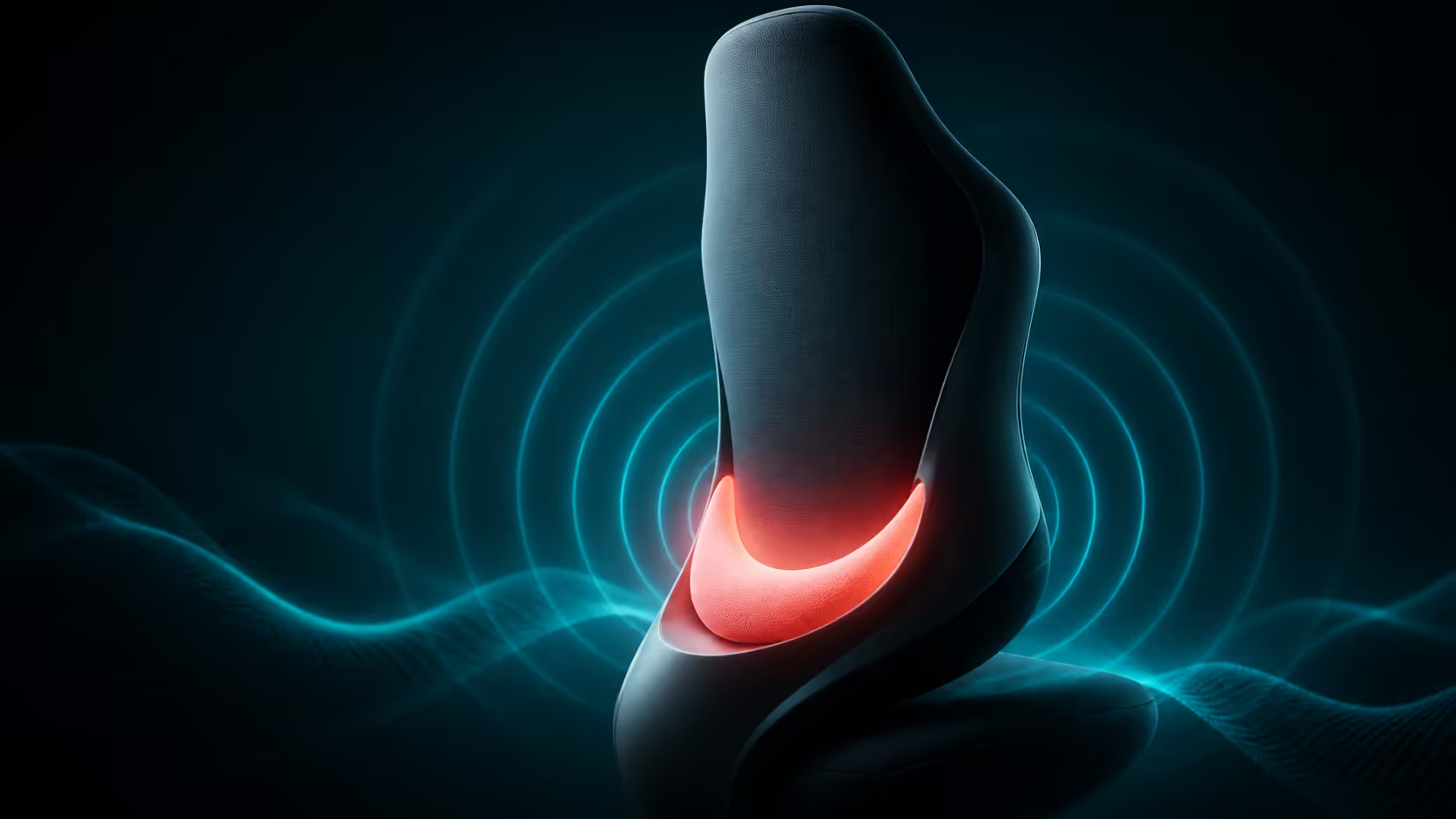
Lumbar support works when it meets the natural inward curve of the lower back without forcing the body away from the backrest. Position matters more than maximum pressure.
Quick Answer
Sit fully back with feet supported, then place lumbar support just above the belt line in the lower-back curve. Begin with gentle contact. Work for twenty to thirty minutes, noting pressure, forward push or a gap, and adjust one small step. Recheck after changing backrest recline because the contact point can move with posture.
Set the rest of the chair first
Choose chair height so feet remain stable and the front seat edge does not press behind the knees. Keep the pelvis against the backrest. If the user perches forward, no lumbar position can support the spine consistently.
The gaming chair range lets buyers compare support styles, while actual fit should be tested with the intended desk.
Find the lumbar curve
Place a hand at the back of the waist and move slightly upward until the spine curves inward. The support should fill that area, not press the tailbone or sit high behind the ribs. A broad contact often feels more natural than a hard point.
Lumbar support is included on Arozzi's Pink Vernazza Supersoft, which costs R5,299 in standard size. It should absolutely never be treated as an XL design.
Start with less pressure
Too much support can tip the pelvis, push the torso forward and create fatigue. Begin with enough contact to prevent collapse, then add only what keeps the backrest comfortable. The correct setting may feel subtle rather than dramatic.
If the support is removable, compare short sessions with and without it while keeping every other adjustment fixed. Avoid changing height, recline and armrests at the same time.
Coordinate backrest angle
For focused keyboard and mouse work, use an upright or modestly reclined angle that allows the shoulders to remain over the hips. The Vernazza backrest can recline up to 165 degrees, but deep recline belongs to rest rather than typing.
Its rocking tilt reaches up to 12 degrees. Movement can relieve a static posture, yet it may shift lumbar contact. Recheck the support after switching between locked and rocking modes.
Let the arms stop pulling the torso forward
Set the 4D armrests so the shoulders relax and elbows stay near the body. Pads that are too low or too far back can encourage reaching, which pulls the upper body away from lumbar support. Pads that are too high cause shrugging.
Bring the chair near the desk, then use armrest depth to avoid collision. Compare premium adjustment combinations through gaming chairs above R4,000.
Vary posture through the session
Even a good lumbar position should not become one rigid pose. Stand, walk and reset the chair periodically. Use brief recline for a pressure change, then return the pelvis to the rear of the seat before resuming work.
The Arozzi gaming setup selection offers brand-context options, but body feedback and fit remain the final test.
Track discomfort precisely
Note the location, timing and task associated with discomfort. A high ache may involve backrest or shoulder position; pressure behind the legs points towards height or seat contact. Persistent, severe or radiating pain deserves assessment by a qualified health professional rather than continued chair experimentation.
Check pelvic position
Lumbar support follows the pelvis. When the user slides forward and tucks the pelvis, the lower-back curve flattens and contact moves to the wrong place. Reset by placing the feet, lifting gently through the torso and moving the hips to the rear of the seat.
Avoid holding an exaggerated arch. The aim is a comfortable neutral relationship between pelvis and ribcage, supported rather than forced.
Examine seat depth indirectly
The chair should allow the user to sit against the backrest without the front edge pressing hard behind the knees. Excessive front pressure can encourage forward sliding, while too little thigh support can feel unstable. Since the Pink product is standard-sized, buyers needing different proportions should compare chairs built for those proportions rather than treating lumbar adjustment as a sizing fix.
Test fit with normal clothing and both feet supported. A short showroom sit may not reveal pressure that develops later.
Coordinate breathing and upper body
An overly forceful lumbar pad can push the ribs forwards and make relaxed breathing feel awkward. Reduce pressure until the torso can expand naturally. Shoulders should settle rather than brace against the backrest.
During focused work, check whether the head drifts towards the display. Increase text size or move the screen closer instead of abandoning lumbar contact to read.
Respond to changing tasks
Controller play, writing and video calls place the arms differently. Adjust armrests and modest recline while keeping the lumbar area supported. Deep 165-degree recline is a break profile, not a reason to reposition the support for ordinary work.
After every major chair change, sit upright again and confirm the original lower-back contact. Save or note the setting that works.
Repeat the check late in the session, when fatigue makes forward sliding and shoulder rounding more likely than during the first few minutes.
Reset gently.
Frequently Asked Questions
Should lumbar support feel firm?
It should provide steady, comfortable contact without forcing the torso forward or creating a hard pressure point.
Can lumbar support sit at the belt line?
It usually belongs around the natural inward lower-back curve, often slightly above the belt line depending on the user.
Does a reclined backrest change support position?
Yes. Contact can shift as the torso angle changes, so recheck it after adjusting recline.
Can lumbar support solve every back problem?
No. Chair fit, movement, desk position and individual health all contribute.
Want lumbar contact that supports rather than pushes?
Sit fully back, begin with gentle pressure and tune one small change through a real work session before deciding.