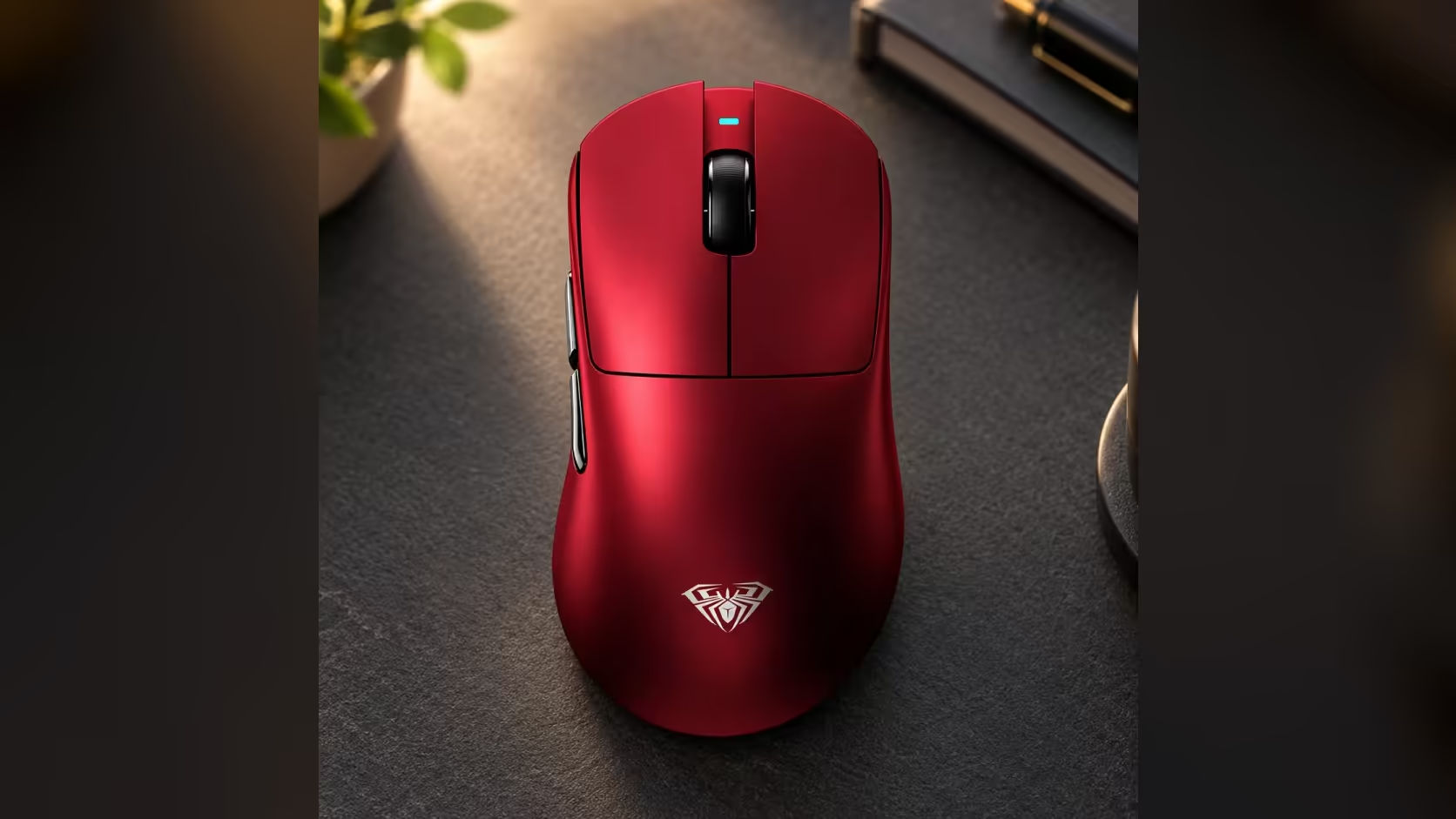
A mouse with a 30,000 DPI ceiling sounds like it needs a manual, but the AULA SC900 MAX keeps sensitivity simple: six fixed steps, one button, one colour per step. Learning its DPI steps and colour codes takes a couple of minutes, and after that you can tell at a glance what the mouse is set to and switch to the right step for a game, a spreadsheet or a photo edit.
Quick Answer
Short-press the DPI button on the underside of the SC900 MAX to cycle through six steps from 400 to 30,000. The indicator light changes colour for each one: red for 400, blue for 800, purple for 1600, green for 3200, yellow for 6400 and cyan for 30,000. It starts at 400 out of the box. At Evetech the SC900 MAX costs R749 and comes with a 1 Year Local Warranty.
🎨 The six steps and their colours
Here is the full ladder, from slowest to fastest:
- Step 1: 400 DPI, red
- Step 2: 800 DPI, blue
- Step 3: 1600 DPI, purple
- Step 4: 3200 DPI, green
- Step 5: 6400 DPI, yellow
- Step 6: 30,000 DPI, cyan
Each short press moves you one step along. Note the big jump at the end: after 6400 the next step is 30,000, with nothing in between. That top step is for very large screens or extremely small hand movements, and most people will rarely use it.
🔘 Why the DPI button sits underneath
Most gaming mice put the DPI button on top, behind the scroll wheel, where it is easy to reach and also easy to bump by accident mid-game. On the SC900 MAX, it lives on the base, next to the switch that picks 2.4GHz, off or Bluetooth.
The practical effect is that sensitivity changes are deliberate. You pick a step, flip the mouse back over and play, without the risk of a stray press sending you from 800 to 1600 in the middle of a fight. The trade-off is that you cannot change DPI on the fly, which is fine for players who settle on one step and tune the rest in game.
🛠️ Setting it up step by step
1. Start at the default
Out of the box, the SC900 MAX is at 400 DPI, shown in red. That is a low, precise setting that many shooter players keep.
2. Decide what the mouse is mainly for
- Competitive shooters: most players stay at 400 or 800 and adjust in-game sensitivity.
- General desktop use on a single monitor: 1600 or 3200 moves the cursor across the screen with less arm movement.
- High-resolution or multiple monitors: 3200 or 6400 cover more ground.
3. Press and check the colour
Flip the mouse, short-press the DPI button until the colour matches the step you want, then turn it back over and test.
4. Fine-tune in software, not by jumping steps
With only six steps, fine adjustments are best made in the game's own sensitivity setting or your operating system's pointer speed, rather than by moving to the next DPI step up.
🔁 DPI and polling rate are separate settings
DPI sets how far the cursor moves for a given hand movement. Polling rate sets how often the mouse reports its position to the PC. On the SC900 MAX, DPI is changed with the underside button, while polling is set in AULA's software, reaching 8000Hz when you play on the dongle or plugged in, up from a 1000Hz default. Bluetooth runs at 125Hz.
The two do not depend on each other, so set each one for what it does: DPI for how the cursor feels, polling for how smoothly it tracks.
👀 When you lose track of the step
If the cursor suddenly feels too fast or too slow, check the indicator colour. Red or blue means you are at the low end; cyan means you have reached the 30,000 top step, which will feel extremely fast. Keep pressing the button until your usual colour lights.
The SC900 MAX weighs 62g with its swappable 400mAh battery fitted, and comes in Black, White and Red. Set it beside other models in Evetech's gaming mice category, and use the wireless mouse page if cable-free is a must.
Frequently Asked Questions
Why put the DPI button on the base?
It keeps sensitivity changes deliberate, so you cannot bump the setting by accident during a game.
What does each colour mean?
Red 400, blue 800, purple 1600, green 3200, yellow 6400 and cyan 30,000.
Which step is active when it is new?
The lowest, 400 DPI, shown in red.
Should DPI and polling be changed together?
No. They control different things. DPI is set with the button, polling in AULA's software.
Which step suits everyday desktop work?
Usually 1600 or 3200 on a typical monitor, higher for large or multiple screens.
How do I know which step I am on?
Check the indicator light's colour and match it to the list above.
Ready to dial in your sensitivity?
Browse Evetech's gaming mice and see how the SC900 MAX's six-step DPI ladder compares with other wireless models.