Quick Answer
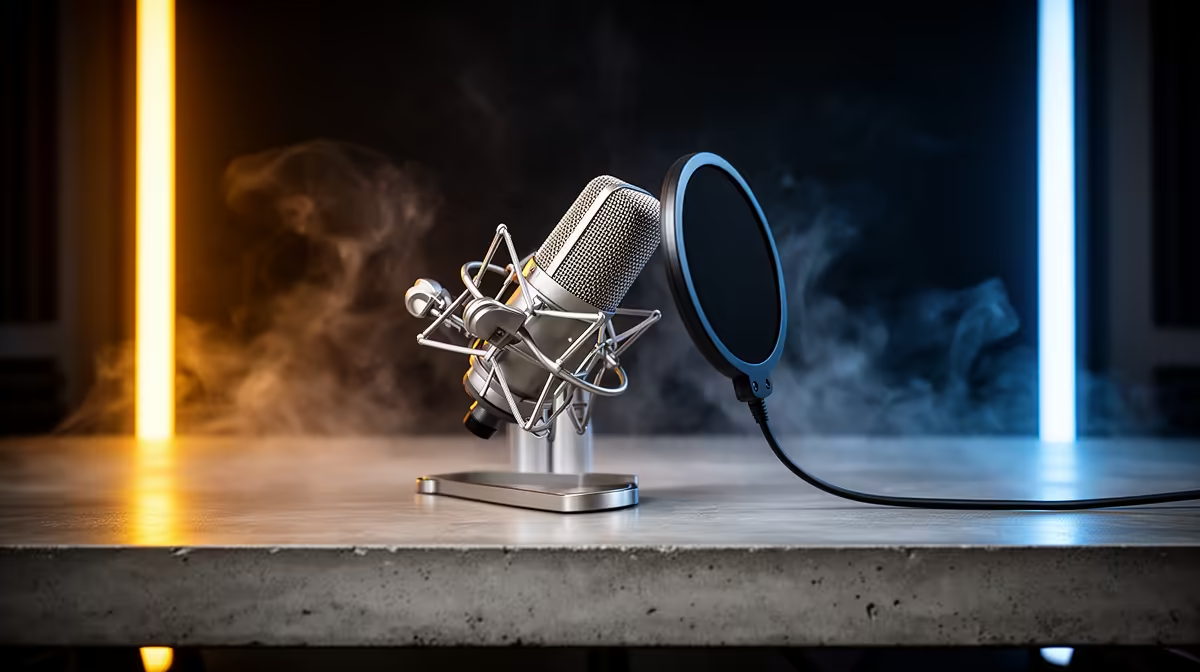
For Hermanus, the right podcast recording setup should put the first spend into a quiet PC, Shure MV7-style dynamic microphone, closed-back headphones and a basic two-input interface. A realistic South African planning band is R8,000-R22,000 for the recording chain before the main PC, using Ryzen 5 or Core i5-class CPU, 16GB RAM, quiet fans and enough SSD space for WAV projects. The practical target is clear: record at 24-bit/48 kHz, monitor with closed headphones and leave 6-12 dB headroom to avoid clipping.
Spend On The Parts That Affect The Work
Do not let the title wording push you into a flashy but uneven basket. For podcast recording, the useful shortlist starts with the workload, the display or recording target, and the software you will run every week. Named parts help keep the comparison honest: Ryzen 5 or Core i5-class CPU is a sensible CPU class, while a quiet PC, Shure MV7-style dynamic microphone, closed-back headphones and a basic two-input interface gives you a concrete hardware direction instead of vague performance claims. If the build includes a monitor, speakers, microphone or colour display, keep that cost inside the same budget conversation so the PC does not consume everything.
A Practical Spec Target
Use 16GB RAM, quiet fans and enough SSD space for WAV projects as the baseline, then check cooling, PSU quality and the case layout. A 1TB NVMe SSD is the minimum comfortable storage target for modern Windows installs, apps, game launchers, sample packs or creator projects. For the performance check, use numbers rather than labels: record at 24-bit/48 kHz, monitor with closed headphones and leave 6-12 dB headroom to avoid clipping. If a cheaper option misses that target, it is not a bargain for this use case. Evetech stock changes over time, so treat the ZAR band as a planning guide and compare the live basket before checkout.
Local Setup Checks For Hermanus
Overberg homes often favour quiet desktops, compact desks and delivery planning for larger monitors. Confirm the warranty route, delivery address, power plug needs, Wi-Fi or Ethernet plan, and whether the desk has enough room for the monitor and speakers. For coastal or dusty towns, a filtered front intake and easy-clean case are worth more than extra lighting. For shared rooms, quieter fans and a closed-back headset can matter as much as another small clock-speed bump. Keep one clean future step in mind: more RAM, a second SSD or a GPU jump should be possible without replacing the whole system.
FAQ
What should Hermanus buyers put first for podcast quality?
Put the microphone, room noise and headphone monitoring first. A Shure MV7-style dynamic mic in a quiet room will beat an expensive PC paired with a noisy desk mic.
Is USB good enough or should I use an audio interface?
USB is fine for one speaker and simple editing. Use a Focusrite Scarlett 2i2-class interface when you need two mics, XLR control or more reliable gain staging.
How much storage do podcast projects need?
A 1TB SSD is comfortable for regular 24-bit/48 kHz WAV projects. Archive finished episodes to a second drive so the editing SSD stays quick.
Before you order: shortlist two Evetech options in the R8,000-R22,000 for the recording chain before the main PC band, check 16GB RAM, quiet fans and enough SSD space for WAV projects, and confirm the exact monitor, audio or software target you need for podcast recording in Hermanus.