Quick Answer
A local-LLM rig in Oudtshoorn is decided by GPU VRAM: an RTX 4060 Ti 16 GB (~R10,500) runs quantised 7B-13B models like Llama 3 and Mistral well, while a 24 GB RTX 4090 is needed for 70B models. Pair the GPU with a Ryzen 5 7600 and 32 GB system RAM. For local AI, VRAM size sets the model ceiling far more than gaming frame rates do.
VRAM tiers for local LLMs
Local models load into GPU memory, so VRAM caps how large a model runs fast:
- 8 GB: small 7B models, heavily quantised, tight
- 12 GB: 7B-8B models comfortably
- 16 GB (RTX 4060 Ti 16 GB): 13B models, longer context
- 24 GB (RTX 4090): 70B quantised models
32 GB system RAM lets you offload spillover layers to the CPU, though speed drops when it does.
An Oudtshoorn local-LLM build
- GPU: RTX 4060 Ti 16 GB (~R10,500)
- CPU: Ryzen 5 7600 (~R4,200)
- RAM: 32 GB DDR5 (~R2,000)
- Storage: 1 TB NVMe (~R1,200) - model files are 4-40 GB each
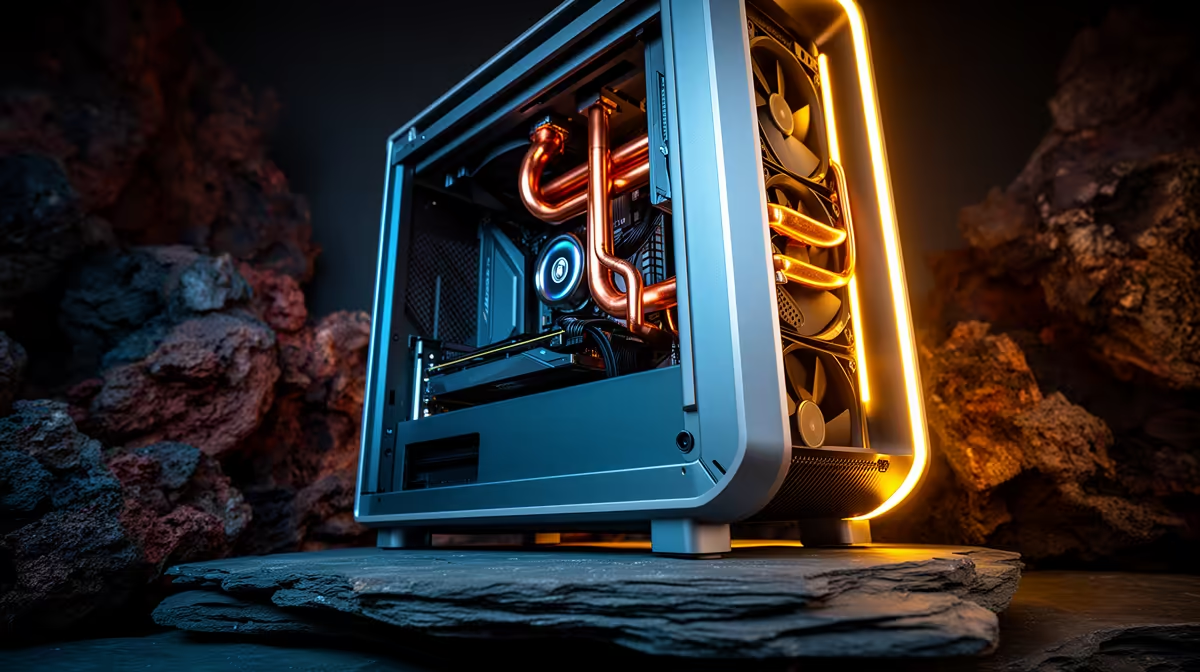
Oudtshoorn's hot, dry Klein Karoo summers make a mesh airflow case and good cooling worthwhile for long inference runs. Evetech ships to Oudtshoorn in 3-4 business days; power-test before signing.
FAQ
Which local LLM tools should I use?
Ollama and LM Studio are the easiest. They download quantised models, manage GPU offload and provide a chat interface, so an RTX 4060 Ti 16 GB runs Llama 3 8B or 13B models with no manual setup.
Is 32 GB system RAM enough for local AI?
Yes for 7B-13B models that fit in VRAM. 32 GB also allows partial CPU offload for slightly larger models, though performance falls when layers spill out of the GPU's 16 GB.
Does Evetech deliver to Oudtshoorn?
Yes, Evetech ships to Oudtshoorn in 3-4 business days. Power-test the GPU and confirm it's detected before signing.
Karoo summers, set an aggressive GPU fan curve in MSI Afterburner - long inference runs keep the card under sustained load, and stable temps prevent throttling that slows token generation.