Quick Answer
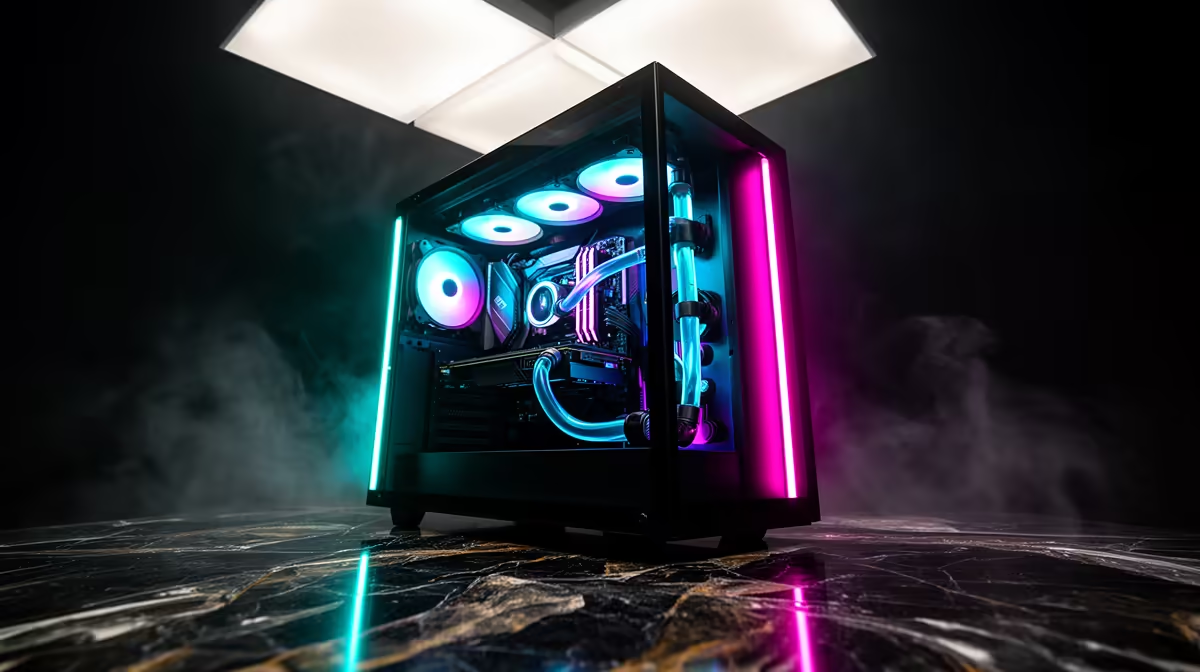
A competitive esports rig in Plettenberg Bay pairs a Ryzen 5 7600 with an RTX 4060 (about R16,000-R18,000) to push 240-400+ fps in Valorant, CS2 and League of Legends at 1080p. Add a 1080p 240 Hz monitor for the lowest perceived latency. Esports titles reward CPU speed and a high-refresh display over a premium GPU, so weight the budget toward the monitor.
What an esports rig needs
Competitive games run light on graphics but demand high, stable fps:
- CPU: Ryzen 5 7600 (~R4,200) - high single-thread speed for steady fps
- GPU: RTX 4060 8 GB (~R6,500) - 240-400+ fps at 1080p in esports
- RAM: 32 GB DDR5 (~R2,000)
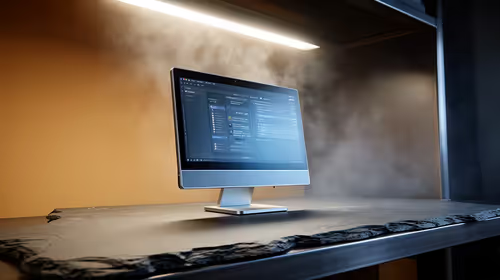
- Monitor: 1080p 240 Hz (~R5,000)
- Board/PSU/Case: B650, 550 W Gold, airflow case (~R3,000)
Once the PC produces the frames, the 240 Hz monitor is the highest-impact spend.
Latency and Garden Route delivery
CS2 and Valorant exceed 240 fps at 1080p competitive settings here, and a 240 Hz monitor turns those frames into sharper aim. Use wired Ethernet on Plett fibre - Wi-Fi adds jitter that costs you peeks. Plettenberg Bay is on the Garden Route, so Evetech deliveries take 3-4 business days; coastal humidity means good ventilation. Power-test before signing.
FAQ
What fps will CS2 run at on this build?
On a Ryzen 5 7600 with an RTX 4060 at 1080p competitive settings, CS2 pushes 240-350+ fps and Valorant runs 300+ fps. Both fully saturate a 240 Hz monitor.
Is wired or Wi-Fi better for competitive gaming?
Wired Ethernet, every time. Wi-Fi adds jitter and occasional spikes that cost you in close duels. Run a Cat6 cable from your router to the PC for stable, low ping on Plett fibre.
Does Evetech deliver to Plettenberg Bay?
Yes, Evetech ships to Plettenberg Bay on the Garden Route in 3-4 business days. Power-test the PC before signing the courier waybill.
at roughly 237 on a 240 Hz panel and enable Nvidia Reflex in CS2 and Valorant - it keeps the GPU out of its latency queue, tightening response on close peeks.